274
4 Adjusting knitting machine
Working with files
Deleting individual files in the
knitting memory:
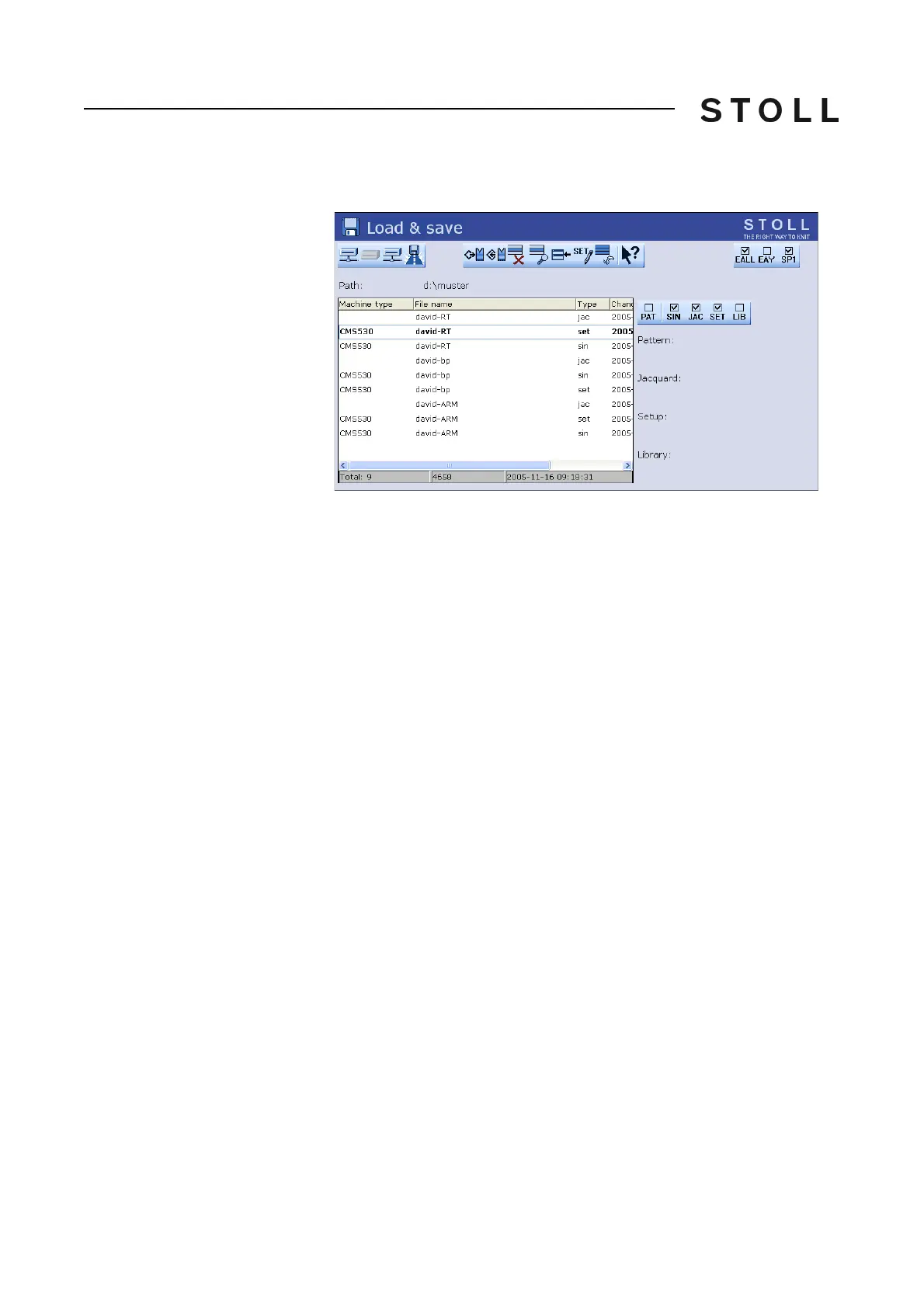
1. Call up the "Load & save" window.
Load & sa ve window
"Load & save" window
2. Select the file via the SIN or JAC key.
3. Call up "Additional function keys".
4. Call up "Delete knitting memory".
5. Call up "Main menu".



 To Next Page