295
Adjusting knitting machine 4
Defining user profile
Defining user profile
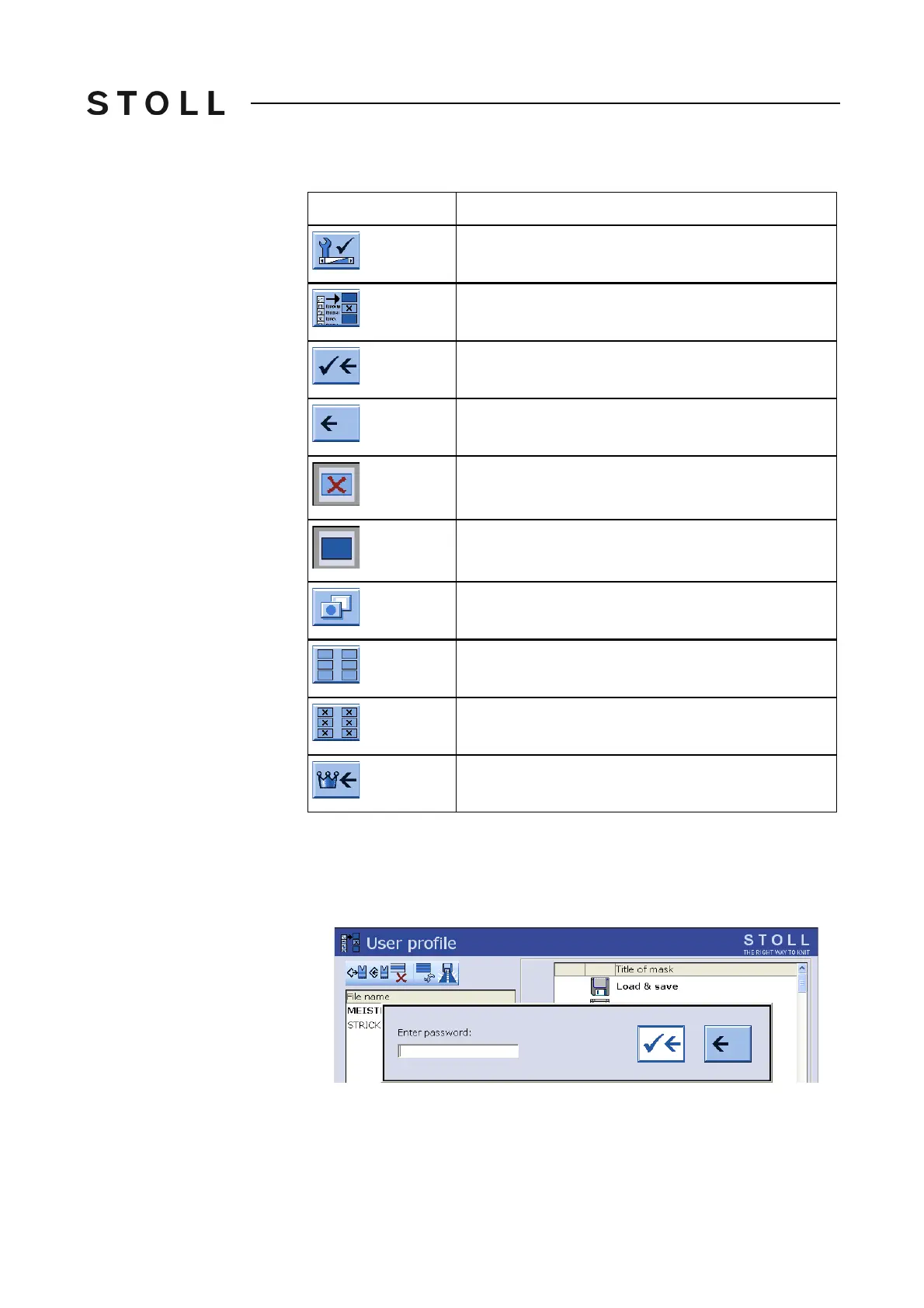
Keys for defining User pr ofile
Keys for defining "User profile"
Defining user profile:
1. Call up the "Service" window.
2. Call up "User profile" window.
Enter the password
Enter the password
3. Enter and confirm the password with the keyboard. In the standard
configuration, the first password is "MASK.ACCESS". It is written in
uppercase letters and without quotation marks.
Key
Function
Call up the "Service" window
Call up "User profile" window
Confirm password
Return to previous window (cancel process)
Block window
Enable window
Call up "Additional function keys"
Enable all windows
Block all windows
Call up "Main menu"



 To Next Page