297
Adjusting knitting machine 4
Defining user profile
Saving, loading, deleting
user profiles ...
The user profile can be saved, loaded and deleted.
So that the same user profiles are active on all knitting
machines, save the
user profiles to USB memory stick or a network drive and load them in each
machine.
Keys for Saving, loading, exporting user profile ...
Keys for "Saving, loading, exporting user profile ..."
Saving, loading, deleting user profiles ...:
1. Call up the "Service" window.
2. Call up "User profile" window.
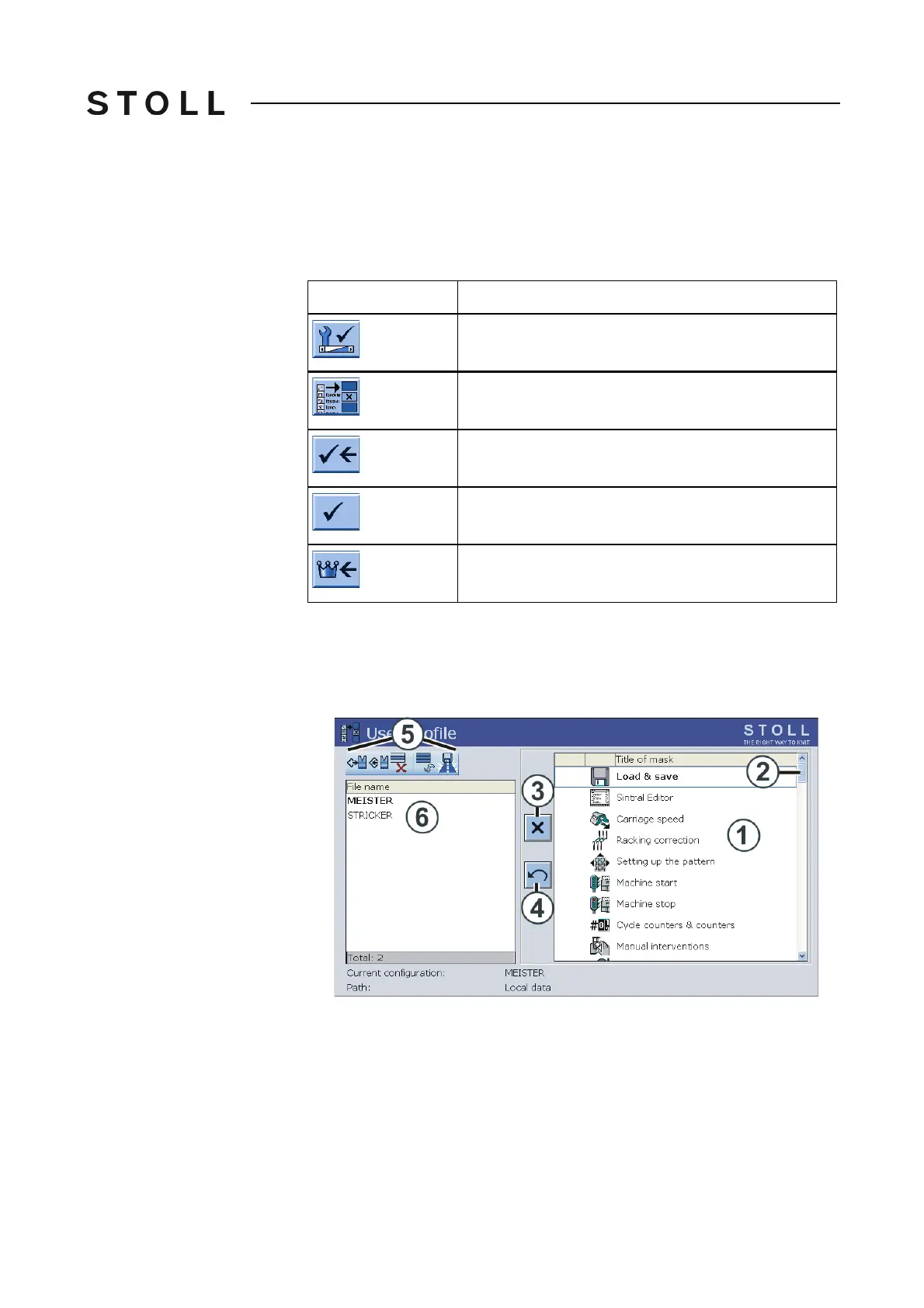
User profil e window
"User profile" window
3. Enter and confirm the password with the keyboard.
4. Select the desired program point (5) (loading, saving, deleting ...).
5. Se
lect a user profile. Tap on the desired user p
rofile in the field (6).
6. Confirm selection.
7. If additional user profiles are to
be called up, repeat the steps 4 to 6.
8. Call up "Main menu".
Key
Function
Call up the "Service" window
Call up "User profile" window
Confirm password
Confirm selection
Call up "Main menu"



 To Next Page