310
5 Setup Data
Setup2 Editor
Calling up the Setup2 Editor on the machine
Calling up the Setup2 Editor
on the machine
How to call up the Setup2 Editor with the Setup data of the actual pattern:
Key to call-up the Setup2 Editor window
Key to call-up the "Setup2 Editor" window
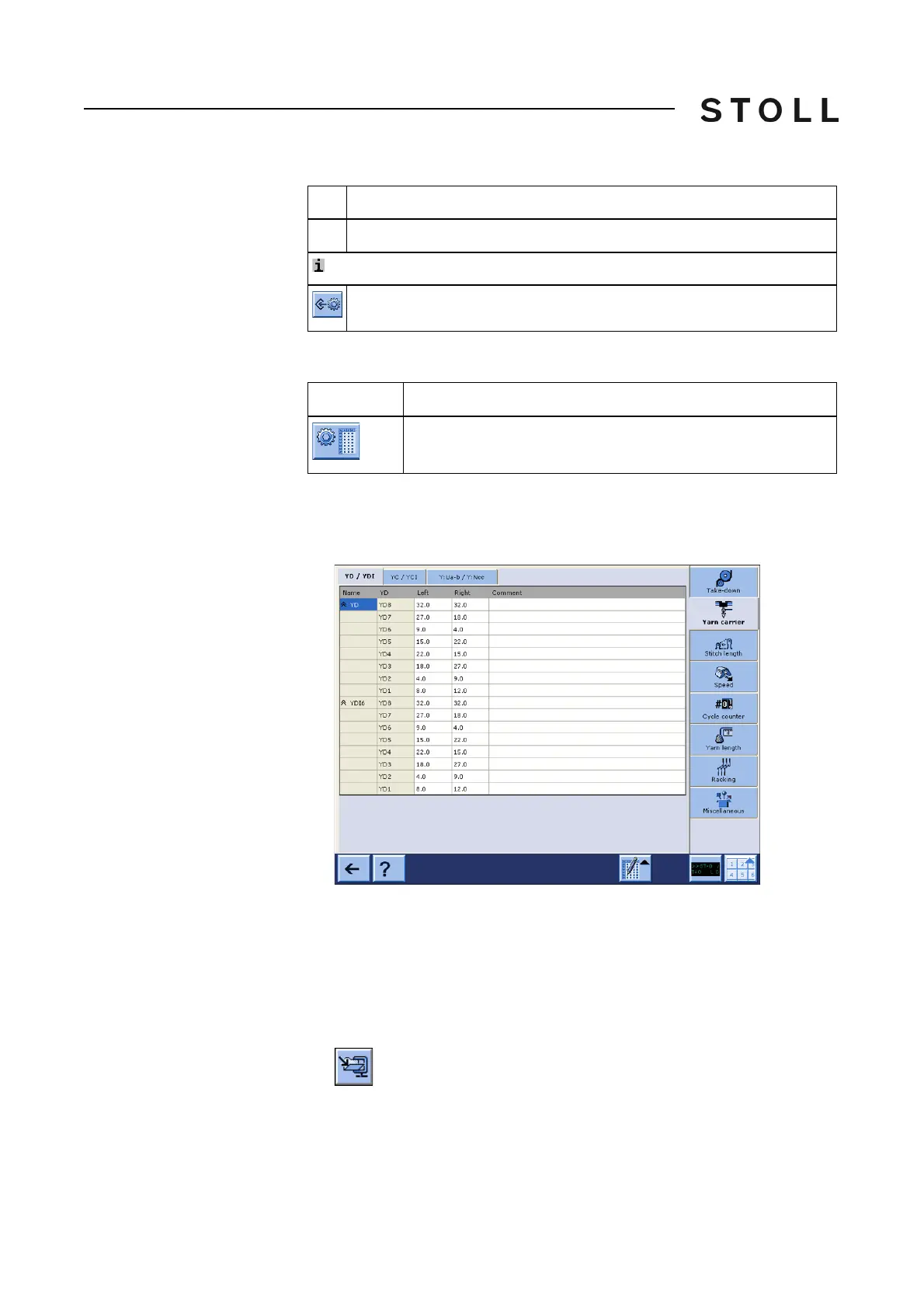
1. Call up the "Setup2 Editor" in the "Main menu".
The "Setup2 Editor" window appears.
How to o
pen the Setup2 file in the Setup2 Editor:
You can edit Setup2 data independently to the
running production by the file
mode.
1. Call up the "Load & save" window.
2. Get the Zip file displayed.
3. Tap the Setup2 file (*.setx).
The
"Setup2 Editor" window appears in
the file mode.
13
Call up the online help of the selected tab.
: With file mode only
Save the Setup2 file (setx)
Explanation
Key
Function
Call up the "Setup2 Editor" window



 To Next Page