312
5 Setup Data
Setup2 Editor
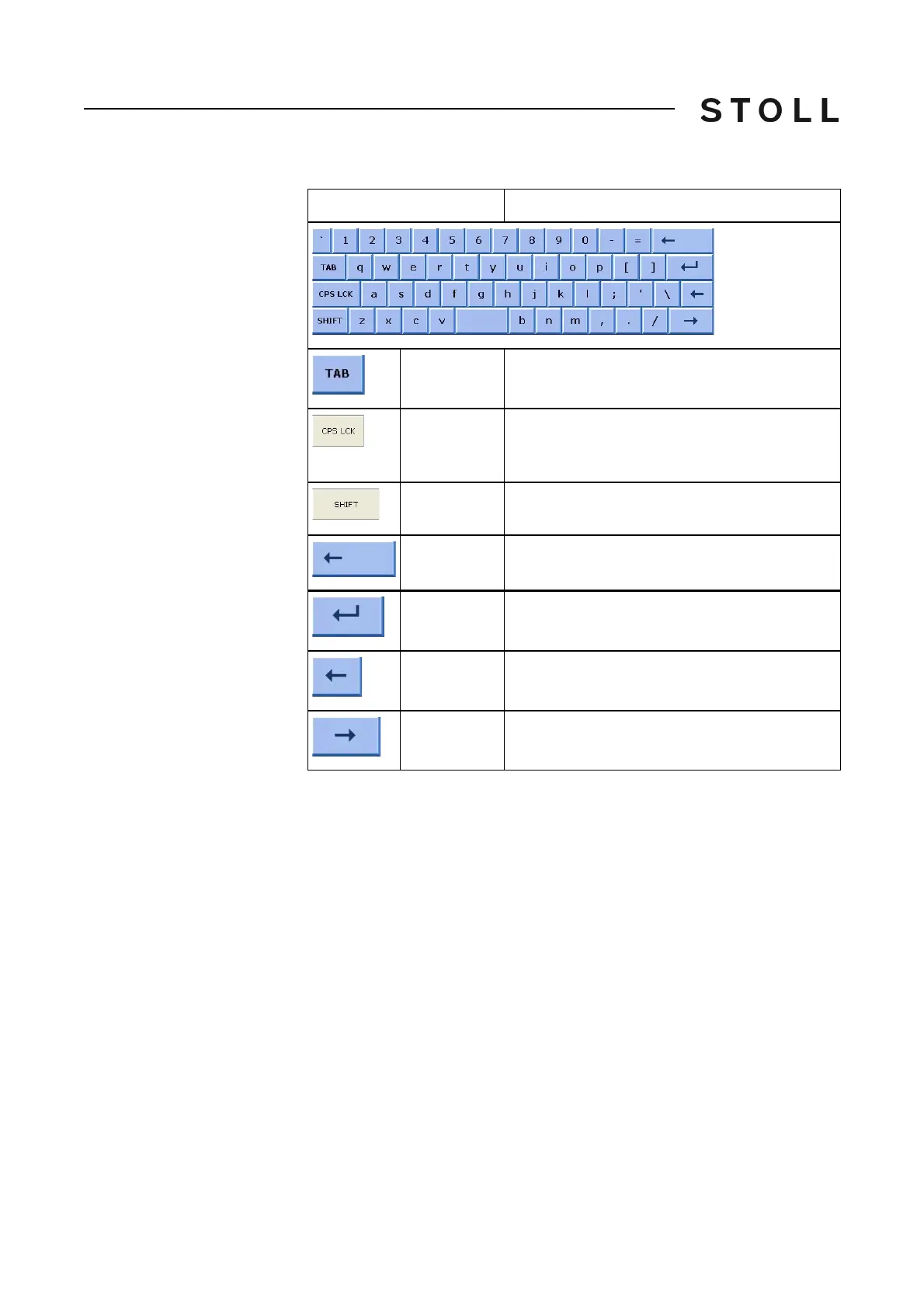
The alpha-numeric keyboard
Key
Function
TAB
Jump to the next field.
CPS LCK
Shift between uppercase and lowercase letters;
the setting of numbers or special characters is
maintained
SHIFT
Shift between uppercase and lowercase letters
and between numbers and special characters
BACKSPACE
Move the cursor by one step to left and delete
the character there
ENTER
Confirm input
LEFT
Move the cursor by one step to left
RIGHT
Move the cursor by one step to right



 To Next Page