334
5 Setup Data
Setup2 Editor
Correction Values
Correction Values
Explanation
"Correction for
all measuring
wheels"
Enter a correction value for all measuring wheels
"Maximum
deviation of the
target value per
knitting row"
Stopping the machine when exceeding the correction value
(Standard = 15%).
"Wheel" right device: Select measuring wheel (n=1 to 8).
left device: Select measuring wheel (n=9 to 16).
"Y" Select the yarn carrier (1A to 8D) working with this
measuring wheel.
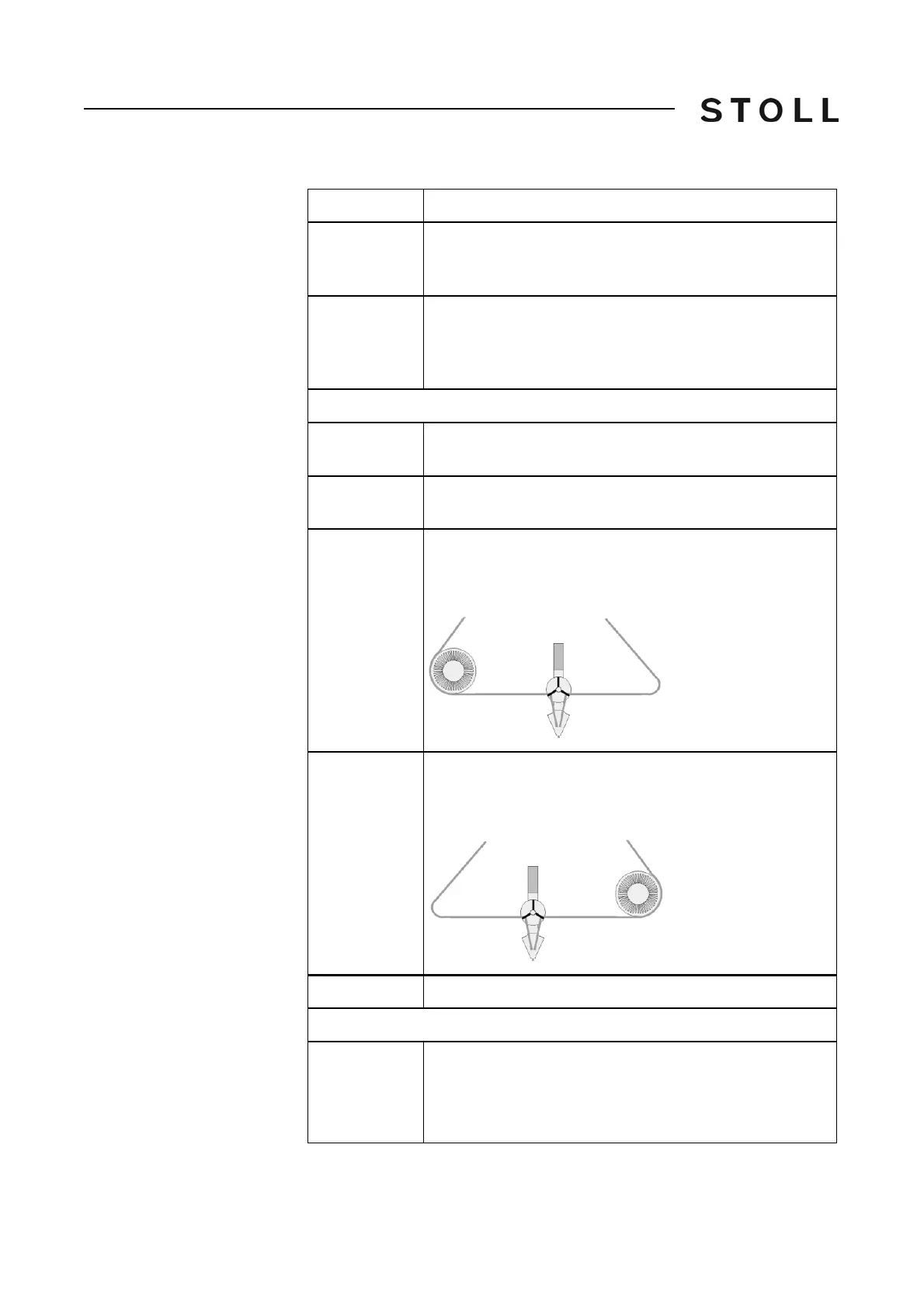
"Correction < +/
-[%]"
Enter correction value for an additional thread from the from
the right.
The correction value has an effect in the carriage direction
to the left.
"Correction > +/
-[%]"
Enter correction value for an additional thread from the from
the left.
The correction value has an effect in the carriage direction
to the right.
Only when "Working with original fabric"
"Yarn
correction for
original fabric"
Change the fabric length without determining once again
the original fabric data. If, for example, the same pattern is
to be knitted with another yarn color (not yarn thickness).
Value range: -10%...+10%, step width: 0.1



 To Next Page