457
Repairing the knitting machine 7
Needle selection displacement
Carry out restart with machine configuration:
The machine is switched off.
1. To switch on the machine, set the main switc
h to 1.
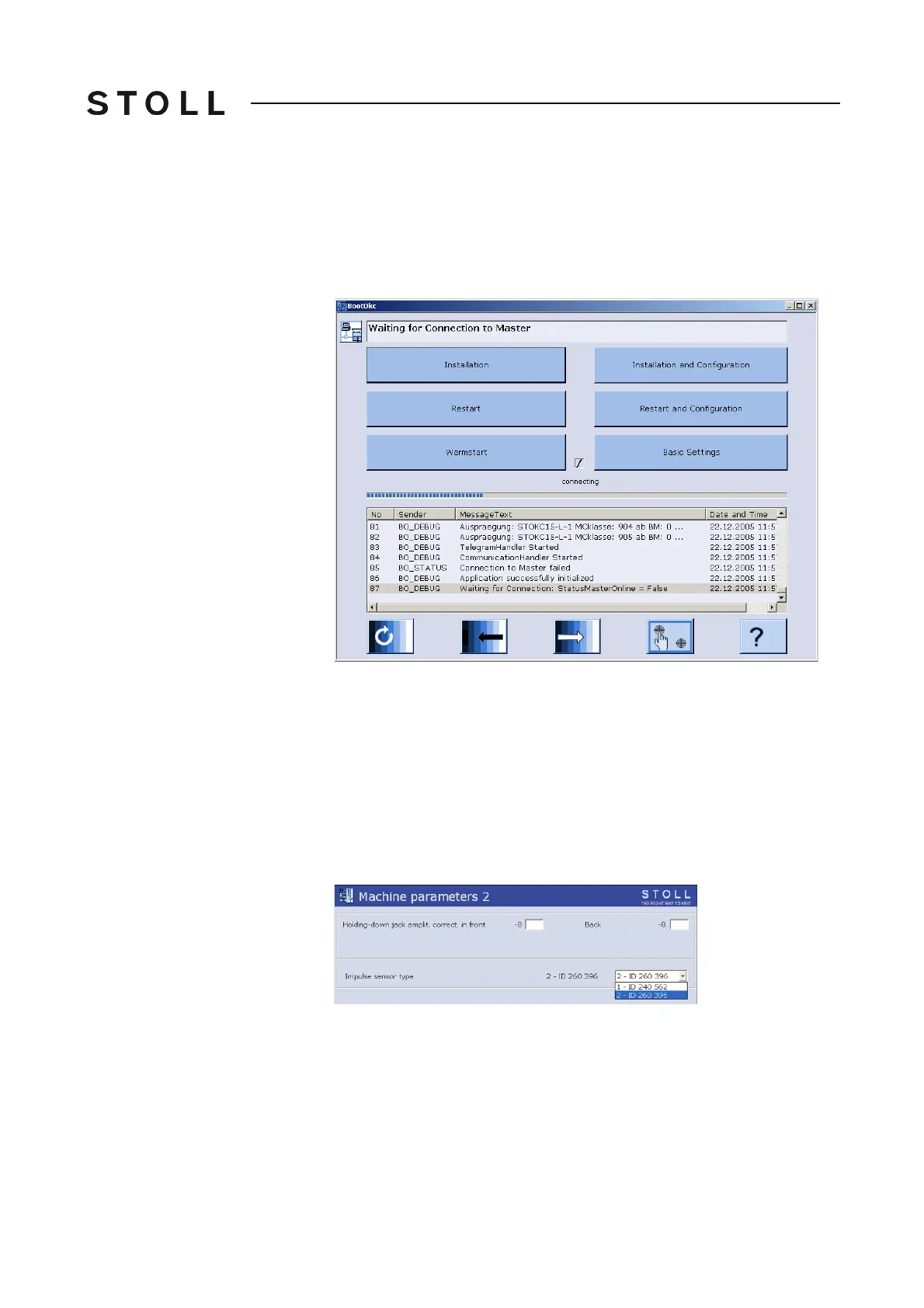
The "BootOkc" window is displayed on
the touch screen.
BootOkc window
"BootOkc" window
2. Touch the "Restart and Machine Configuration" key.
3. Tap repeatedly on the "Continue on to the next window" key u
ntil the
"Machine parameters" window is displayed. ("Language" -> "Machine
configuration" -> "Machine configuration 2" -> "Machine options" ->
"Machine parameters")
4. In the "Machine parameters" window tap on the "Additional func
tion
keys"
key.
5. Call up the "Machine parameters 2" window.
6. Select the impulse sensor ty
pe "2 - ID 260 396".
Se
lect this setting also with mixed operat
ion (old and new impulse sensor
type).
7. Confirm input.
8. Return to the "Machine parameters" window.
9. Advance till the Main menu appears.



 To Next Page