471
Software - Installation and basic settings 8
Boot process
Interrupt warm start The warm start of the knitting machine can be interrupted. This happens by
tapping the keys in the "BootOkc" window.
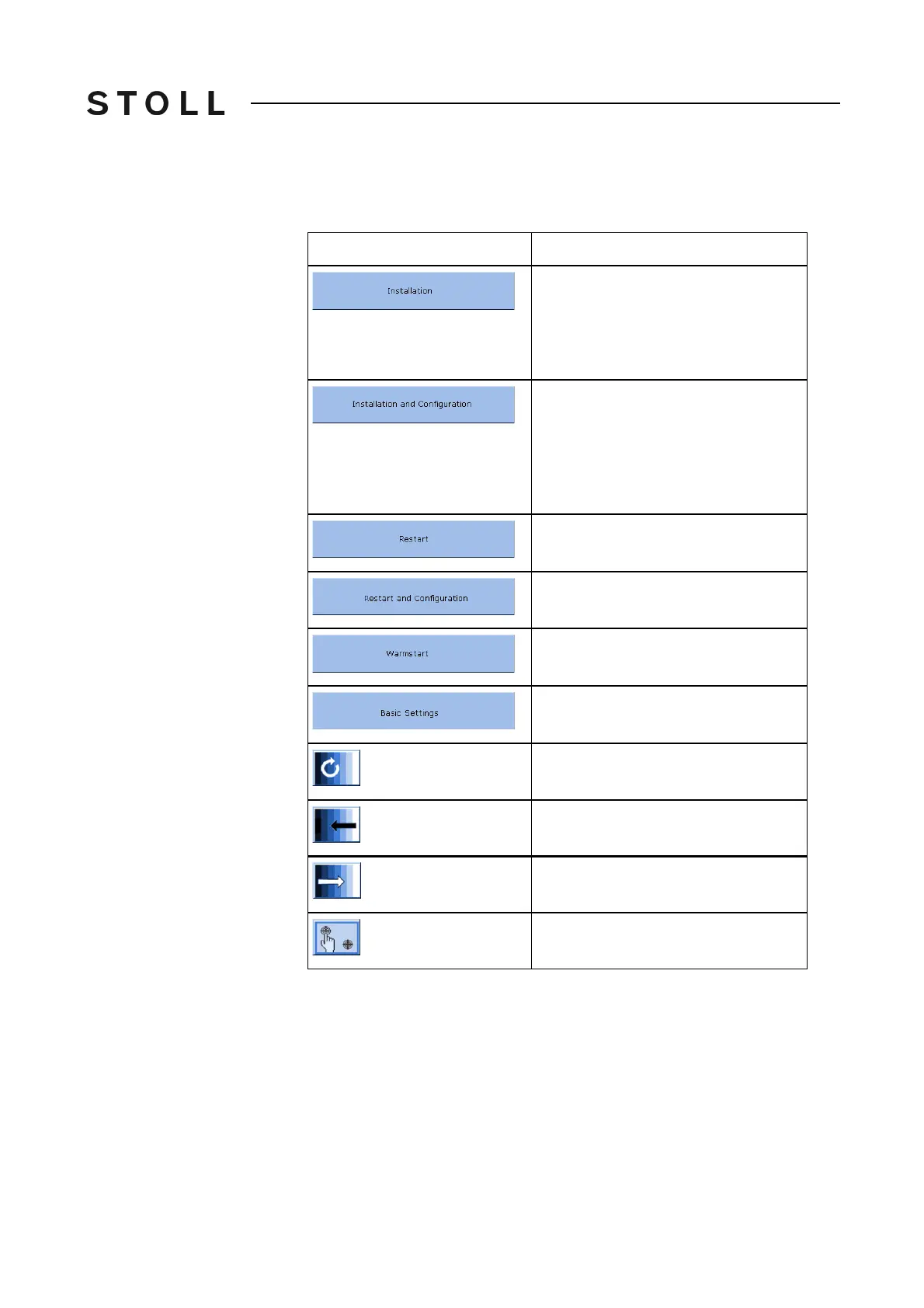
Possibiliti es for int errupting a warm start
Possibilities for interrupting a warm start
Further information:
Setting touch screen [80]
Key
Meaning
Start the installation process of a Stoll
operating system. The storage location
of the Stoll operating system can be
selected in the "Basic Settings"
window.
Starts the installation process of a Stoll
operating system including
configuration of the machine. The
storage location of the Stoll operating
system can be selected in the "Basic
Settings"
window.
Starts the software anew (Reboot).
Starts the software anew (Reboot) with
configuration of the machine inclusive.
Carries out a manual warm start.
Calls up the "Basic Settings Menu"
window.
Set the screen brightness infinite.
Set screen brightness one step darker.
Set the screen one step brighter.
Calibrate touch screen.



 To Next Page