507
Software - Installation and basic settings 8
Installing the Stoll operating system
2. For the automatic warm start within the waiting time tap on the "Restart
and Configuration" key.
The Restart Process gets started.
After the process is shut, the "Language" window is displayed.
3. P
roceed to the next window.
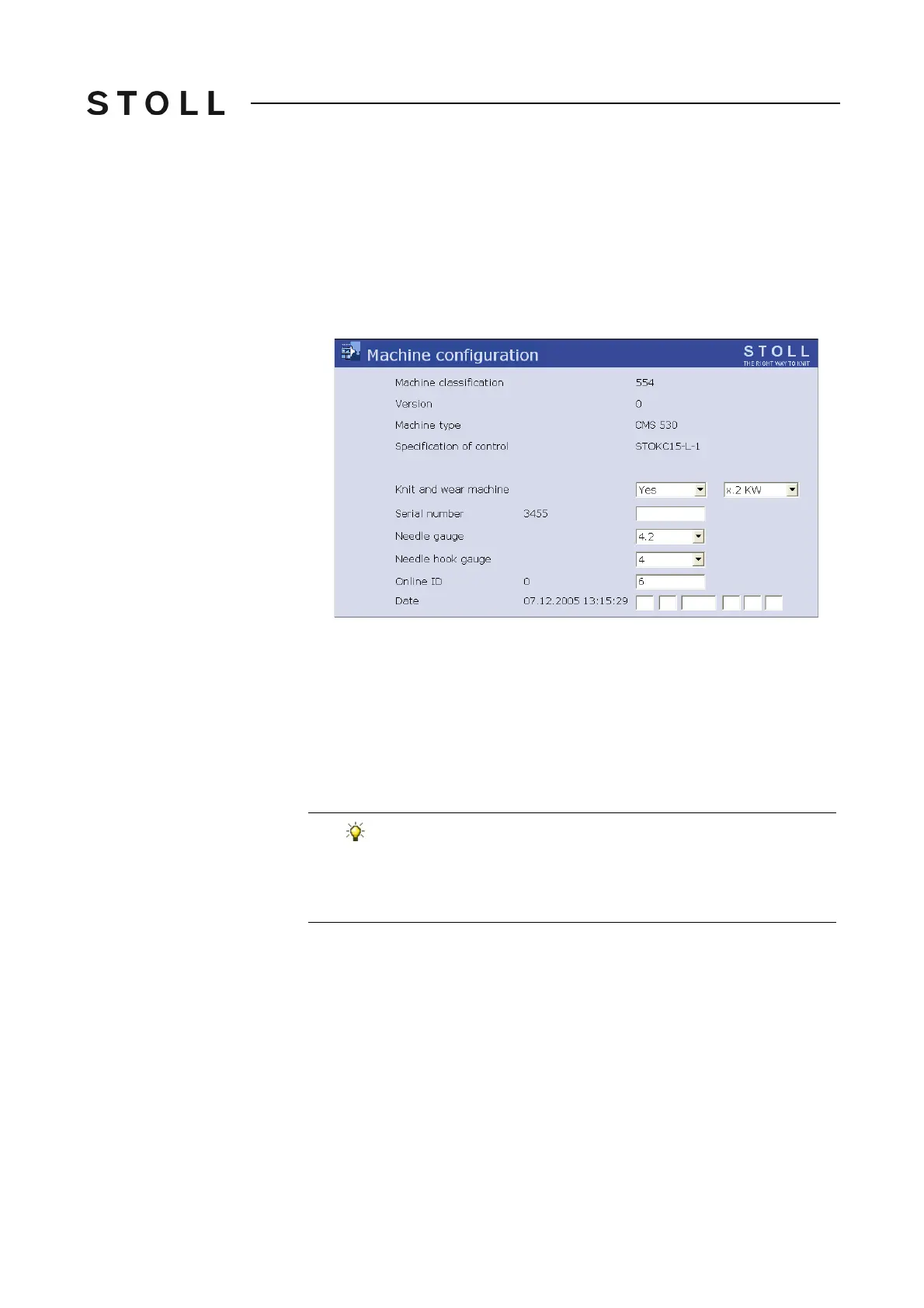
The "Machine configuration" window is displayed.
Machine configuration window
"Machine configuration" window
4. Tap in the "Online Id" field.
5. Enter the online ID of the knit
ting machine with the help of the virtual
keyboard.
6. Confirm input.
7. Advance till the "Main menu" appears
.
The restart is finished.
If network problems occur and these are impairing the
production, then the online ID can be set at 0 (switched off). In
the "Service/Basic settings" menu call up the window
"Machine-configuration" and alter the Online ID for this
purpose.



 To Next Page