81
Producing with the knitting machine 3
Preparing production and shift changes
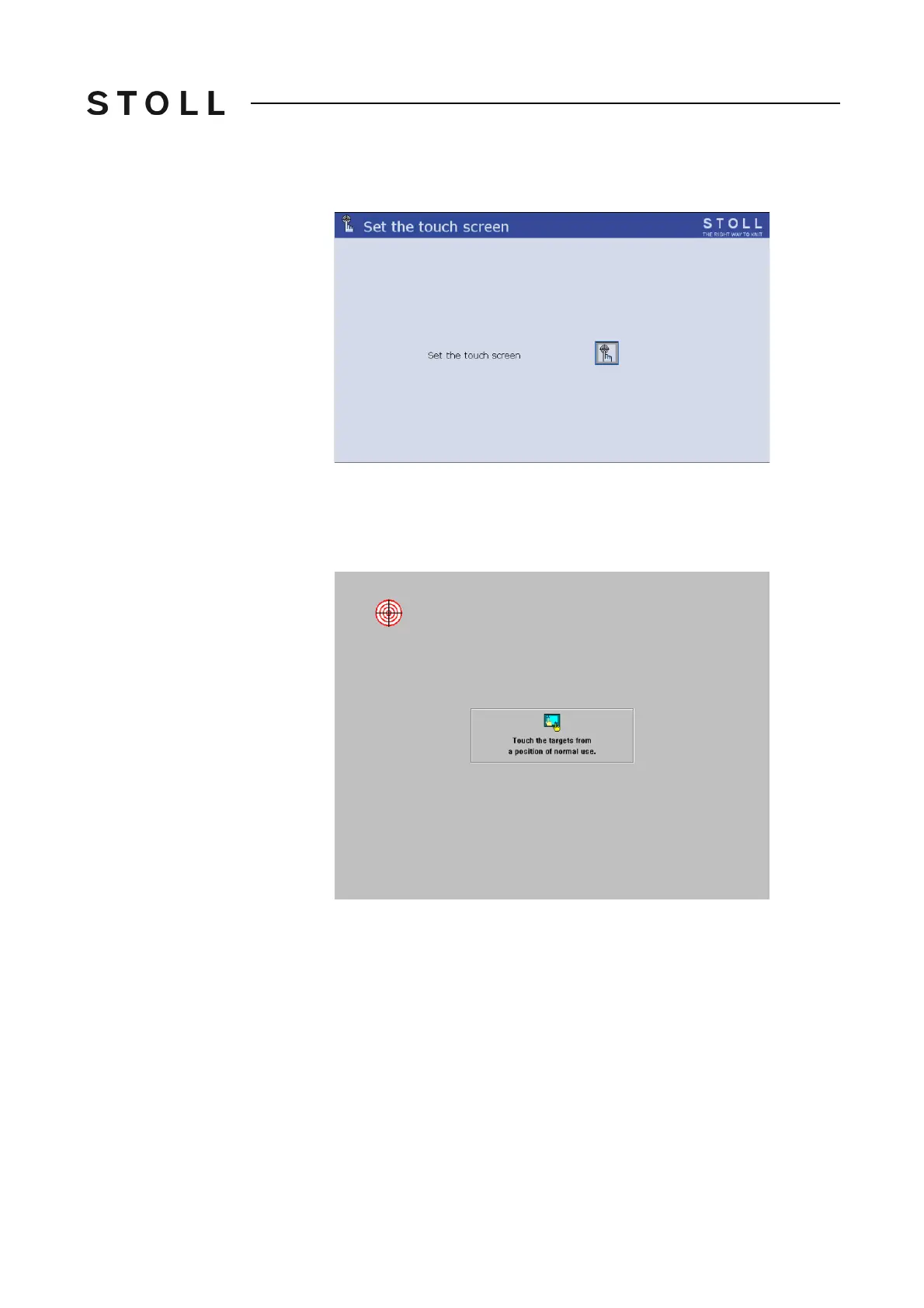
The "Set touch screen" window appears.
Set touch screen wi ndow
"Set touch screen" window
3. Tap the "Calibrate" key.
The setting window appears. A target circle is located on the upper, left
side.
Setting window with target circ le
Setting window with target circle
4. Tap exactly on the target circle.
A second target circle appears on the
lower right-hand side.
5. Tap exactly on the target circle.
A third target circle appears on the upp
er, right-hand side.
6. Tap exactly on the target circle.
A message box appears. Th
e request in the message box is not
important, as there is no mouse cursor here.
7. Press on the "Yes" key.
8. Call up "Main menu".



 To Next Page