X35 Monitor Air Seeder Setup
6.72
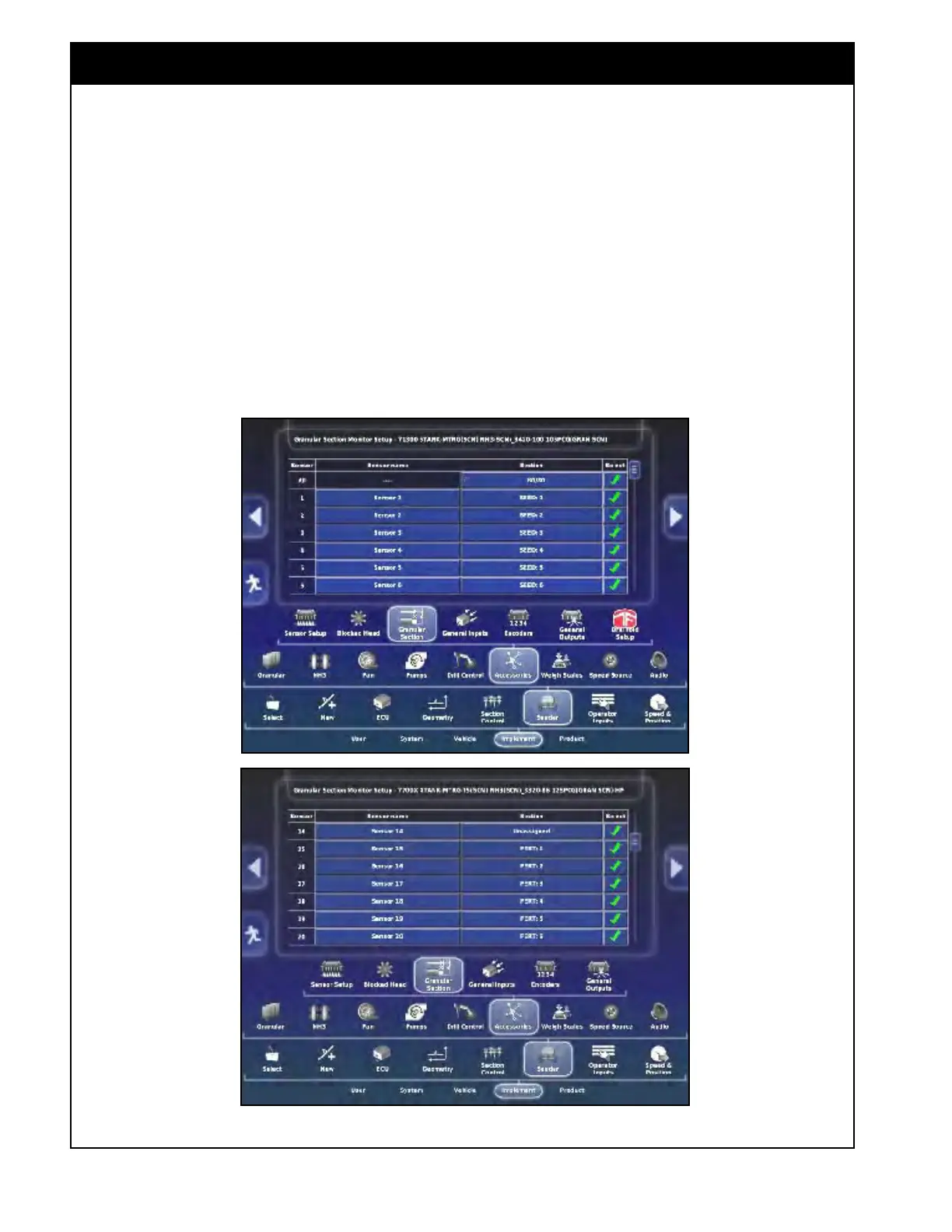
Figure 6.89 - Granular Section Monitoring Setup
6.7.6.3 Granular Sections
This tab appears if configured with granular ASC
To access the granular section monitoring, setup
select Implement/Seeder/Accessories/Granular
Section.
1.
Sensor
1 up to sensor 10 should be assigned to
the SEED boom respectively.
2. Sensor 15 up to sensor 24 should be assigned
to the FERT boom respectively.
Refer Figure 6.89.
6.7.6.4
General
Inputs
This is an option that is related to other types
of equipment and not used with Bourgault Air
Seeders. Settings should be left disabled.
6.7.6.5 Encoder
Encoder settings are designed for the technicians
and can be accessed only if Access Level set to
Dealer or Technician. Defaults are preassigned.



 To Next Page