X35 Monitor Air Seeder Setup
6.75
6.7.7 Weigh Scales
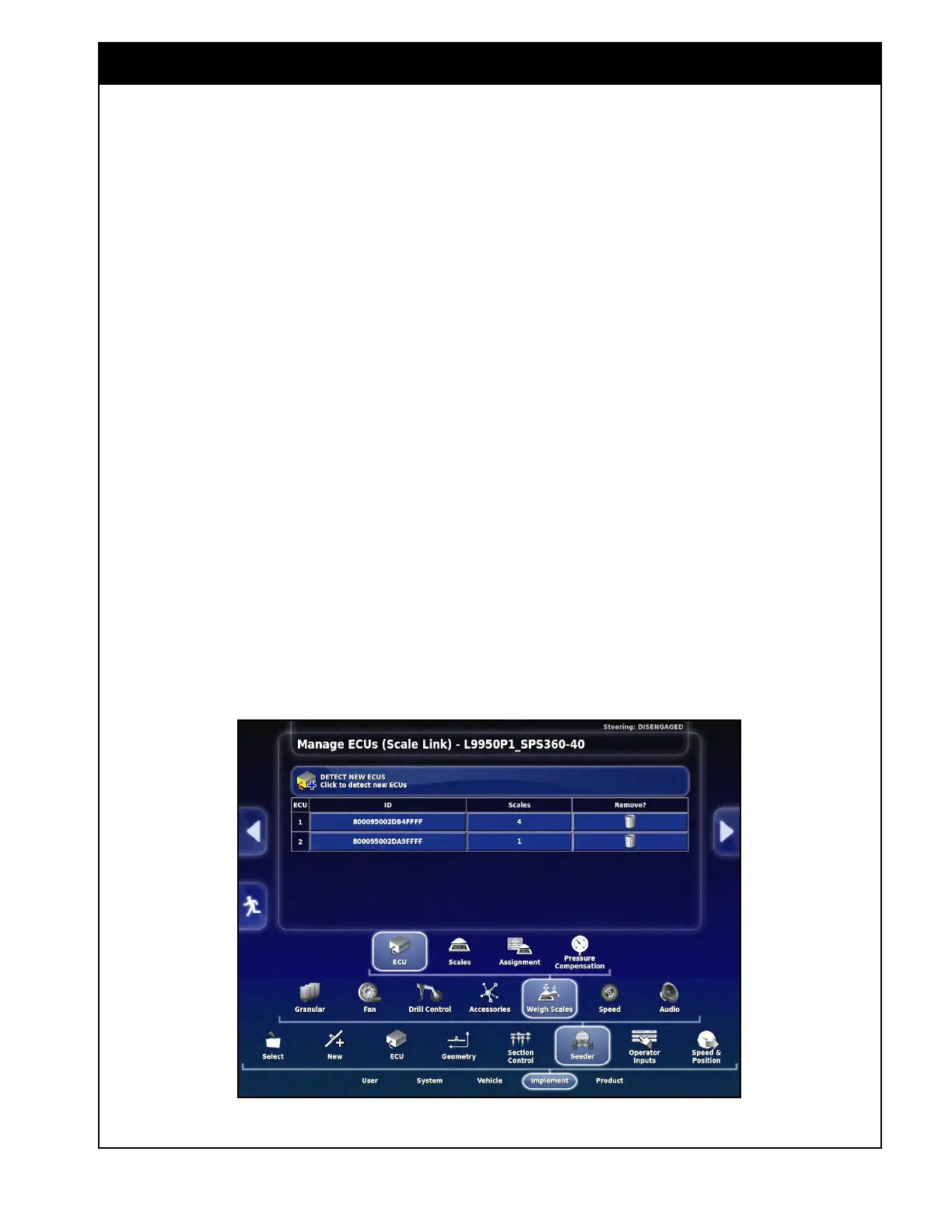
This allows the optional weigh system to be
integrated into the console, to monitor actual
weights. This feature needs to be enabled under
the System/Features/Implement page in order to
show up. Refer to Figure 6.92.
Each scale link ECU has 4 individual channels:
1. 7000
Series - This series uses a single scale
link
ECU.
a. The 1st channel (Scale 1 - A) is used for
the total weight of the air seeder.
b. The 2nd channel (Scale 1 - B) is used for
the optional saddle tank.
2. 9000
Series - This series uses one scale link
ECU
for the 4 main tanks. A 2nd scale link
ECU is used if the optional saddle tank is
installed.
a. The 4 channels on the 1st scale link ECU
(Scale 1 - A to Scale 1 - D) are used for
the tanks 1-4 respectively.
b. The 1st channel on the 2nd scale link
ECU (Scale 2 - A) is used for the optional
saddle tank.
6.7.7.1 ECU
1. Detect
New ECU’s - the scale link ECU’s
need
to be detected (one at a time in the right
order if there are more than one).
a. Press on the “Detect New ECU’s” button
to detect the scale link.
i. For the 9000 Series if the optional
saddle tank is selected, unplug the
Comms connector from the saddle
tank scale link ECU (the one with
only one scale channel being used) to
detect the main one first.
ii. Then plug the saddle tank scale link
ECU back in and press “Detect New
ECU’s” button again.
Note
If the tank weights are showing up under the
wrong tank on the seeder controller screen then
these scale link ECU’s could be detected in the
wrong order.
b. The list will show the detected ECU’s with
their respective ID.
Figure 6.92 - Weigh Scale ECU - Detect



 To Next Page