X35 ConsoleGeneral Operations
8.34
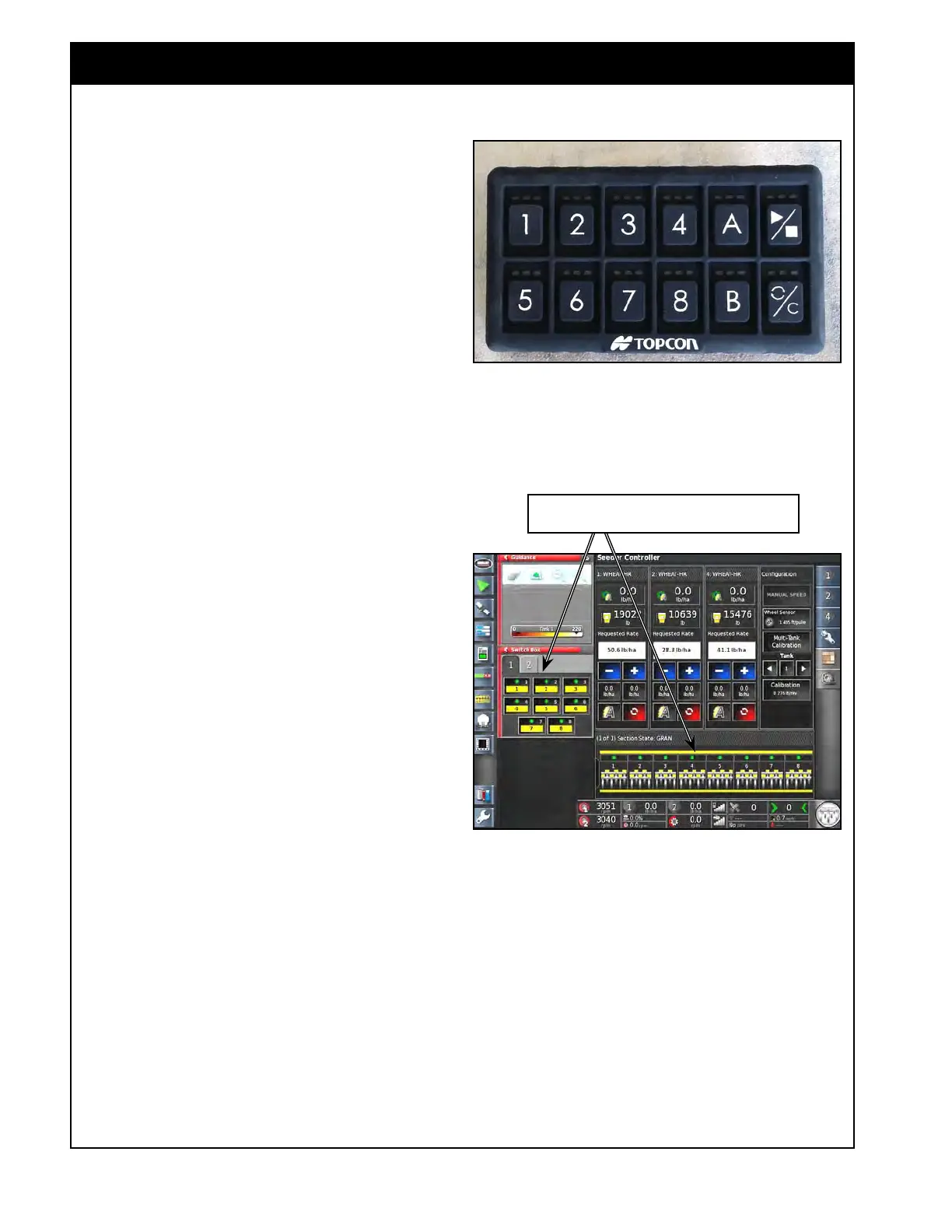
Figure 8.67 - Tank Mounted Keypad
313226_Keypad.jpg
8.9 Checking Distribution Runs and ASC Valves
Figure 8.68 - Section Switches
Section switches can be turned on in Keypad Mini-View or
Section State panel in Seeder Controller window.
This quick, simple test should be performed
after calibration, when starting a new field and/
or between fills. It should also be performed
anytime there is a chance plugging may have
occurred especially if you do not have a blockage
monitoring system installed. This will limit the
chance of operating too long while there may be
blocked runs.
Important
For a machine equipped with granular ASC that is
new or anytime maintenance is performed on the
air kit or the ASC valve hydraulics/electronics this
test should be performed but it should be done
starting with one section at a time.
Start by only turning on section 1 for the first
boom to verify it. Then close it and move to the
next section to test each individually on each
boom.
Section 1 starts on the left and increases going to
the right if you are standing behind the unit facing
the direction of travel.
Performing this test for each section individually
will:
1. Verify that the air kit hoses are connected and
routed properly for each section.
2. Verify that the ASC valve wiring/hydraulics are
connected properly for each section.
3. Allow you to check the on & off section
timing for each section to get a good starting
point to ensure proper coverage.



 To Next Page