X35 ConsoleGeneral Operations
8.12
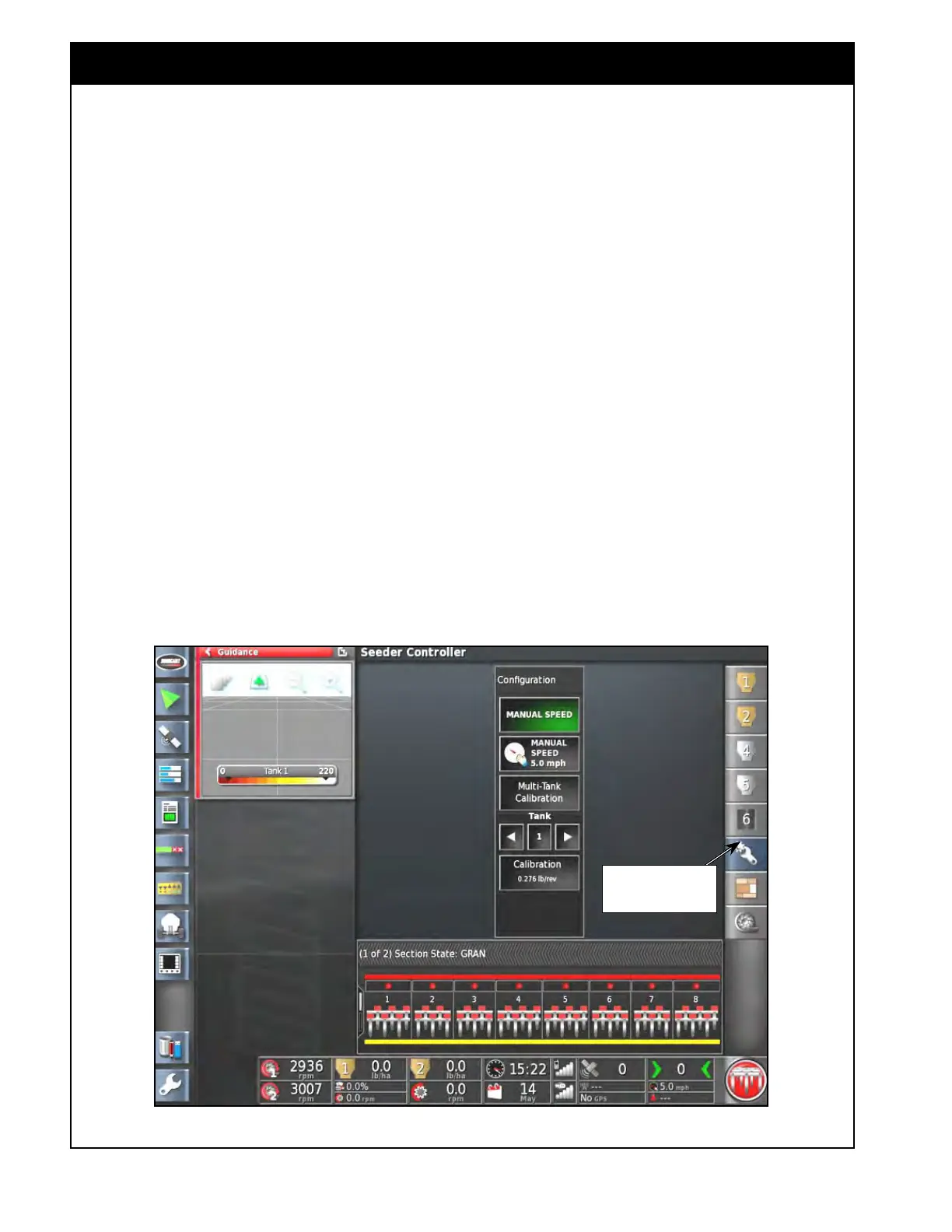
Select this icon to open
configuration window
Figure 8.20 - Configuration Panel
8.4 Calibration - Granular Air
Seeder Tank
The X35 console allows the operator to manually
enter calibration factors for each tank if known, or
to perform a calibration to determine the value for
each tank.
Important
It is highly recommended to ALWAYS perform an
actual calibration. Using previously determined
calibration factors may not provide an accurate
metering rate. A variety of factors such as
temperature, humidity, moisture content, kernel
size, kernel shape, seed treatment, etc. of a
product that was used to determine the calibration
factor, may be different compared to the product
that will be used.
Bourgault has done a lot of work to provide
factory calibration numbers for the majority of
common products with the optimum metering
auger types (HX, 1X, 2X, or LO), however not all
products were evaluated with all metering auger
types.
Default values are provided as a ST
ARTING
POINT ONLY – calibration is highly recommended
at all times for all products.
Important
To be able to perform calibration or manually
enter calibration factors, a product must be
assigned to the tank(s) that will be calibrated.
To access calibration functions in the Seeder
Controller window (full screen mode) select
the Configuration icon from the menu. The
Configuration panel will open up, refer to Figure
8.20.



 To Next Page