X35 Console Overview
2.7
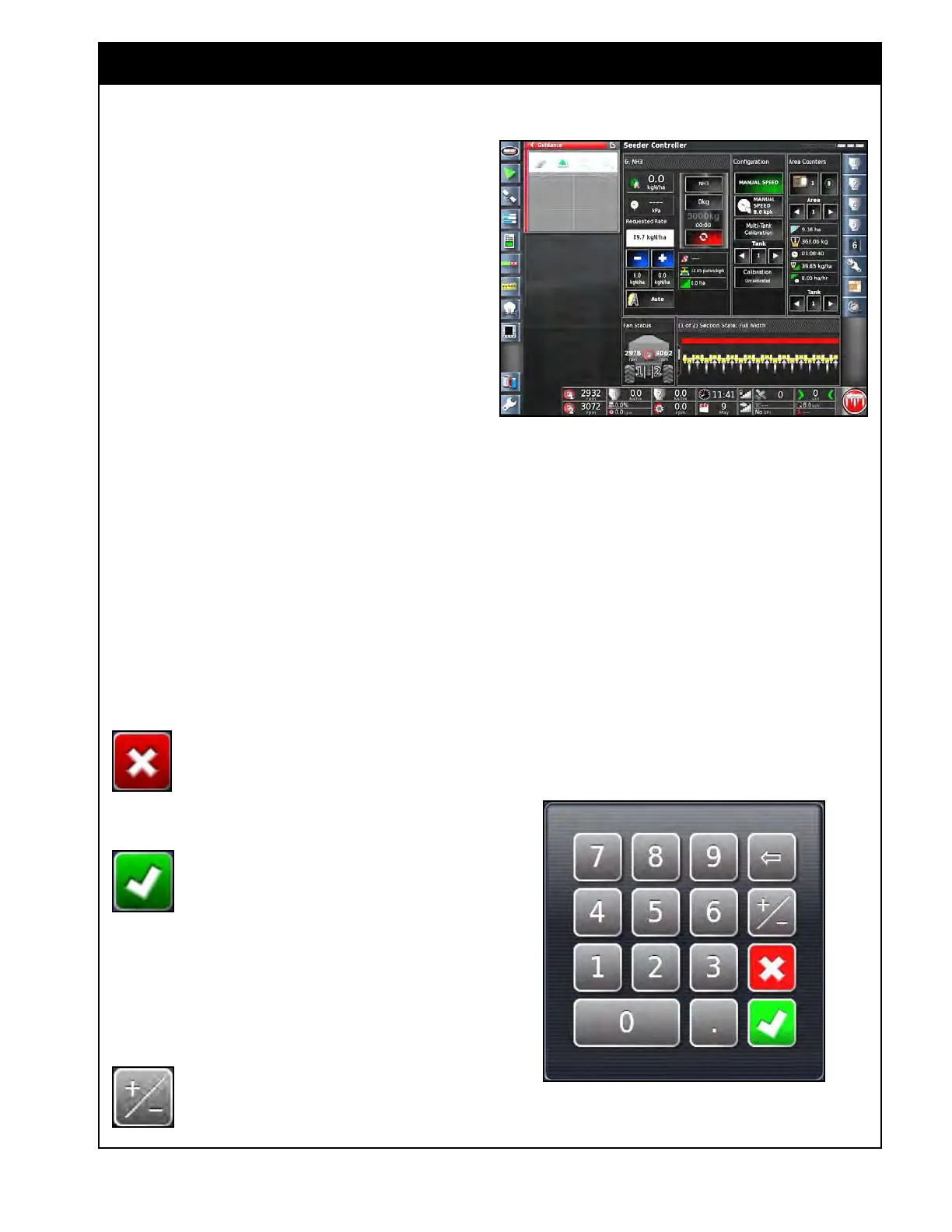
Figure 2.9 - Seeder Controller Window Expanded
2.4 Common Functions
There are several common functions that are used
with the X35 console.
1. Cancel
Button
Cancel button will cancel the selection/
action and return to previous screen.
2. Confirm
(OK) Button
Confirm/Ok button will confirm the
selection/action to continue.
3. Numeric
Keypad
Refer to Figure 2.10.
Numeric
keypad will appear when it is required to
enter or adjust numeric value during setup or in
operational mode.
This button is used when it is required to
enter negative value.
Figure 2.10 - Numeric Keypad
2.3.2 Manipulating Main Viewing Area
Selecting any feature on the Mini-View menu will
open a mini-view window, refer to Figure 2.8.
Some mini-views have a maximize arrow and will
expand to display more information.
1. To view more information select the top right
maximize arrow or touch the mini-view and
slide towards the main screen.
2. To close the mini-view, select the minimize
arrow or touch the mini-view window and
slide towards the mini-view menu bar or also
press the mini-view icon on the menu again.
3. To slide the mini-view window up or down,
select and slide.
Full screen modes cannot be minimized back to a
mini-view. Always expand another mini-view to
replace the information on the main screen.



 To Next Page