X35 ConsoleOptional Equipment
13.26
Wi-Fi antenna
(mounted on the
tractor roof)
CL55
(mounted in
the cab)
WiFi port
Network antenna
GPS & Cell
networl leads
To ethernet port on
back of X35
CAN leads
- not used
Tee in Power
leads to X35
harness
Tractor
Diagnostics
- not used
13.8 I2I (M2M) Coverage Sharing
This feature allows you to share coverage between
multiple implements operating in the same field
to allow the ASC feature to turn off the product
application and raise the implement over areas
where other implements have seeded already.
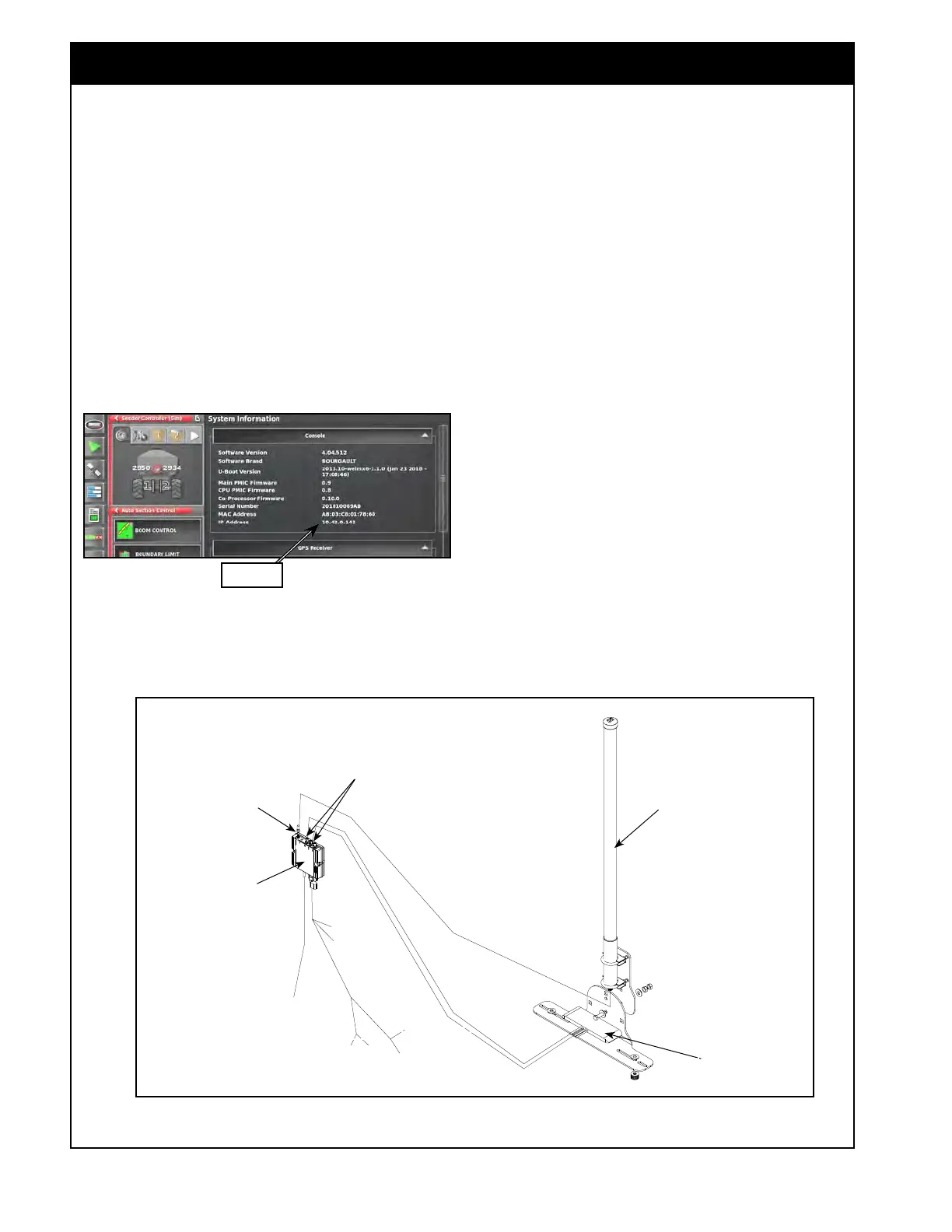
Figure 13.33 - IP Address
Figure 13.34 - CL55 Kit
IP Address
13.8.1 I2I (M2M) Setup
To be able to view the shared coverage from other
implements the following conditions need to be
met:
1. The I2I (M2M) Coverage Sharing feature
needs to be enabled under the System/
Features/Implement
tab in the settings page.
It is only available in the 4.04 released
Bourgault software for an X35 console.
2. The CL55 kit needs to be installed on each
implement. Refer to Figure 13.34 for layout.
3.
The CL55 needs to have a network connection
to the X35 console. Refer to Figure 13.33.
i.
If you do not have connection make
sure under the System Info page that
the Console IP Address shows the
sequence 10.42.0.XXX.
ii. If it is not in this range (shows
sequence 192.XXX.X.XX instead)
than it is not connected to the CL55.



 To Next Page