X35 Monitor System Settings
4.15
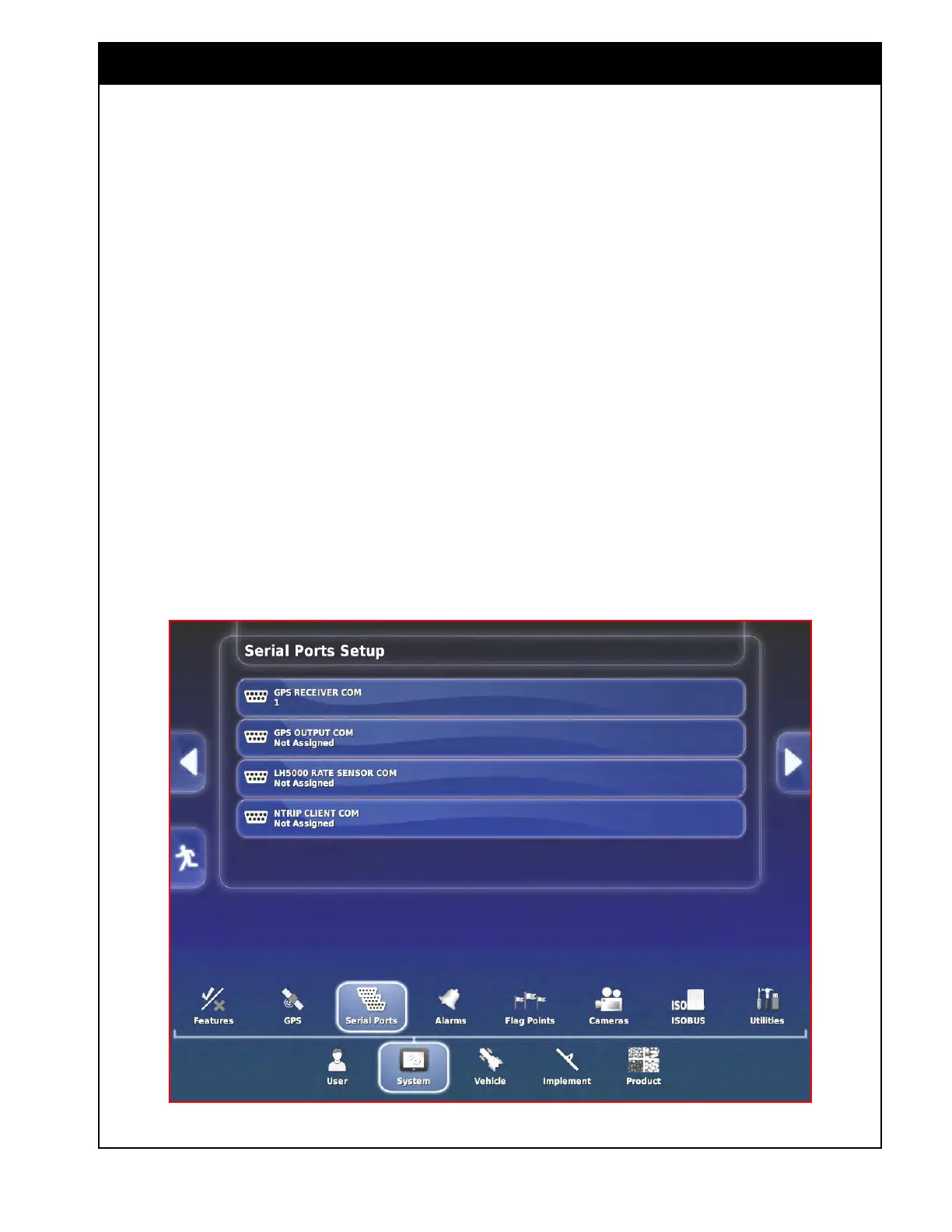
Figure 4.18 - Serial Ports
4.4 Serial Ports
This setting is used to set which port on your X35
console will receive GPS signal. It will also send
the signal to other devices, that are not directly
connected to GPS select System/Serial Ports.
Note
COM1 is used for GPS input.
1. GPS Receiver COM - select 1.
2. GPS
Output COM - not used.
3. LH5000
Rate Sensor COM - not used.
4. NTRIP
Client COM - not used.



 To Next Page