X35 ConsoleSetup
3.10
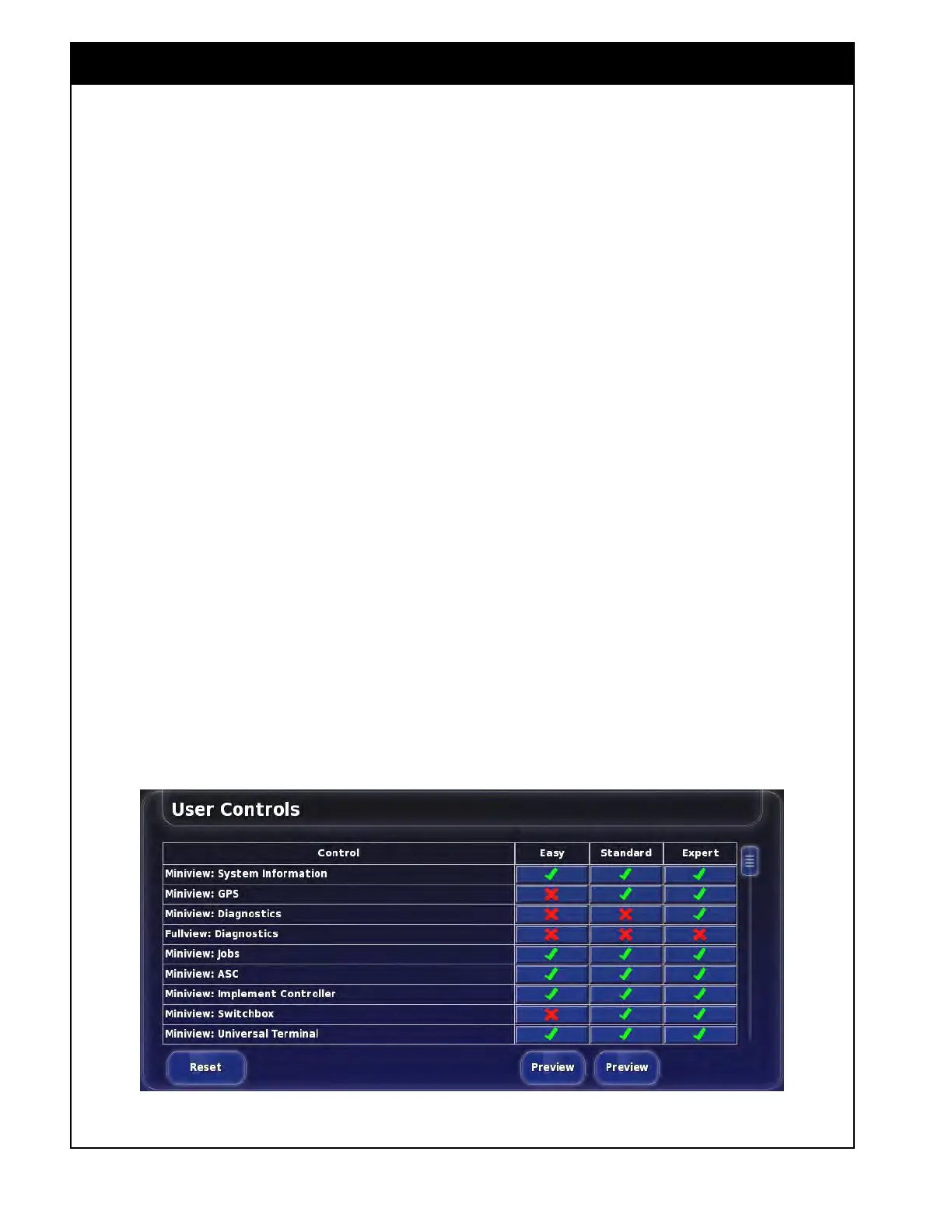
3.2.6 User Controls
From the Main Setup menu select User/User
Controls. This tab only appears for the Expert
access level and allows you to set what controls
the other access levels can view/change.
1. Under each access level column, select all the
Control items to make them visible for the
respective access level. A green check mark
indicates they will be visible and a red X
indicates they will be hidden.
2. The Preview button for the Easy and Standard
columns will show how the respective access
level will look.
3. The Reset button will set all the access levels
back to factory defaults.
Figure 3.15 - User Controls



 To Next Page