X35 ConsoleOverview
2.22
2.7.4 Loading (Selecting) Global Home
Screen
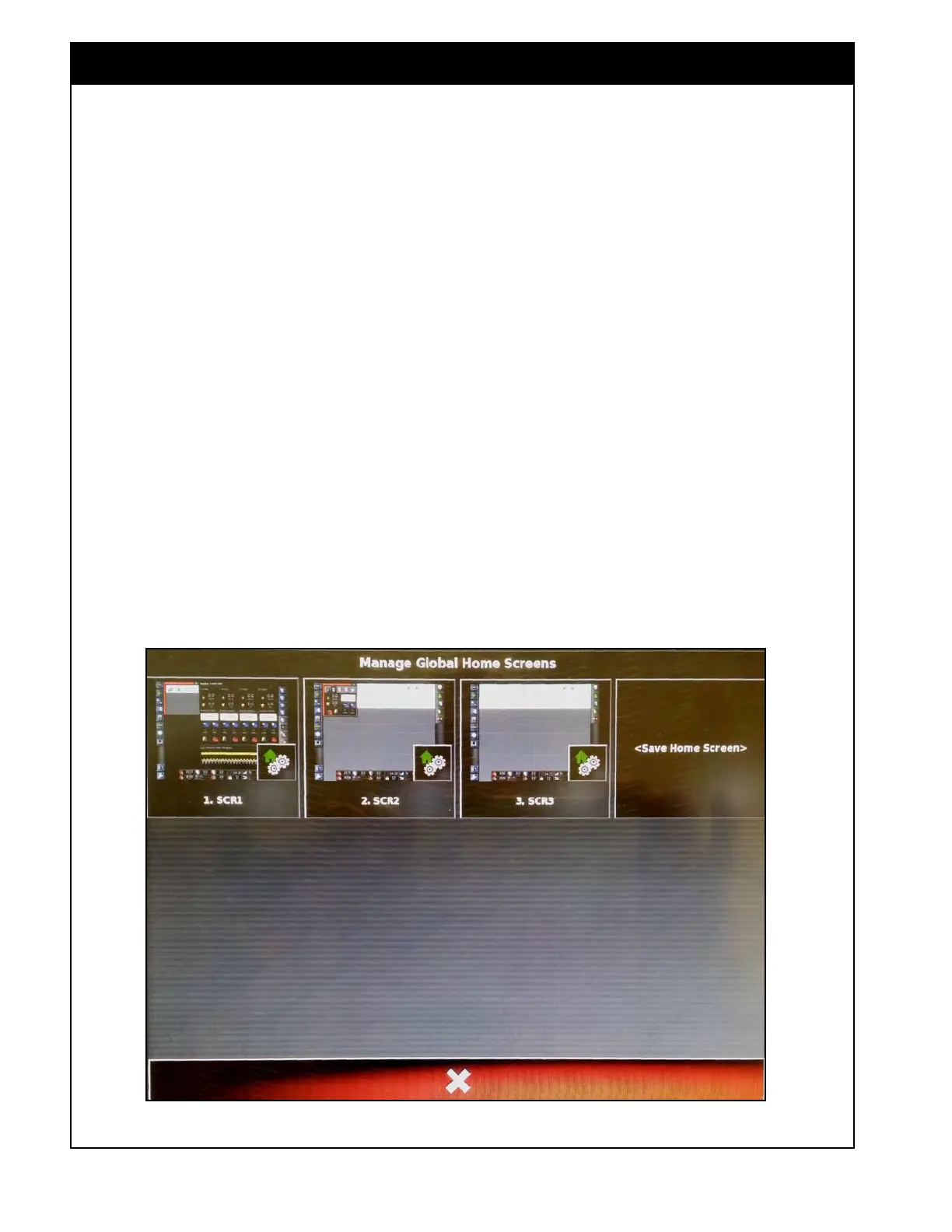
If the "Global Home Screen Mode" is set to
Select, (refer to Section 3.2.3 - Environment)
pressing the Go to Home Screen button will bring
up the Load a Global Home Screen window, that
displays active home screens, refer to Figure 2.31.
1. From that window, select the desired home
screen to be loaded and displayed on the
console.
If
the "Global Home Screen Mode" is set to
Toggle, pressing the Go to Home Screen button
toggle between the saved active
home screens.
2. Keep pressing the Go to Home Screen button
until the required home screen is loaded.
Figure 2.31 - Load a Global Home Screen



 To Next Page