X35 Monitor System Settings
4.11
The X35 console can interact with a GPS that
is used in the following applications: guidance,
variable rate control and mapping. The GPS
signal is also used to determine ground speed (the
preferred method). To access GPS settings from
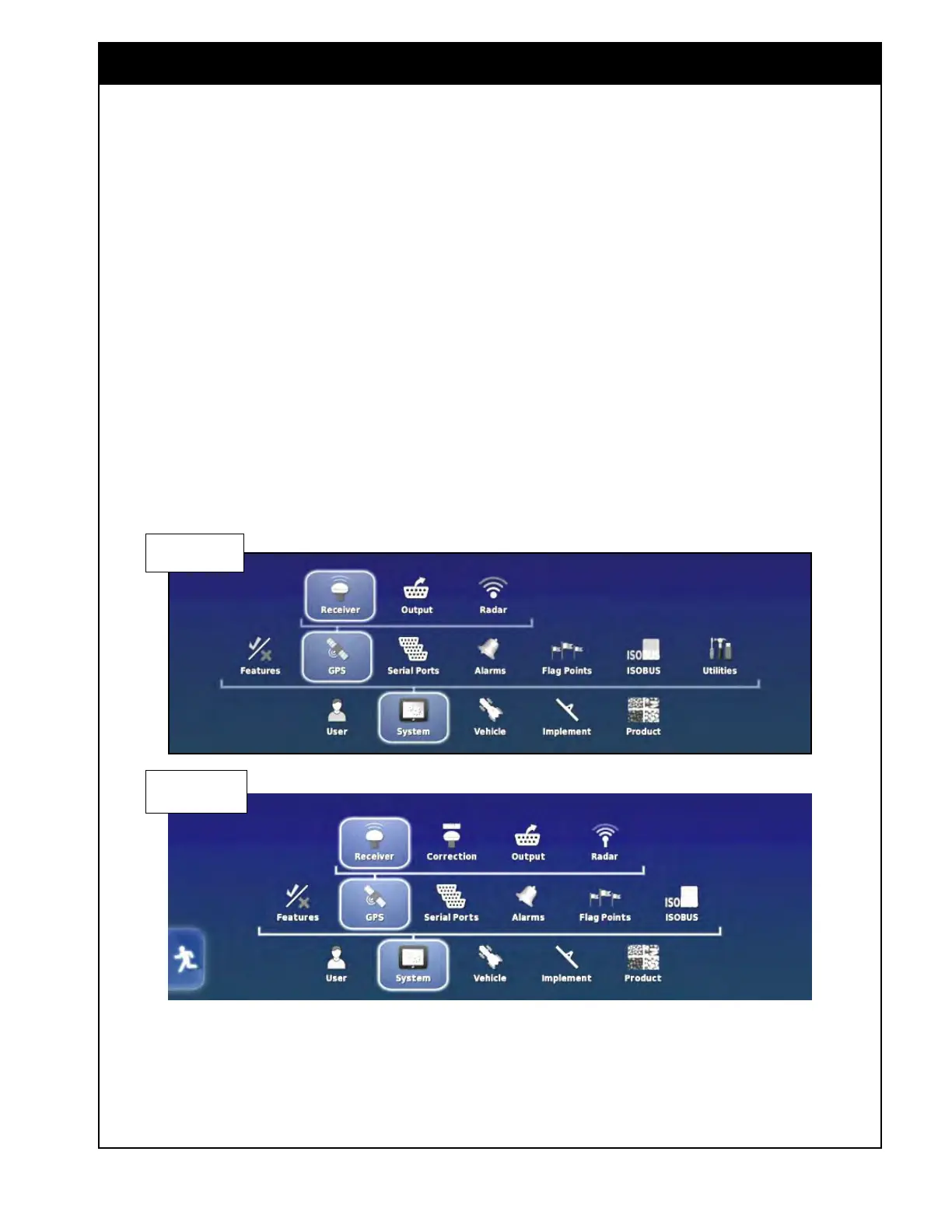
the Main Setup menu select System/GPS.
Depending on what receiver is being used, the
main GPS menu may have slightly different
options, refer to Figure 4.13.
Figure 4.13 - GPS Setup Menu
Receiver set to
NMEA Source
Receiver set to
Topcon receiver
4.3 GPS



 To Next Page