X35 ConsoleGeneral Operations
8.24
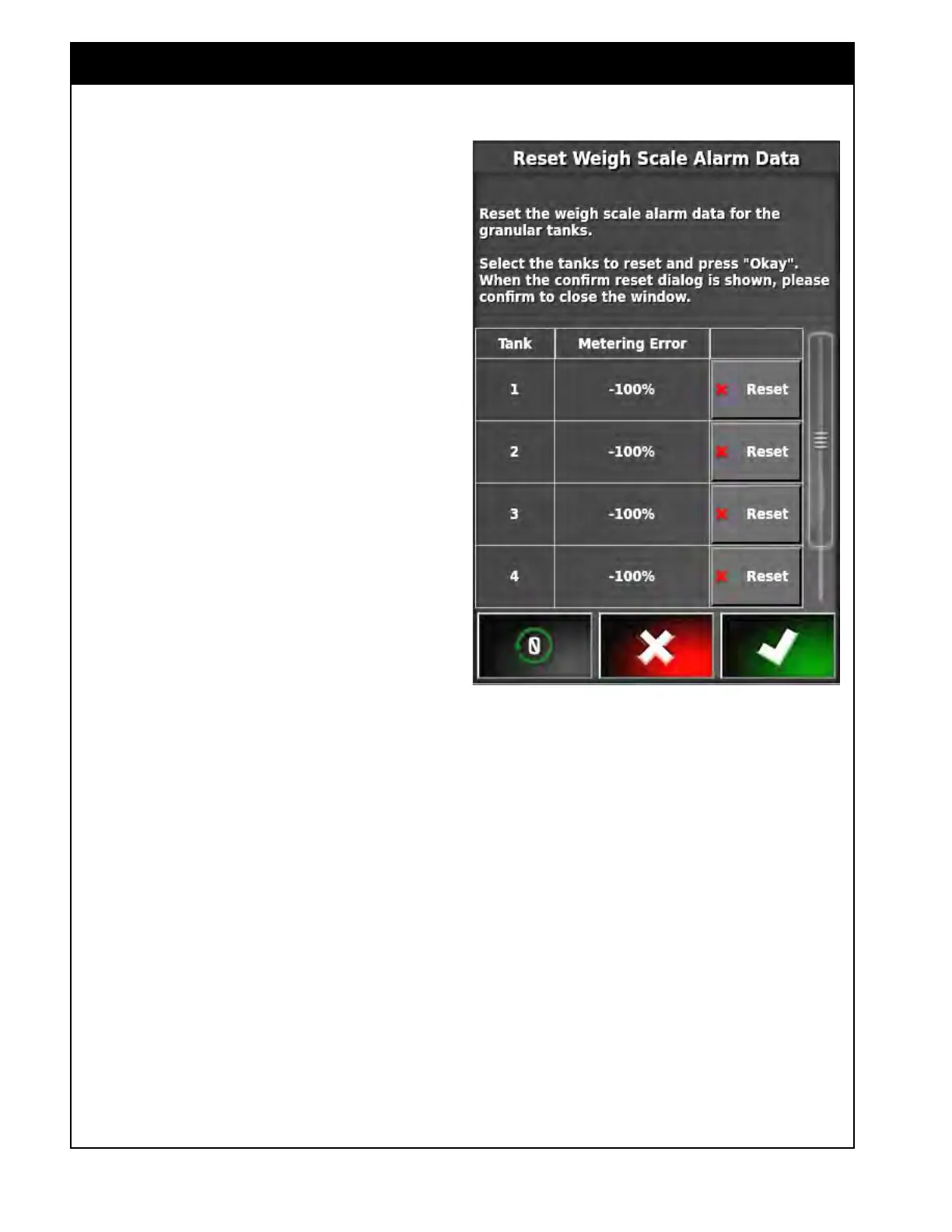
8.4.4 Reset Weigh Scale Data
This feature appears when tanks with dedicated
load cells are being monitored for actual
application rate errors. This window can be used
to reset the errors at any point.
1. If an error was found with any of the tanks
and corrected then this error calculation can be
reset.
Recalibrating or manually entering a new cal
factor will also reset these error calculations.
2. Alternatively, all tanks can be reset by pressing
the reset all button.
Figure 8.46 - Reset Weigh Scale Alarm



 To Next Page