X35 ConsoleOptional Equipment
13.20
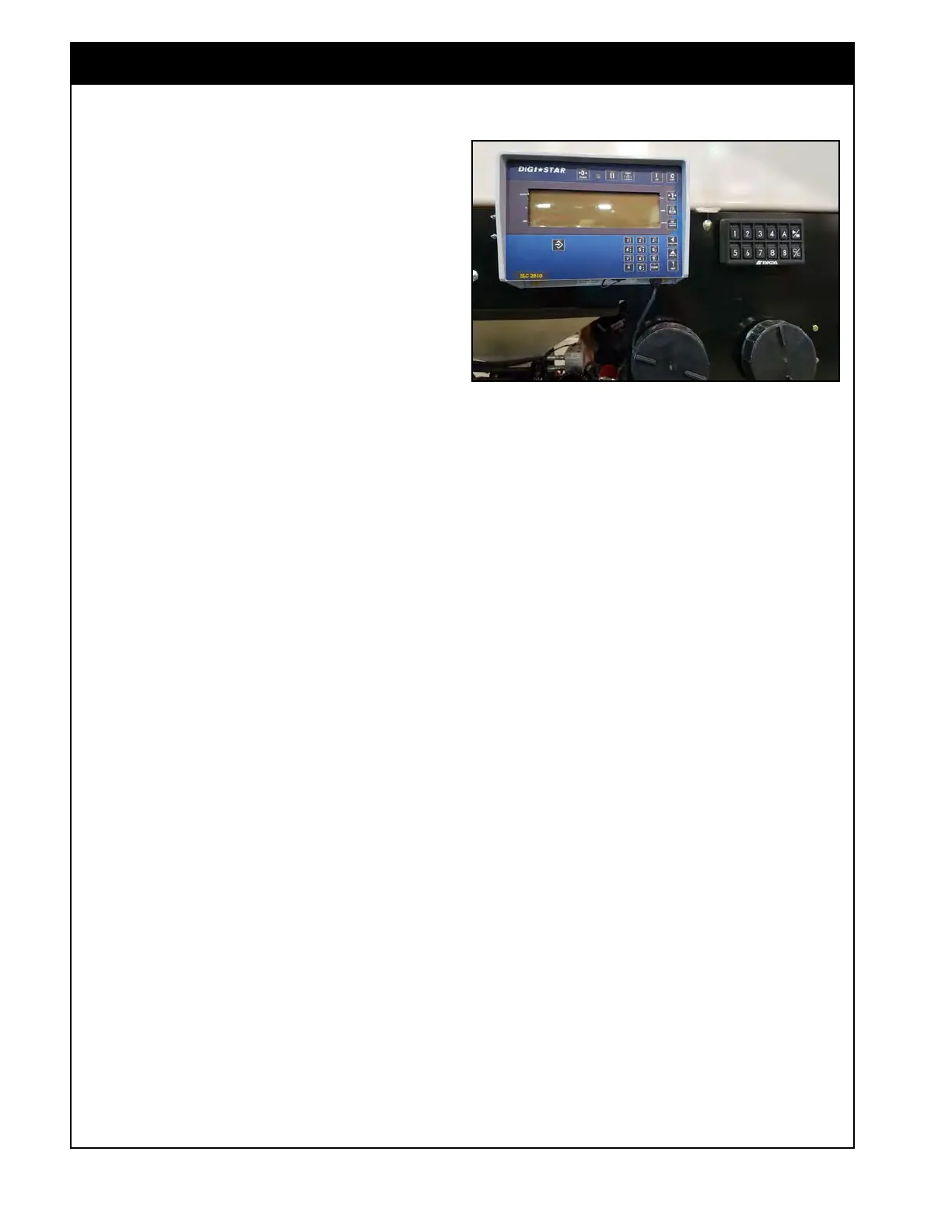
Figure 13.24 - Remote Weights Display
13.5.2 Remote Display SLC2810
(7000 Series)
The Remote Display SLC2810 will display the
load cell weights and can also be used to configure
the Scale Link. Refer Topcon Remote Display
SLC2810 Operator’s Manual for configuring extra
settings/functions.
1. Mode - to be able to switch display between
scale
channels you need to be in the SCALE
mode. Press the Select button until SCALE is
displayed.
2. Scale
Channel Weights -
press the Function
button to switch channel displayed. The channel
and name will flash on the screen briefly before
displaying the weight. Whatever channel is
activated will also be displayed on the Scale
Link SL2140 in the console. This channel will
also be displayed on the handheld remote.
3. Zeroing Scale Channels - the channel that
is displayed can be zeroed by pressing and
holding the Zero button for 3 seconds.



 To Next Page