X35 Monitor System Settings
4.2
4.1 System Menu
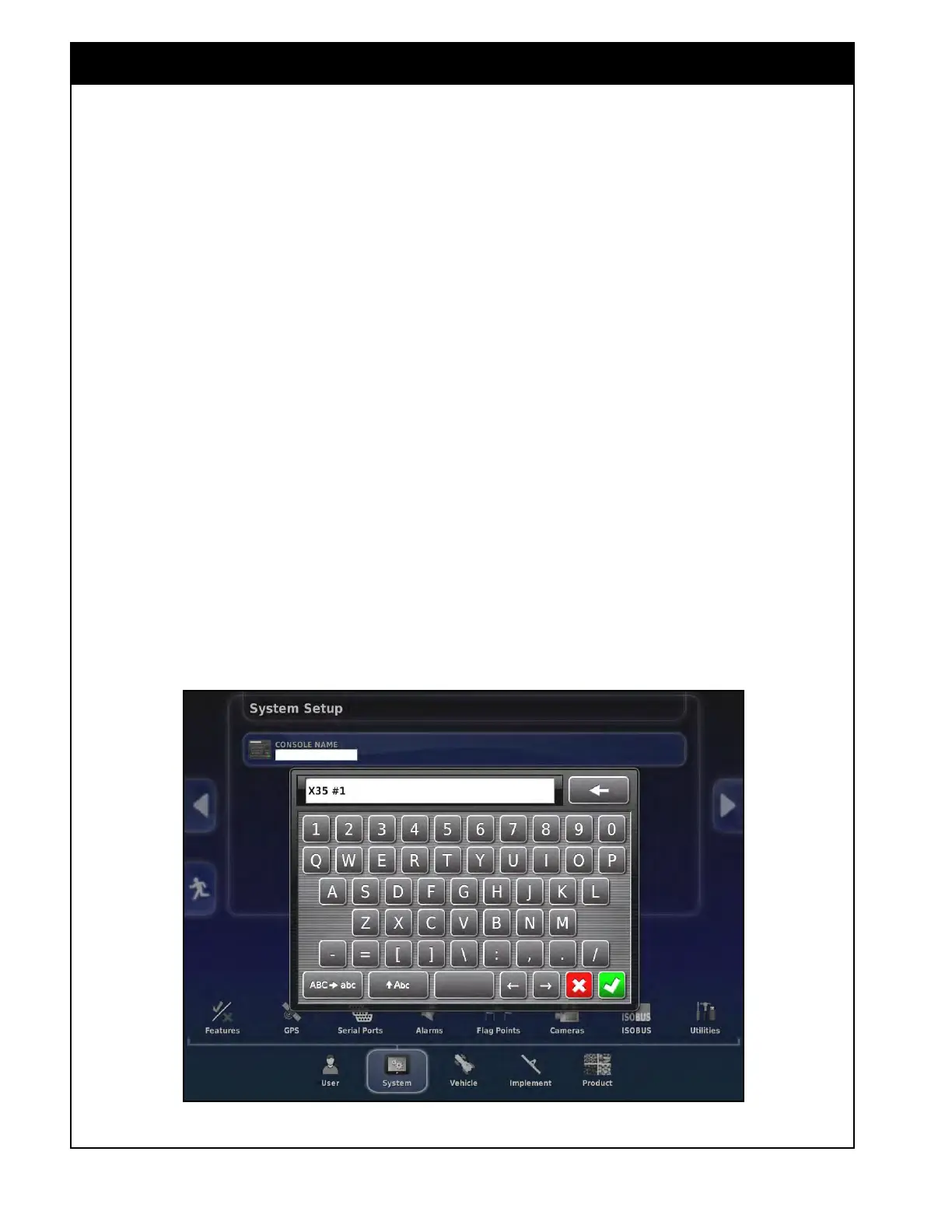
Figure 4.1 - Console Name
This section explains how to set up system
elements such as GPS, auxiliary connections,
alarms and others.
Note
Only features that are registered for the product
purchased can be enabled. Guidance is always
enabled as it is a standard feature.
Select System icon from the main menu to access
system setup menu.
On this first page you can change the name of the
console by selecting the Console Name tab and
using the keypad to enter a new name. When
operating with multiple consoles they should be
named to distinguish them from others for certain
features that connect to the consoles like Xtend.



 To Next Page