X35 Console Field / Job
9.15
9.3.2 Creating a New Job
1. To set up a new job:
a. From the Job/Guidance Toolbar on the
right side of the guidance screen select
to open the Job Menu.
b. Select the
Create New Job icon.
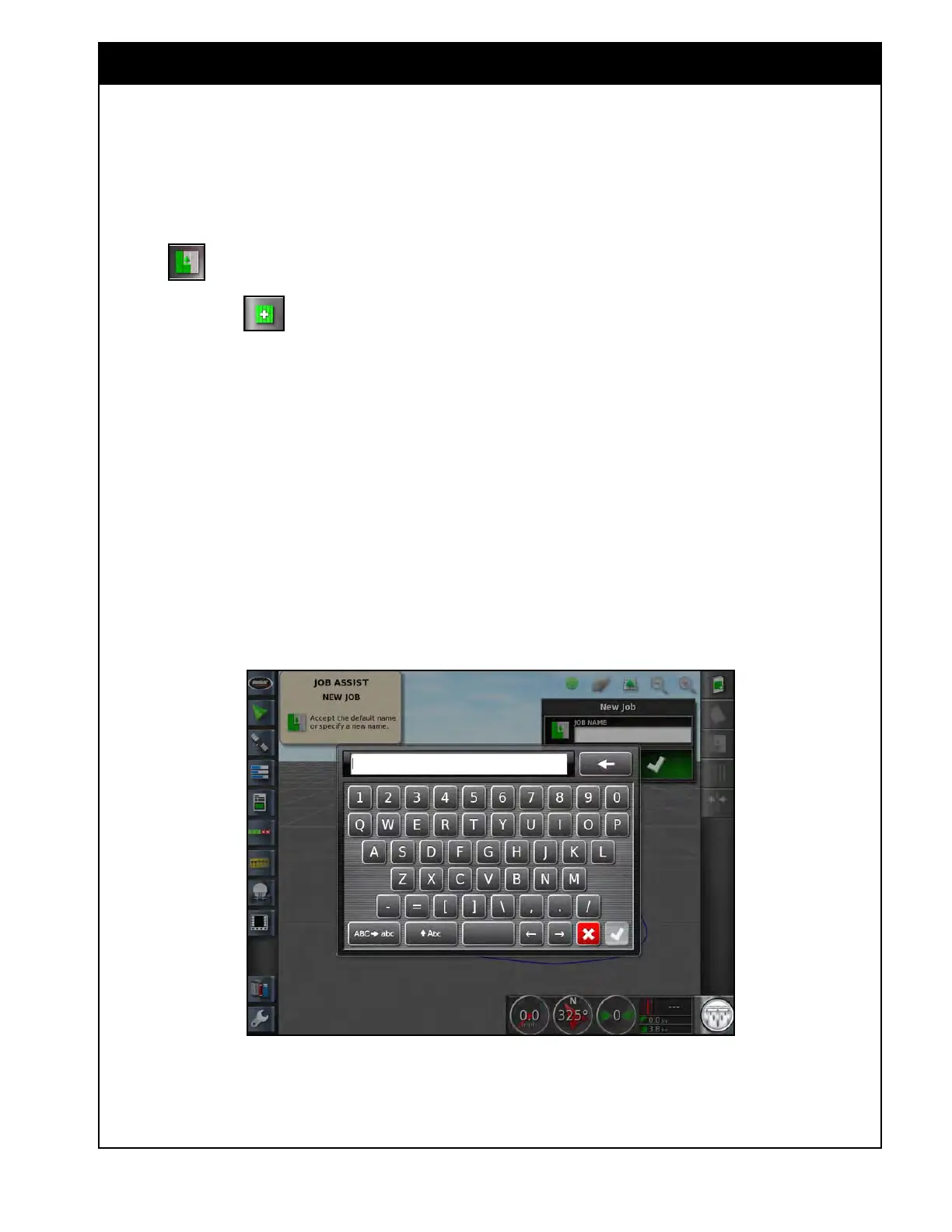
The add a new job window will appear,
refer to Figure 9.23.
c. Select the Job Name button.
d. Enter a name and confirm.
Note
When creating job name, there is no reason to
include field name, as jobs are stored under the
fields. Also, multiple jobs can share the same
name, provided that they are all stored under
different field names.
e. Confirm the new job.
Figure 9.23 - Create New Job



 To Next Page