X35 Monitor System Settings
4.14
2. Baud Rate - refers to the amount of data
transferred per second.
a. The default baud rate is 19200.
Important
The Baud rate depends on the equipment that
the gps data will be transferred to. Refer to the
operator’s manual for that specific device for its
requirements.
b. Choose the correct baud rate from the list
and confirm.
3. Maximum
Rate - refers to the rate that GPS
updates information.
a. The default rate is 5Hz.
b. Choose from the list maximum GPS rates
for the given receiver.
4. Output
Precision - select Low Precision or
High Precision and confirm.
5. VTG
Legacy Mode - supports output for older
NMEA standards.
4.3.3 Radar
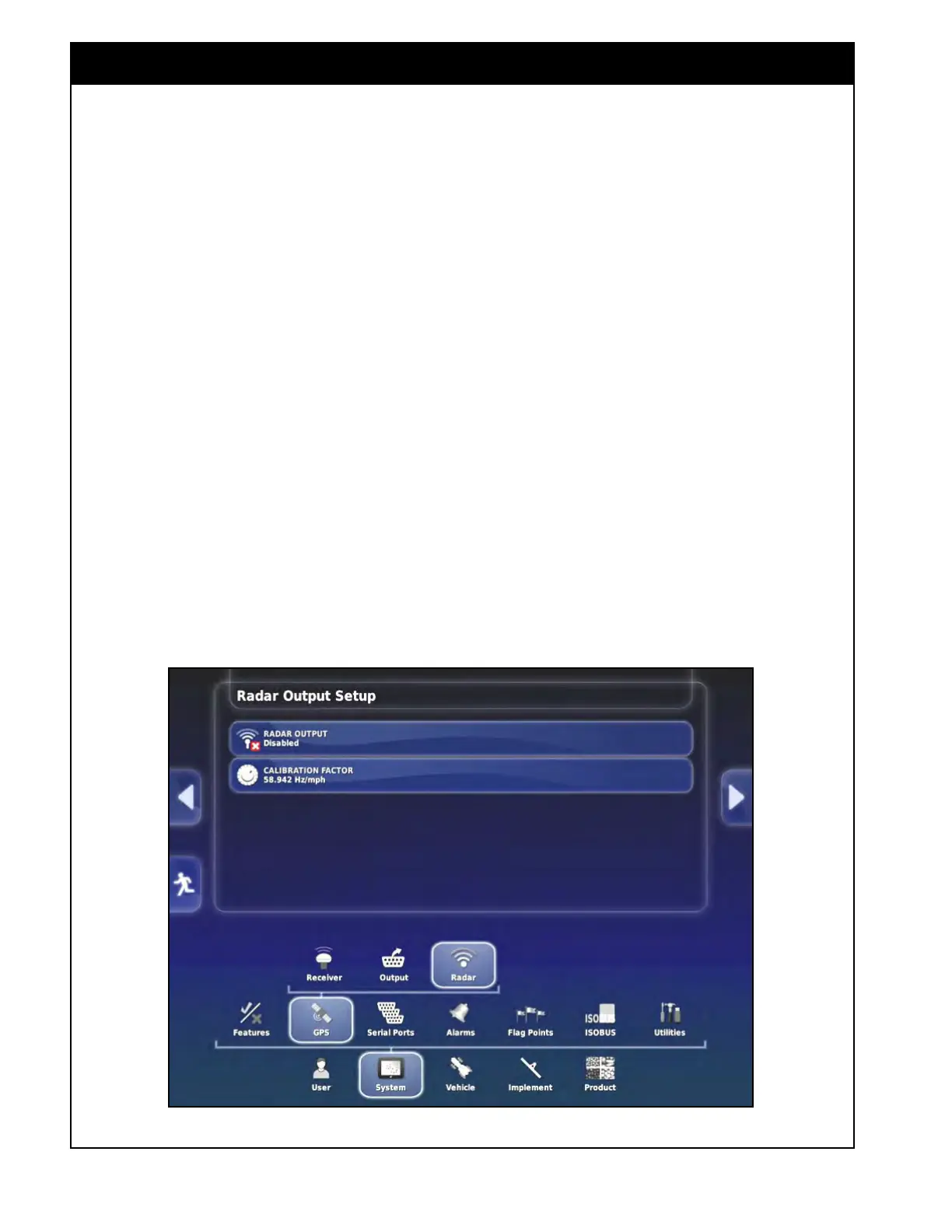
The X35 console can provide radar output to
external devices. To access Radar output settings
select System/GPS/Radar, refer to Figure 4.17.
1. Radar
Output - enables or disables radar
output and then asks to confirm your selection.
2. Calibration
Factor - enters a calibration
factor, refer to your radar equipment manuals
for the correct factor.
Figure 4.17 - Radar Output Settings



 To Next Page