X35 Monitor Air Seeder Setup
6.24
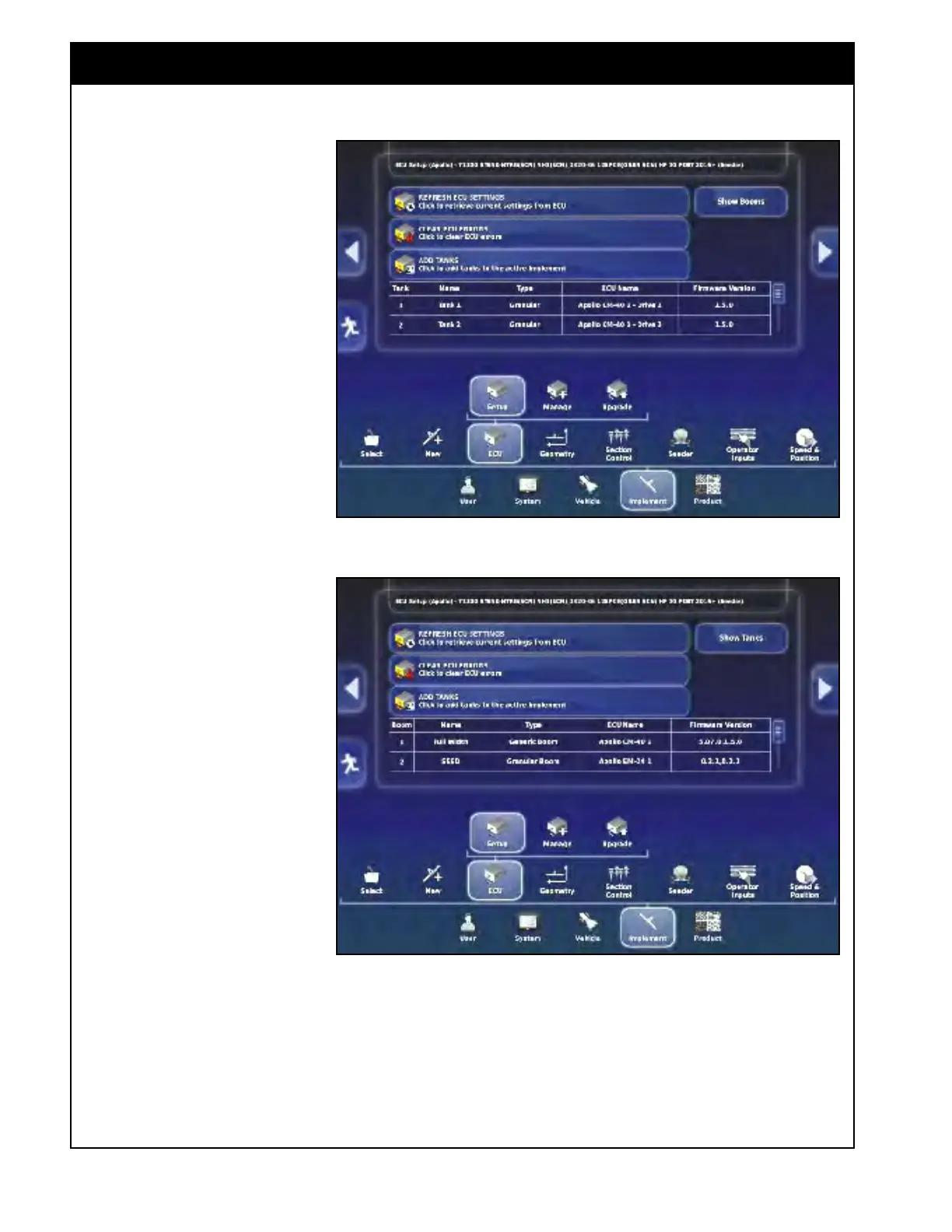
Figure 6.32 - ECU Display - Tank Summary
6.4 ECU
6.4.1 ECU Setup
After creating a new implement
profile or changing implements,
the new implement will be loaded
and the ECU Display window
will be displayed.
This window displays a summary
of all tanks, the type of each tank
(granular, liquid or NH3), ECU
and the drive channel for each
tank, as well as ECU firmware
version. Refer to Figure 6.32.
Selecting the
"Show Booms:
button will display the boom
summary. Refer to Figure 6.33.
Most of
the air seeder related
settings will be loaded from the
profile.
1. Refr
esh the ECU Settings
- this
will synchronize the
connected ECUs. Note, this
procedure may take a few
minutes.
2. Clear ECU Errors - this will
clear
the previous ECU errors.
a. When ECU errors occur,
alarm messages will be
displayed. After the
issues are resolved, select
this button to clear the
memory to avoid the
previous error messages
from returning.
Figure 6.33 - ECU Display - Boom Summary



 To Next Page