X35 Monitor Air Seeder Setup
6.23
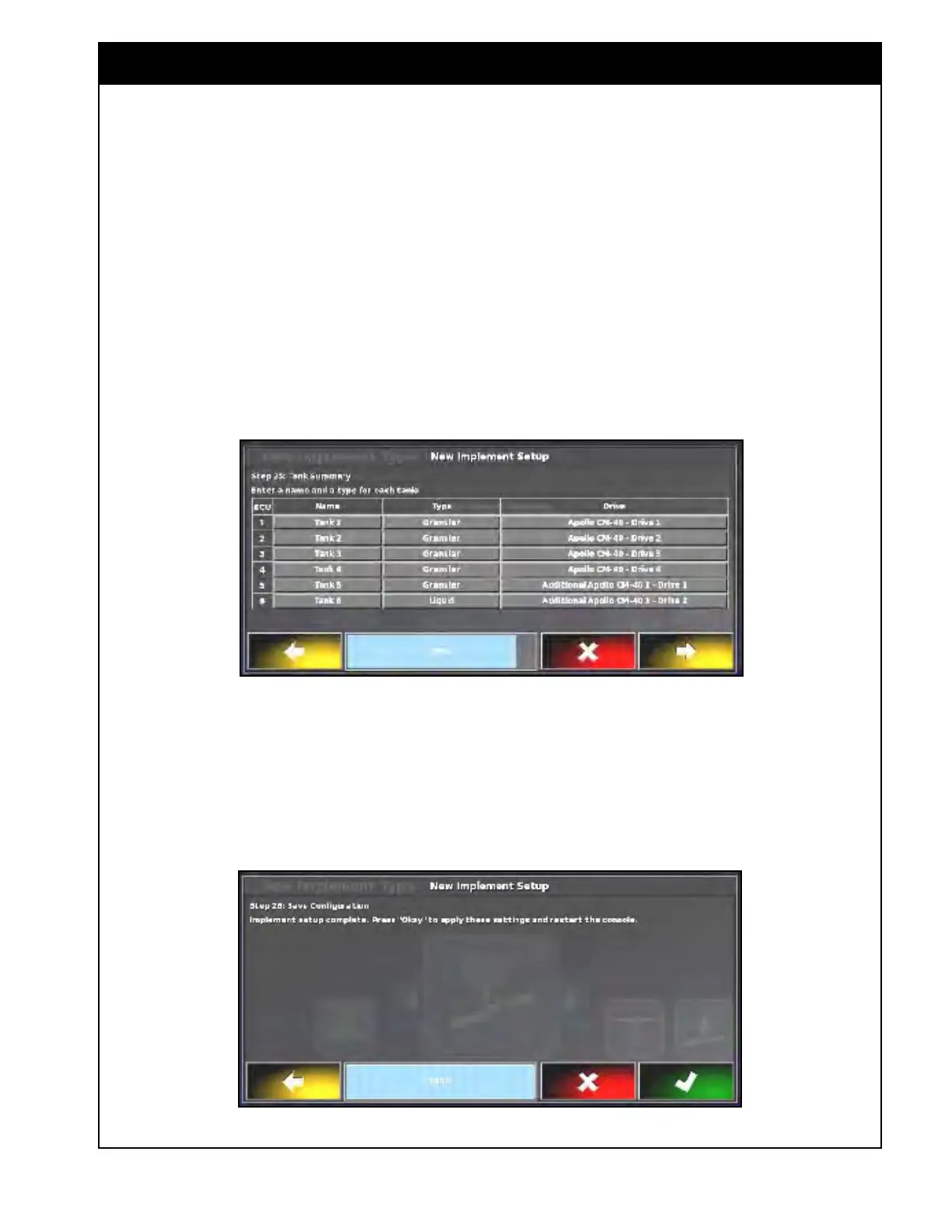
c. Assign the ECU drive for each tank.
i. The first 4 tanks are controlled by
the Apollo CM-40 1, and others are
controlled by the Apollo CM-40 2.
d. "No Drive" should be selected for the
tank(s) where there is no metering auger
installed. The status button will not
be available for this tank in the tank
setup screen (refer to Section 6.7.1.1.2 -
Individual T
ank Setup).
Figure 6.30 - Tank Summary - Example
Figure 6.31 - Custom Implement Profile Complete
13. The custom profile setup is now complete.
Confirm to apply settings and restart the X35
console.
e. Figure 6.30 demonstrates an example of
the air
seeder with 6 granular tanks, where
tank 6 is a liquid tank.
Important
In order for all the tanks to be controlled properly
through the monitor and tank switches, ensure the
drives correspond to the correct tanks and that
the physical harnessing matches those tanks.



 To Next Page