X35 Monitor Air Seeder Setup
6.22
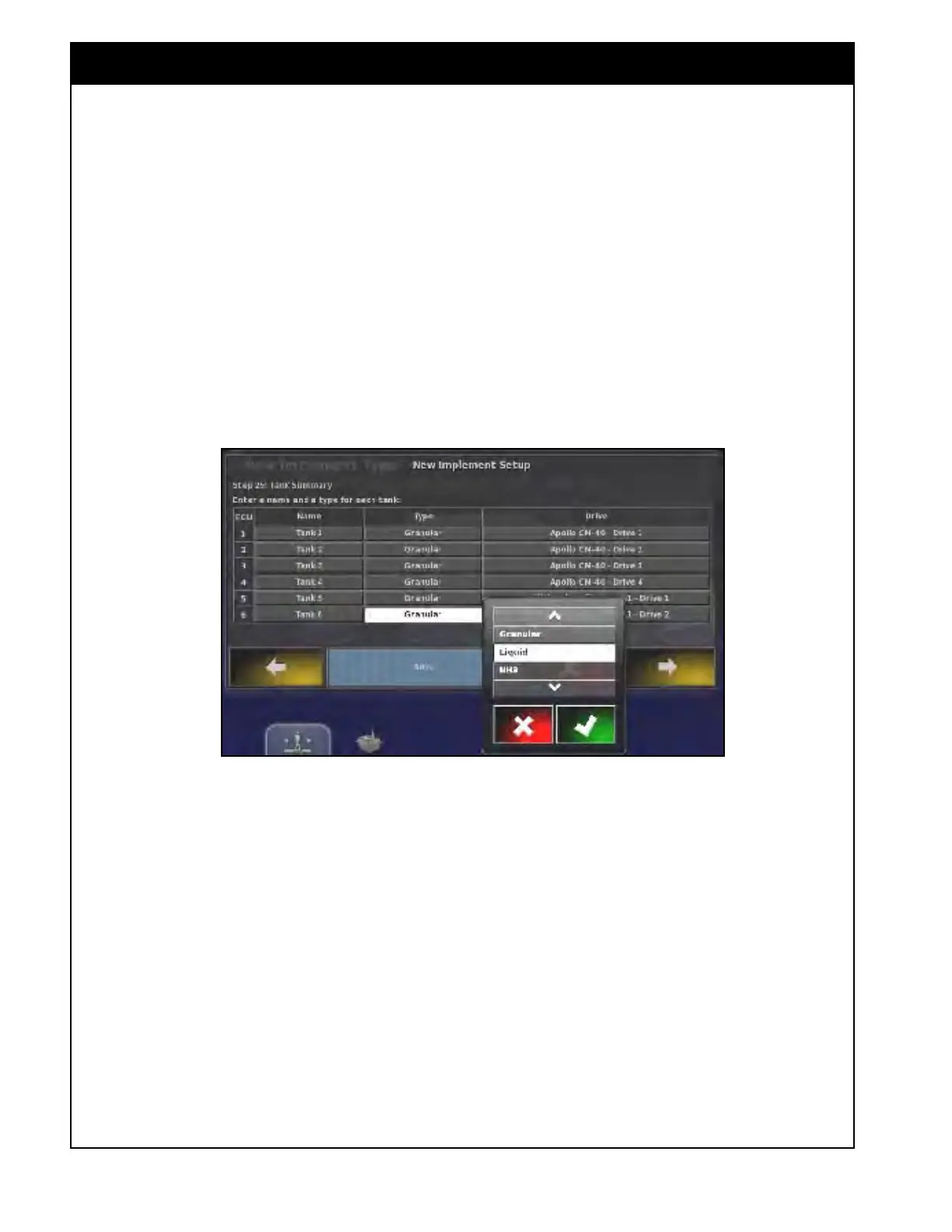
12. Tank Summary - shows a list of tanks, the
product type for each tank and the assigned
ECU channel will be displayed. You can
perform following functions:
a. Rename tank(s);
b. Change the product type for the tank from
Granular (assigned by default) to liquid or
NH3. Refer to Figure 6.29.
Important
If using liquid or NH3 ensure that tank type is
changed.
Figure 6.29 - Changing Tank Type



 To Next Page