X35 Console Vehicle Setup
5.3
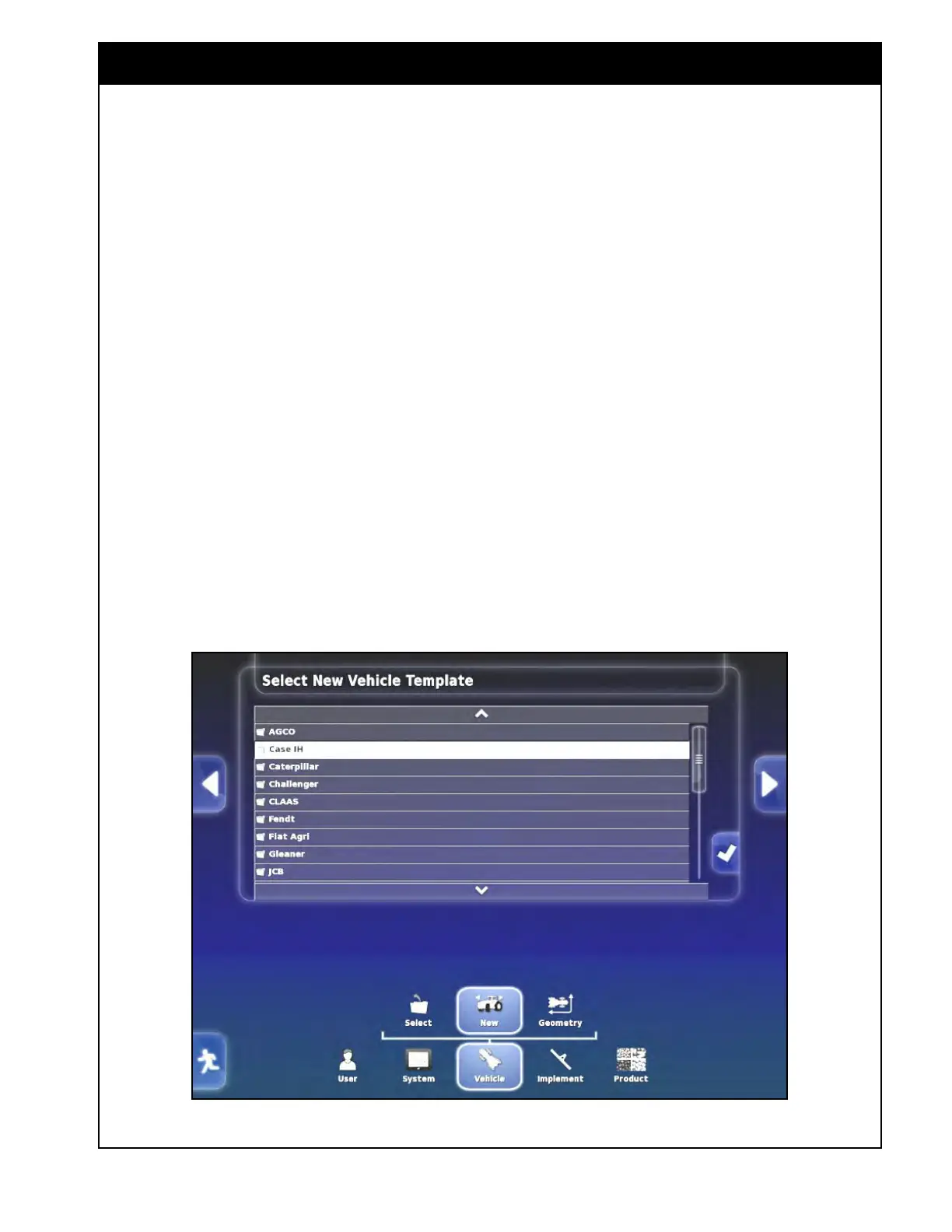
Figure 5.2 - New Vehicle Setup
5.3 Setting Up a New Vehicle
To setup a new vehicle select Vehicle/New.
Refer to Figure 5.2.
A
list with vehicle manufacturers will appear. Use
the up/down arrows or scroll bar to see all the
options.
If
you find the make for your vehicle, or can
choose one that is most like the vehicle being
used, proceed to Step 1, otherwise proceed to Step
2.



 To Next Page