X35 ConsoleOverview
2.8
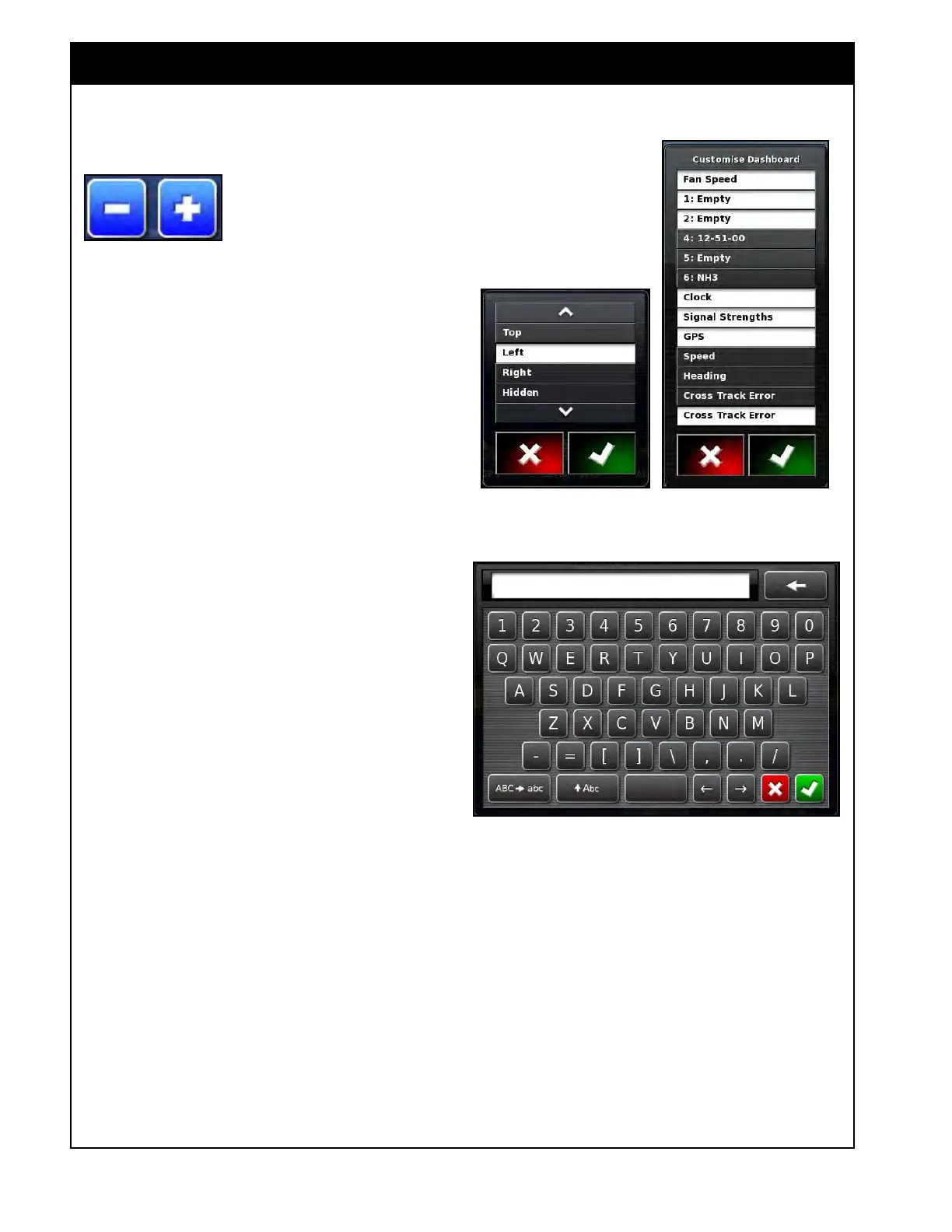
Figure 2.12 - QWERTY Keyboard
4. Increase/Decrease Buttons
These buttons will appear
when it is required to change
or enter a numeric value.
The value will change by
preset increments. The
increments will vary depending on the parameter
being adjusted. These buttons can be used in
conjunction with numeric keypad.
5. Selection
List
Selection lists are used where multiple choice
selections are provided. For example selecting
language, metering auger type or selecting items
for the dashboard, refer to Figure 2.11.
a.
Use the up and down arrows to navigate
through the list. With extensive lists
a scroll bar may appear to allow fast
scrolling.
b.
Selection of an item(s) is done by touching
it.
c.
A selected item(s) will have a white
background.
6. QWER
TY Keyboard
Refer to Figure 2.12.
When
it is required to enter text, for example
when entering a tank or implement name. A
QWERTY keyboard will appear.
a. You can enter text using upper and lower
case letters.
b. You can use the backspace to delete the
last symbol.
Figure 2.11 - Selection List Examples



 To Next Page