X35 ConsoleProduct Setup
7.4
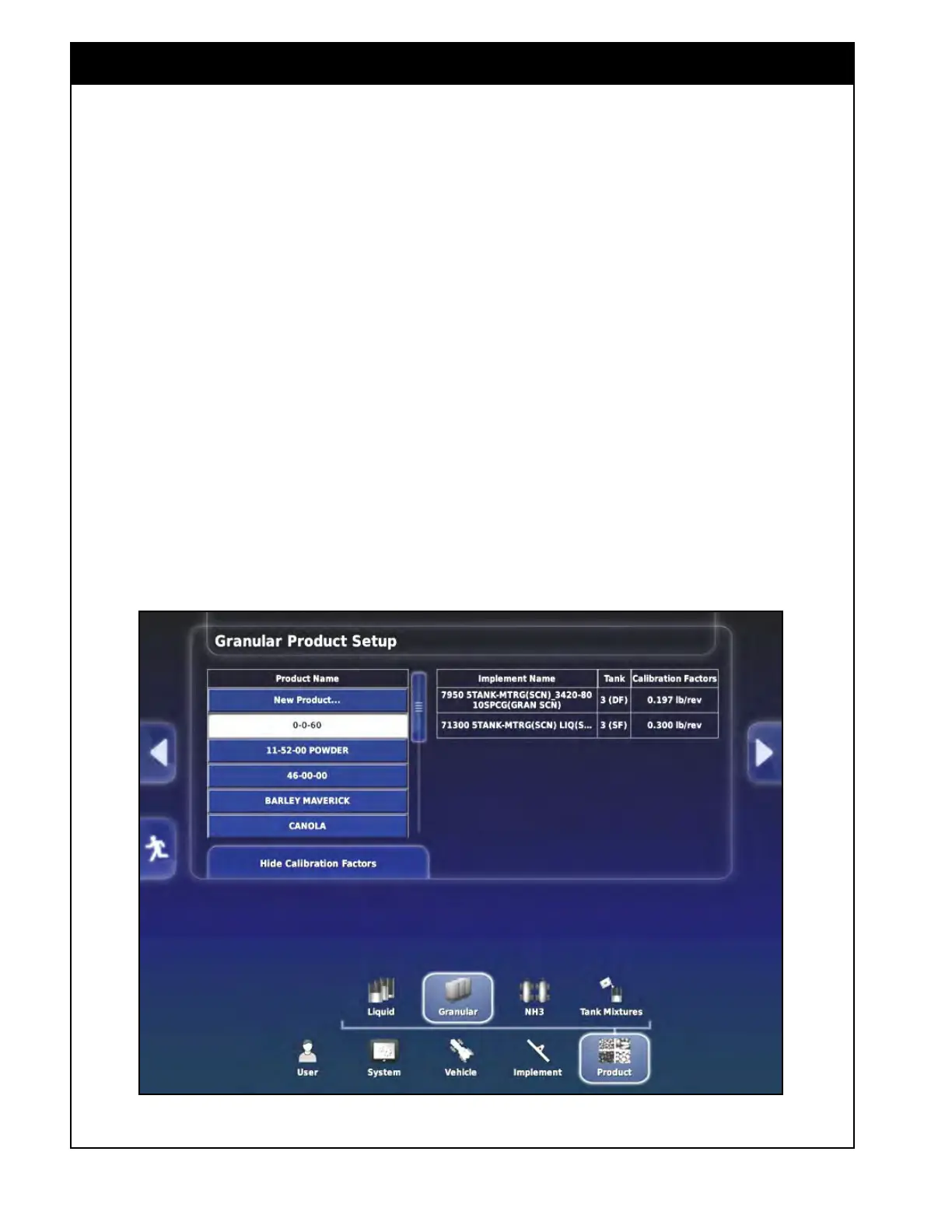
4. Refer to Figure 7.4. To see the calibration
factor:
a. First, select a product from the list on
the left (selected product will have white
background).
b.
Next, select the "Show Calibration Factors"
button.
i.
A table with the calibration factors
will be displayed on the right side of
the screen,
Figure 7.4 - Calibration Factors
The X35 console will save and display calibration
factors for each implement and tank that product
has been calibrated in, along with the flighting that
was entered for that tank.
There are two ways to add a new product to your
custom list:
1. Using a Bourgault product template list. This
is a preferred method.
or;
2.
Adding a custom product without a template.



 To Next Page