X35 ConsoleProduct Setup
7.6
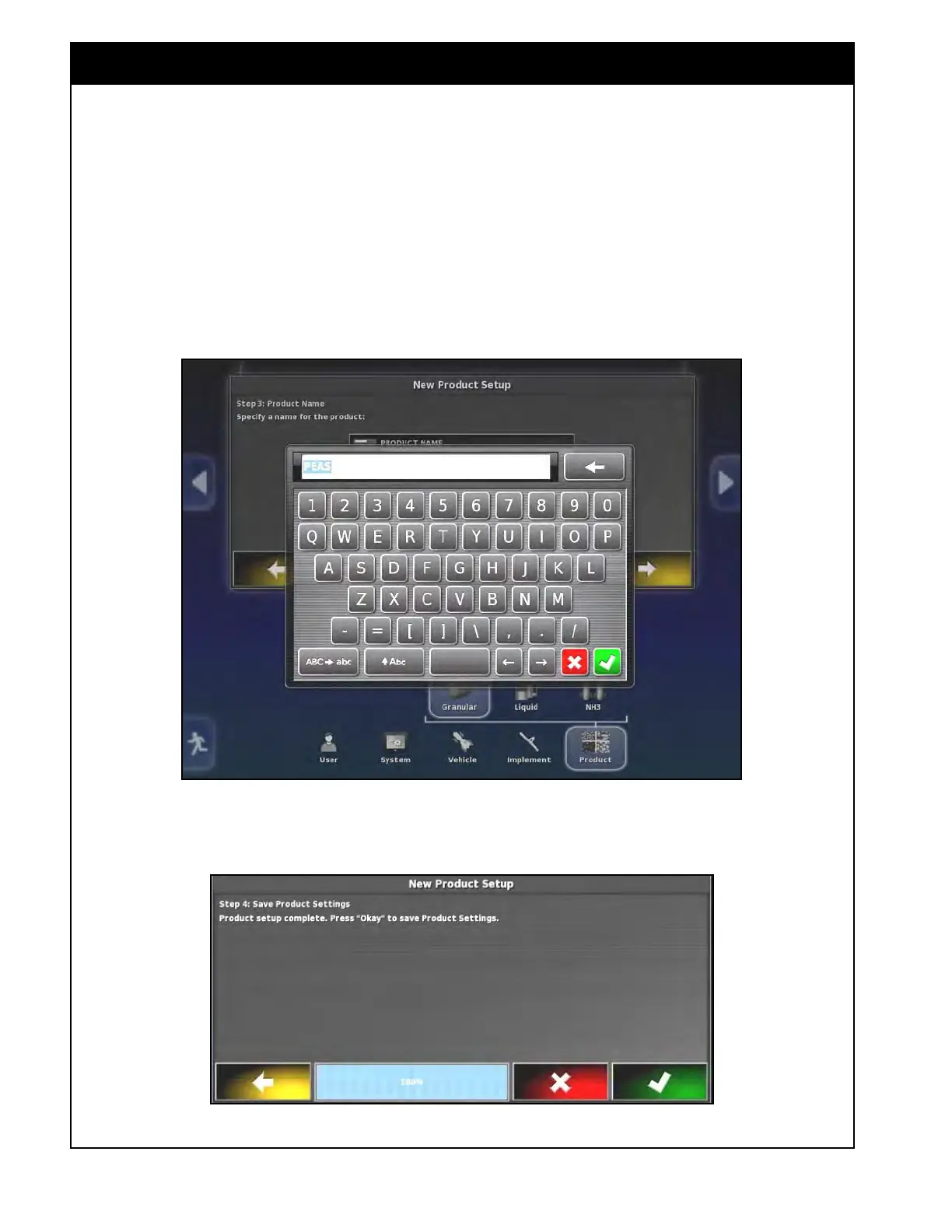
4. Refer to Figure 7.7. If desired, you can
change the product name.
a. Select the Product Name button and a
keyboard screen will appear.
b. Enter the product name and confirm.
c. Select the yellow arrow to proceed to the
next step.
Figure 7.7 - Entering Product Name
5. The product setup is complete and the next
screen will prompt you to save product settings
or cancel it, refer to Figure 7.8.
Figure 7.8 - Product Setup Complete



 To Next Page