2.2 Connecting Equipment
2-5
2
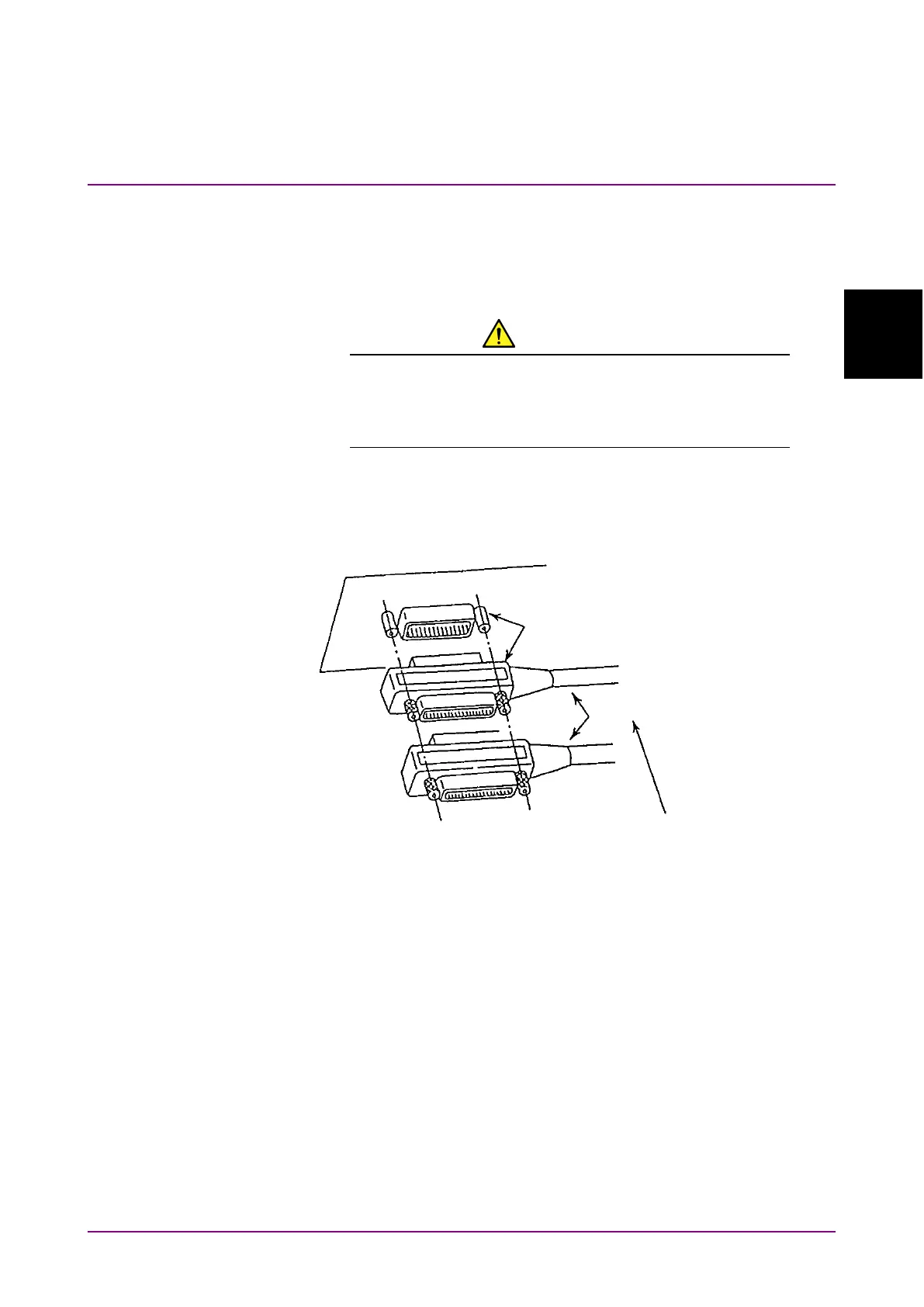
2.2.2 Connecting GPIB
Connect the GPIB connector on the rear panel of the MS9740A and an
external device using a GPIB cable.
CAUTION
Be sure to connect the GPIB cable before turning power
on the MS9740A. Connecting it while the power is on may
damage internal circuits.
Up to 15 devices, including the external controller (PC), can be connected
to one MS9740A unit. Be sure to abide by the conditions shown below
when connecting devices.
Figure 2.2.2-1 GPIB Cable Connection 1
Connect cables without forming loops.
Total cable length: Up to 20 m
Cable length between devices: Up to 4 m
Number of devices that can be connected: Up to 15














 To Next Page