2.4 Checking Connection
2-15
2
2.4 Checking Connection
Check that the link between the PC and MS9740A has been established.
When using Ethernet:
1. Click
Programs at the Windows Start menu.
2. Click
Accessories.
3. Click
Command Prompt.
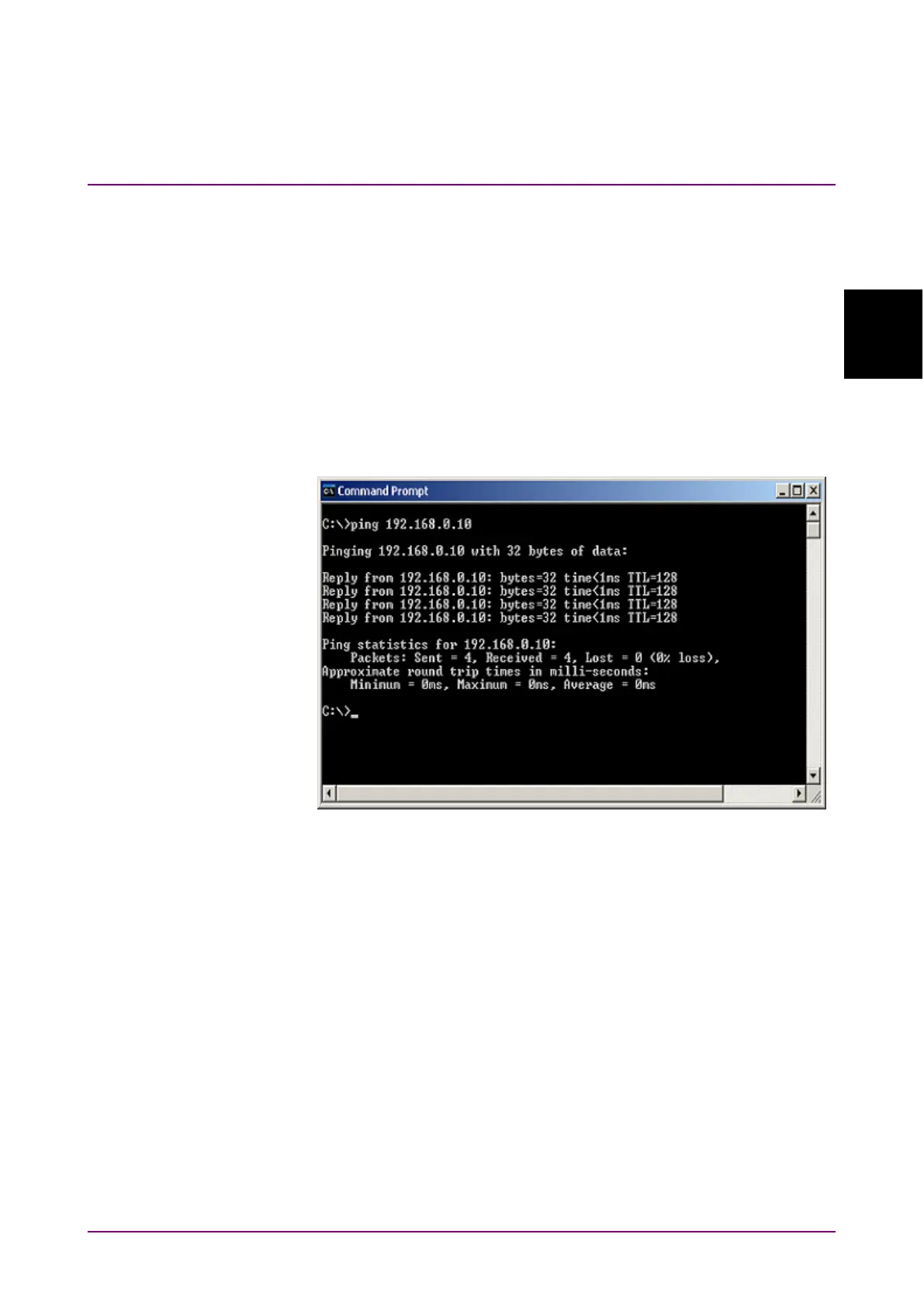
4. Input ping and the MS9740A IP address at the command prompt
screen.
Figure 2.4-1 shows how to set the IP address to 192.168.0.10.
Figure 2.4-1 Example of Ping Command
5. If “Request timed out” message is displayed, the link between the
PC and MS9740A has not been connected properly. Check that IP
address is correct and cable is connected properly.
When using GPIB
1. Install the software supplied with the GPIB interface.
2. Start the software.
For the software operation method, refer to the GPIB interface
operation manual.
3. Confirm that the address for the displayed instrument is the same
as the GPIB address set on the MS9740A.














 To Next Page