Chapter 2 Before Use
2-8
Connect a keyboard to the MS9740A, when changing the IP address.
For Windows Embedded Standard 2009
1. Press the Windows key on the connected keyboard.
2. Click
Control Panel.
3. The Control Panel window is displayed, and then double-click
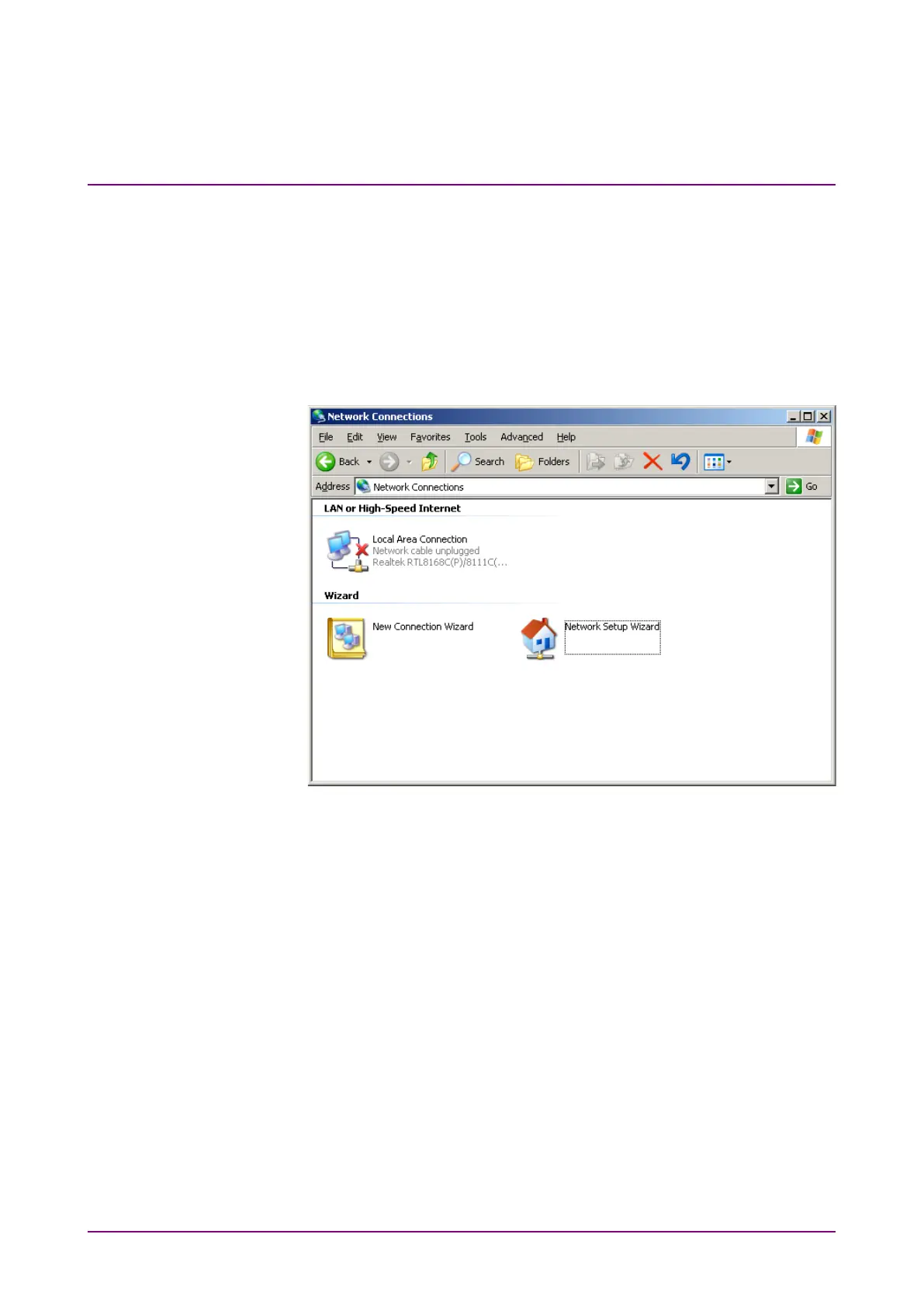
Network Connections.
4. Right-click
Local Area Connection, and then click Properties.
Figure 2.3.1-2 Network Connections Window














 To Next Page