2.7 Controlling Message Sync
2-27
2
:INITiate:IMMediate:SEQuence[1|2]
:INSTrument:SELect
However, if the next message is sent before the previous asynchronous
message processing is completed, the message is discarded and the
correct measurement conditions will not be obtained.
The following program message executes the single measurement,
detects the peak level and its wavelength, and read its wavelength.
:INIT; :CALC:MARKer1:MAX; :CALC:MARK1:Y?
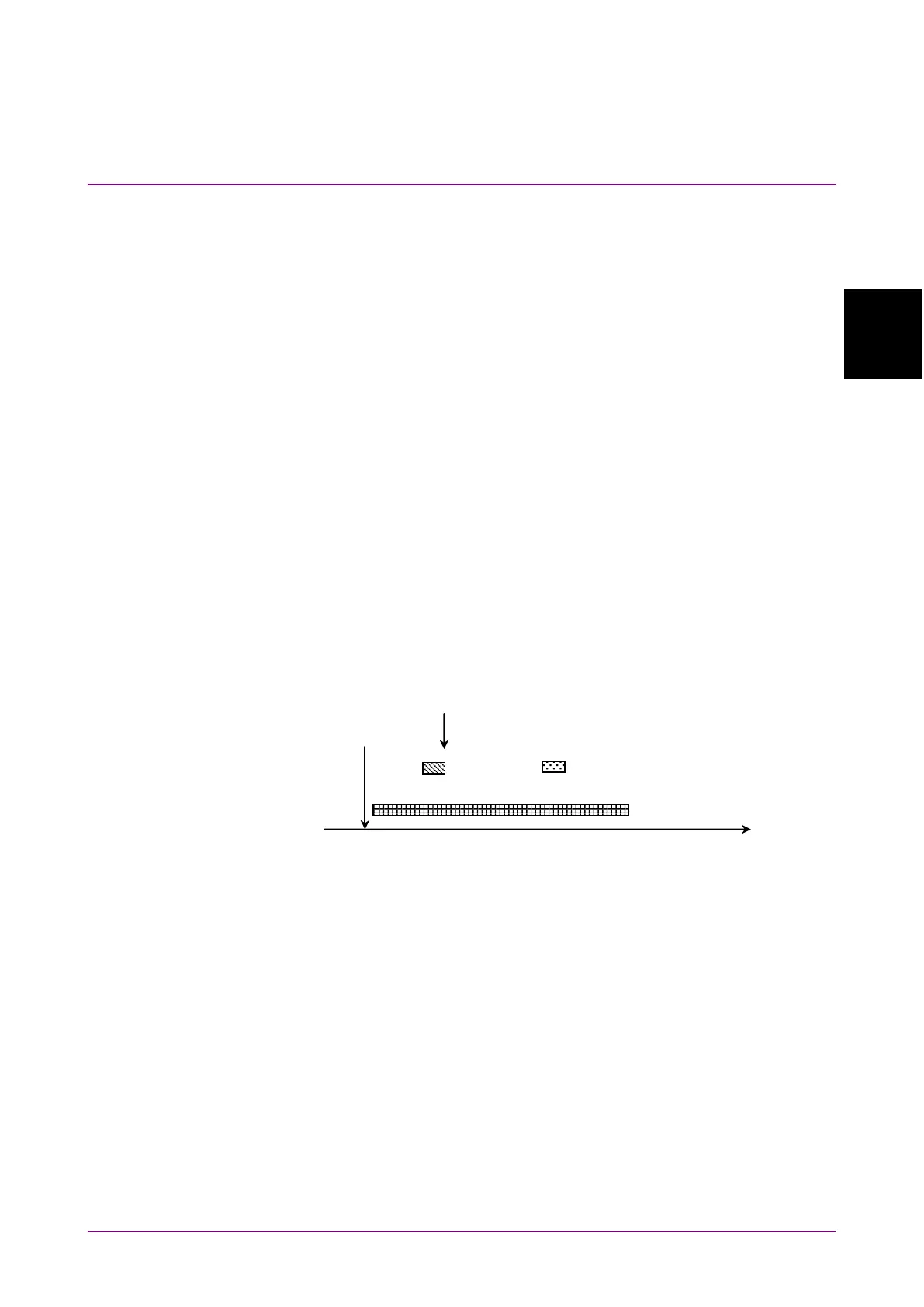
Figure 2.7-1 shows the message execution sequence when this message is
sent to the MS9740A. After executing
:INIT
, sweeping starts. As the
peak search is executed during sweeping,
:CALC:MARKer1:MAX
is
executed as well. The read peak level and wavelength during sweeping
are sometimes different from those after sweeping.
Figure 2.7-1 Message Processing Order
The control for processing the next command after completing processing
of the message sent first is called sync control.
Sync control is performed by the following methods.
•
Using
*WAI
command
•
Using
*OPC?
query
•
Using
*OPC
command and
*ESR?
query
•
By querying execution end
•
Using
ESR2?
query
The
*WAI
command,
*OPC?
query, *OPC command, and
*ESR?
query can
be used for all messages.
Peak search detection
Save to marker data output queue
Peak detected at this time point














 To Next Page