3.3 Message Function Category
3-23
3
3.3.2 System Management and Measurement Commands
The device messages used by this model are divided into system
management commands, measurement commands, and neutral
commands that can be used anytime.
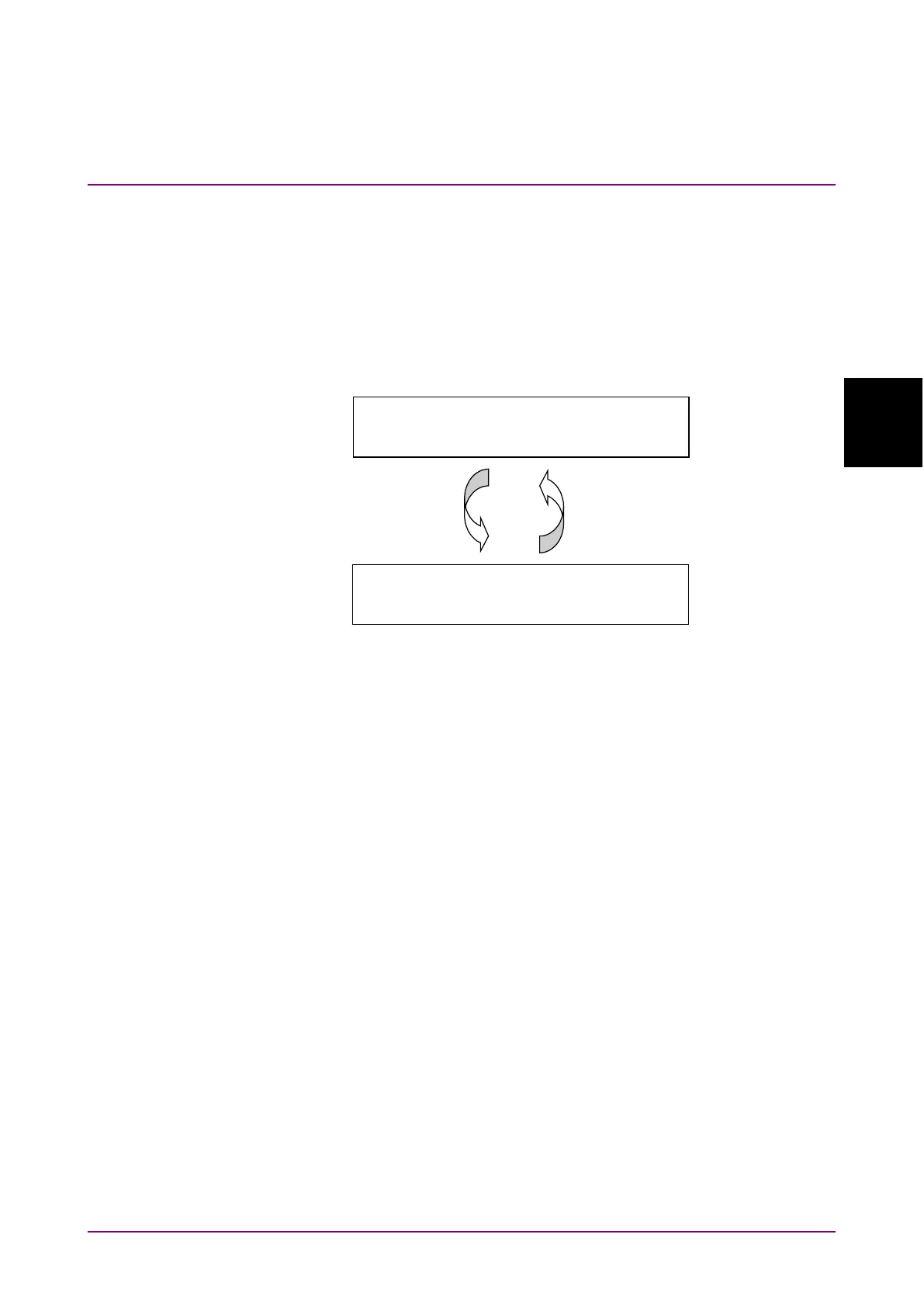
This machine has a system management mode and a measurement mode.
The mode must be switched (
:DISPlay:WINDow:SYSTem
command) for
to the type of command to use
System management
mode (CONFIG)
:DISPlay:WINDow:SYSTem
CONFIG,ACT
(Move to system management mode)
:DISPlay:WINDow:SYSTem
OSA,ACT
(Move to measurement mode)
Executable system
management command
Executable measurement
command
Figure 3.3.2-1 Switching System Status
System Management Command
System management commands are the device messages corresponding
to the operations set at the
F6 Config
screen
.
There are commands for
the following operations. These commands are listed in Table 3.3.2-2.
•
Listing, saving, copying, deleting, moving and protecting of files
•
Reading software version and option information
•
Setting communications interface and buzzer
To use system management commands,
send
:DISPlay:WINDow:SYSTem CONFIG,ACT
. Measurement commands
cannot be used during this time.
Measurement Commands
Measurement commands are the device messages for the measurement
functions of the optical spectrum analyzer. Measurement commands are
commands not listed in Table 3.3.2-1 and Table 3.3.2-2.
To use measurement commands, send
:DISPlay:WINDow:SYSTem
OSA,ACT
. System management commands cannot be used during this
time.














 To Next Page