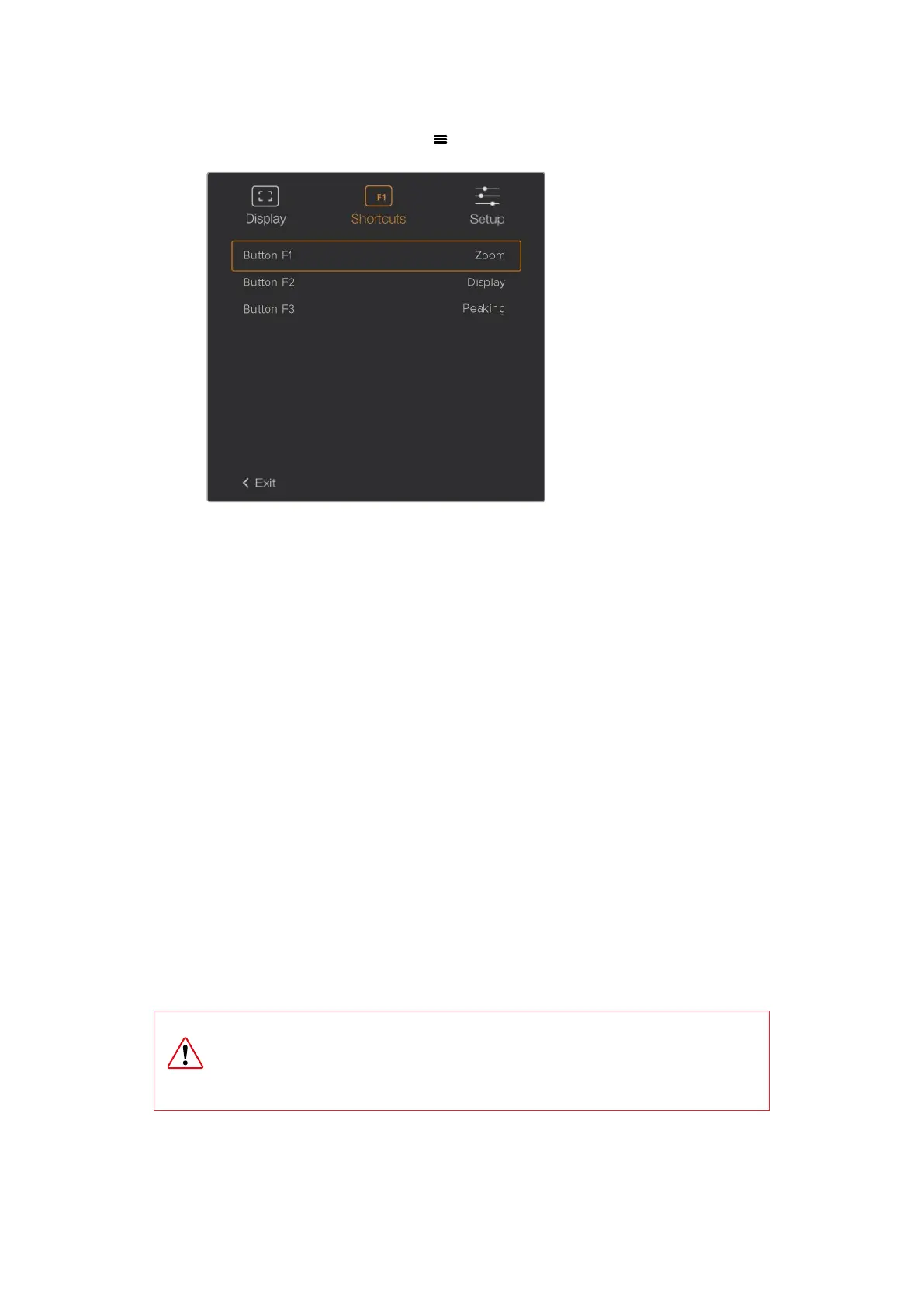
3 Scroll to ‘exit’ and press the ‘menu’ button to close the menu display view.
The ‘shortcuts’ settings in URSA Viewfinder.
Setup
The ‘setup’ menu provides the following features:
Brightness Adjustment
Allows adjustments for the brightness of the display with range -10 to +10.
Tally Brightness
Allows adjustments of tally LED brightness.
Focus Chart
Your Blackmagic URSA Viewfinder has a built in focus chart so you can focus the
eye piece to suit your eyes. Simply turn the focus diopter on the eyepiece until the
chart is in perfect focus. Pressing any button on your viewfinder will close the focus
chart display.
IR Sensor
The IR Sensor on your viewfinder automatically detects when you are near the eyepiece and
turns on the OLED display. If you are away from the viewfinder for over twenty seconds in
'standby' mode, display turns off to conserve power and to extend the life of the OLED display.
While recording, the timeout sensor is extended to 5 minutes, at which point the OLED display
will be slowly dimmed. Any movement in front of the eyepiece will reset this timer. the
viewfinder will detect when you look into the viewfinder eyepiece, pressing any button on the
viewfinder will also turn the display back on.
Deliberately blocking or covering the IR sensor could cause the viewfinder’s
display to remain powered for prolonged periods of time. This could decrease the
lifespan of the display and cause image retention if high contrast images or frame
guides are displayed on the viewfinder.
46Blackmagic URSA Viewfinder













 To Next Page