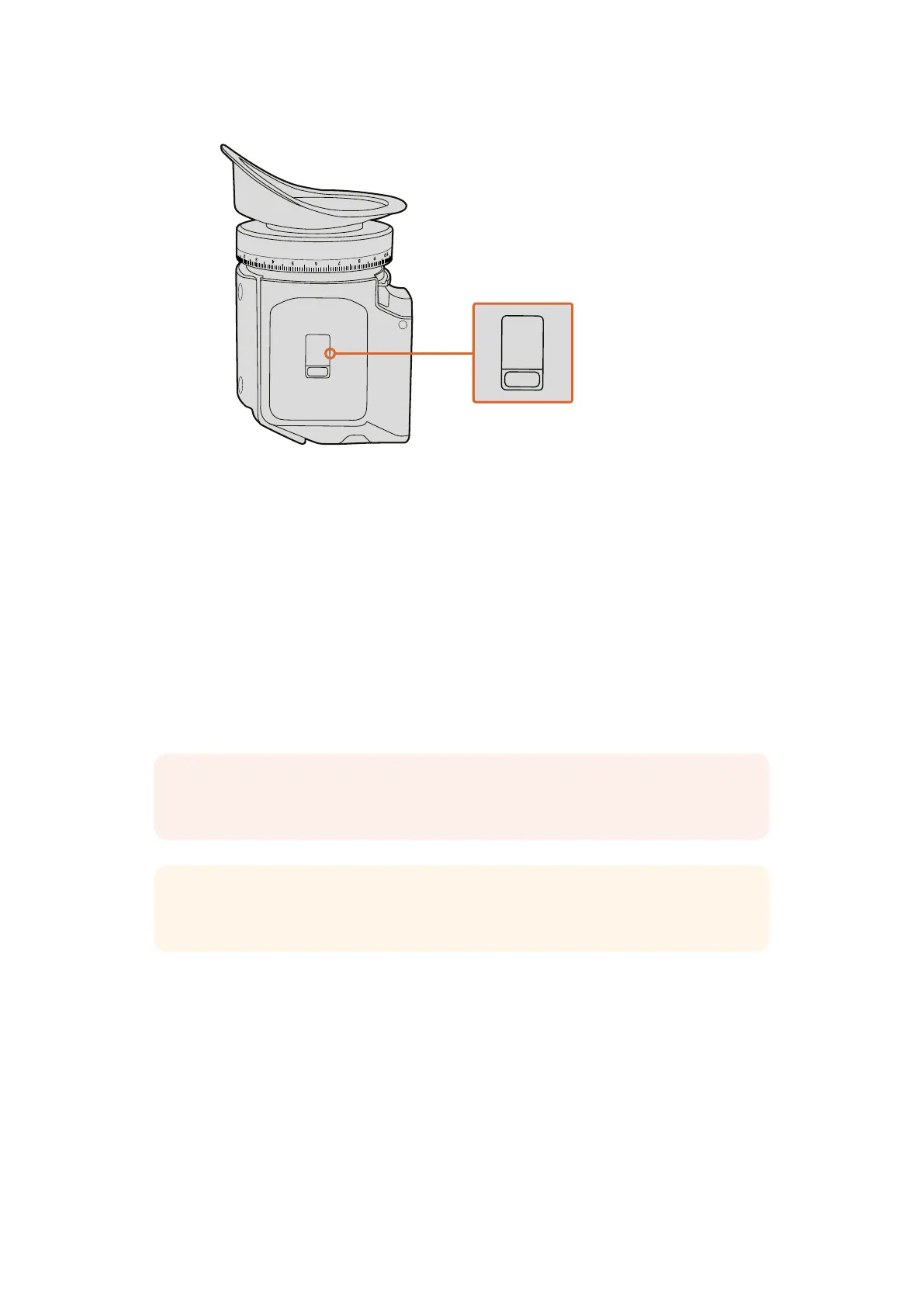
The IR sensor is located at the
bottom of the URSA Viewfinder.
Updating URSA Viewfinder’s Internal Software
Update your viewfinder using the Blackmagic Camera Setup utility software. The viewfinder
will need to be powered when updating, so we recommend keeping the viewfinder connected
to your URSA during the update process. This also means your URSA will need to supply
consistent power, so be sure to plug into external power.
Connect your computer to the small USB connection located at the front of your viewfinder,
near the eyepiece. When Blackmagic Camera Utility is launched and your viewfinder is
connected to your computer, you will be prompted to update if your computer detects that your
viewfinder is using an older version. Follow the on screen prompts to update your viewfinder’s
internal software.
NOTE Refer to the ‘Blackmagic Camera Setup Utility’ section in this manual for
moreinformation.
TIP We recommend updating all your Blackmagic URSA equipment at the same time
for optimized performance
47Blackmagic URSA Viewfinder












 To Next Page