CAPINTEC, INC. CAPTUS
®
4000e
November 16 THYROID UPTAKE 7-27
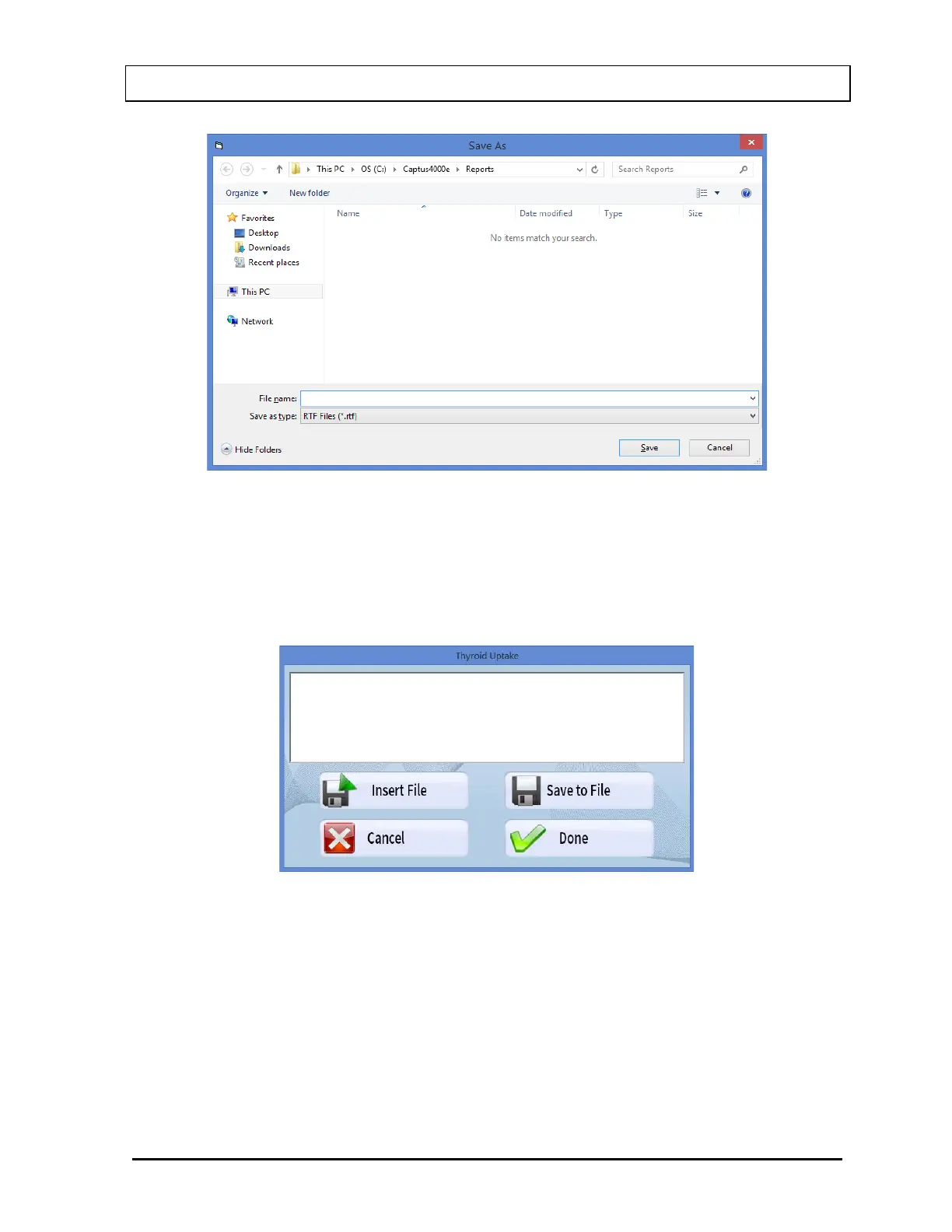
Figure 7-28
5. To print the report, select the Print button or press Alt+P.
6. To add comments to the report, select the Enter Comment button or press Alt+C. The
Comment window appears as shown in Figure 7-29. Refer to CHAPTER 3: GENERAL
OPERATING INSTRUCTIONS; SECTION: ADD COMMENTS SCREEN.
Figure 7-29
7. To view a graph of calculated uptake percentage vs. uptake time, select the Display
Graph button or press Alt+G. The window appears as shown in Figure 7-30. Select the
Exit button or press Alt+E to return to the Report screen.



 To Next Page