CAPINTEC, INC. CAPTUS
®
4000e
9-28 ABSORBED DOSE ALERT August 15
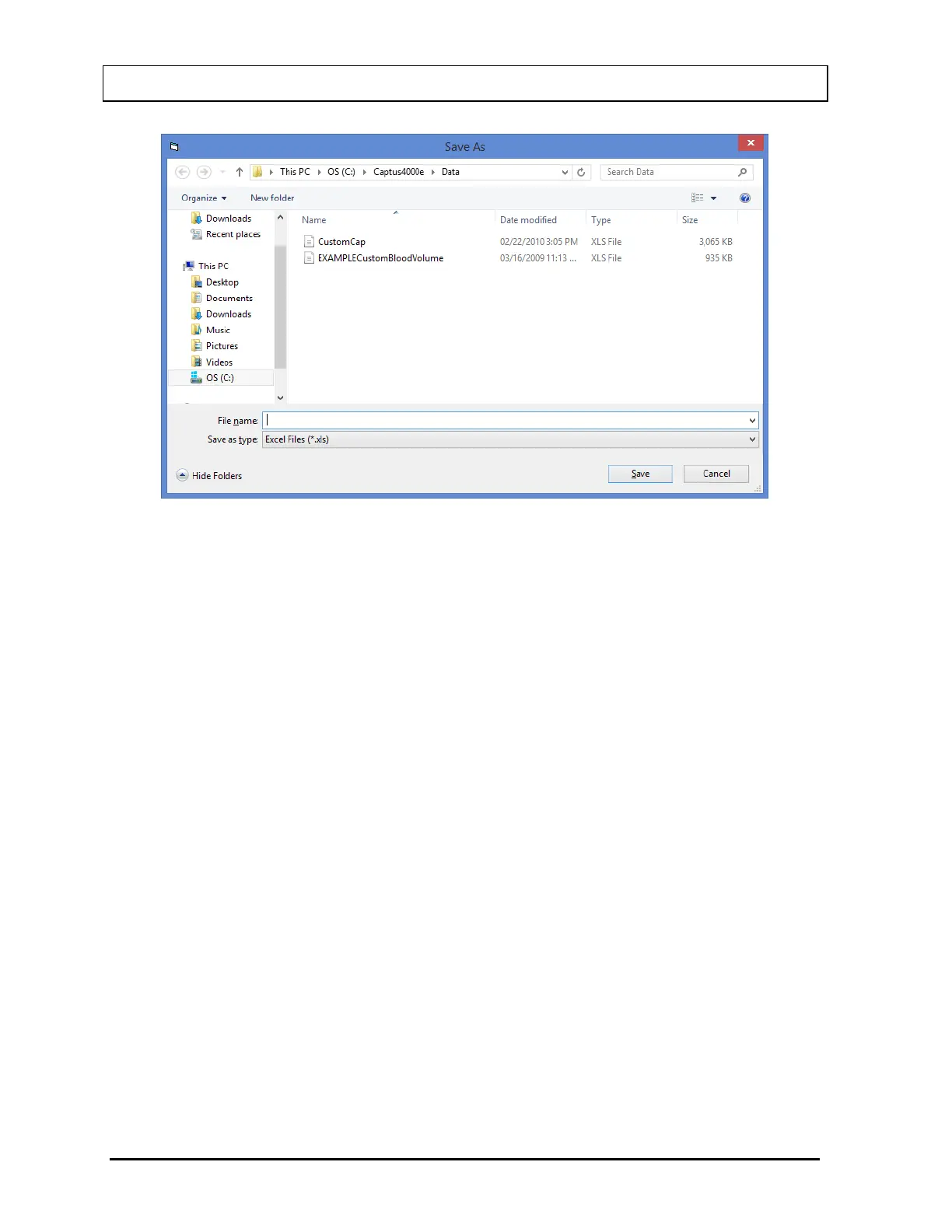
Figure 9-36 Selecting Excel File
Input a file name and select the Save button. You can then open the file in Excel and
see the same data as in the summary presented in a spreadsheet.
4. The pointer can be used to select one or more contiguous records. Once selected, the
Export Selected button will become enabled.
5. Select the Export Selected button to export the highlighted selection to an Excel file.
You will be asked if you want to add to the previously exported data. If this selection is
from the same summary that was previously exported, answer Yes, and the data will
be added. Answering No will create a new Excel file. In either case, select the Excel
file as in Figure 9-36 Selecting Excel File.
6. Select the Exit button or press Alt+X to return to Figure 9-3 Absorbed Dose ALERT
Main Screen.



 To Next Page