CAPINTEC, INC. CAPTUS
®
4000e
November 16 LAB TESTS 10-11
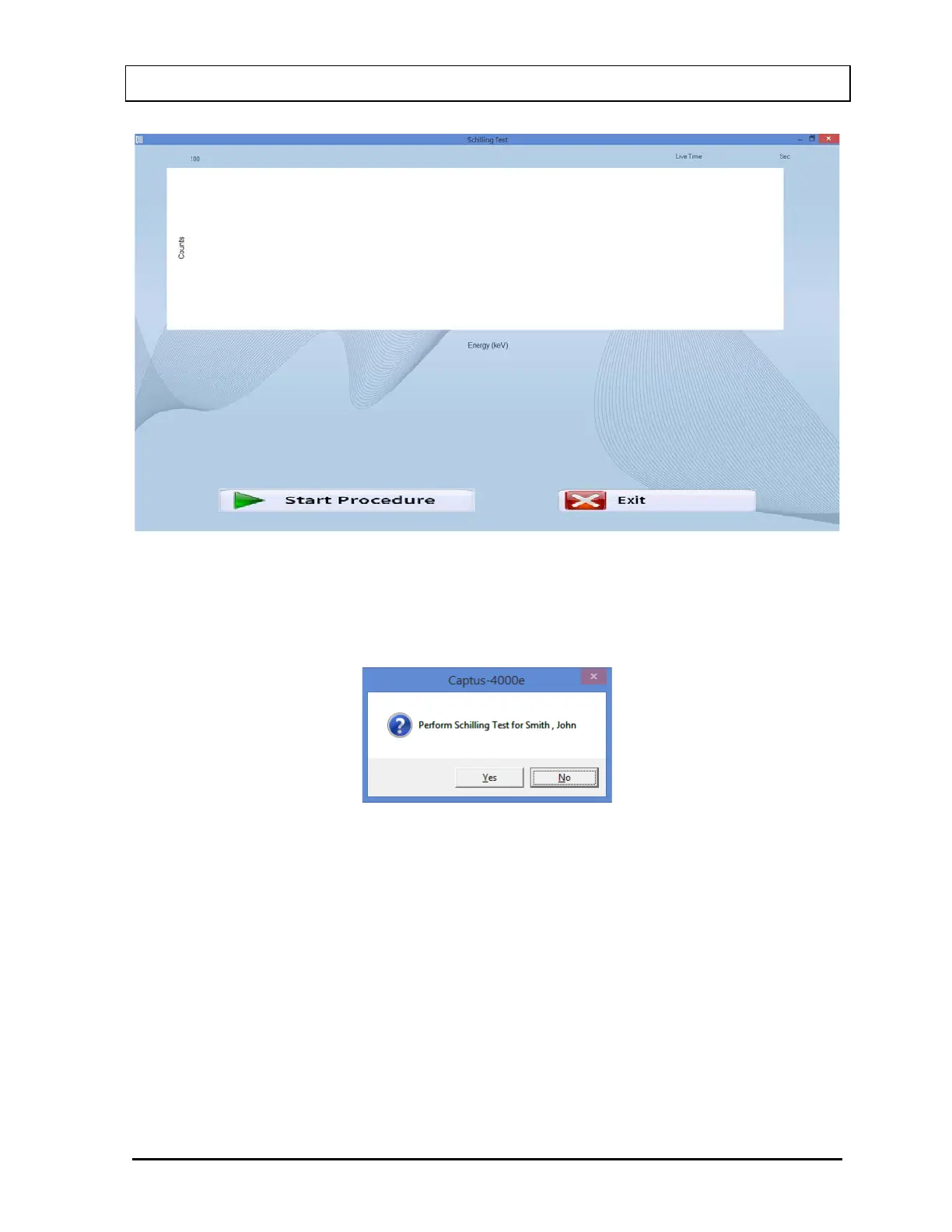
Figure 10-12
3. Select the Start Procedure button or press Alt+S to begin the test. Figure 10-13 will
appear confirming the selected patient. To cancel the test or if the incorrect patient was
selected, select the No button to return to Figure 10-5, otherwise select Yes to continue.
Figure 10-13
4. First, the screen prompts you to measure background counts as shown in Figure 10-15.
Note: If the background has recently been counted, then the screen shown in Figure
10-14 will appear. To skip counting the background again and proceed to step 5,
select the Yes button or press the Y key. To re-measure the background, select
the No button or press the N key. The screen shown in Figure 10-15 will appear.



 To Next Page