CAPINTEC, INC. CAPTUS
®
4000e
November 16 LAB TESTS 10-41
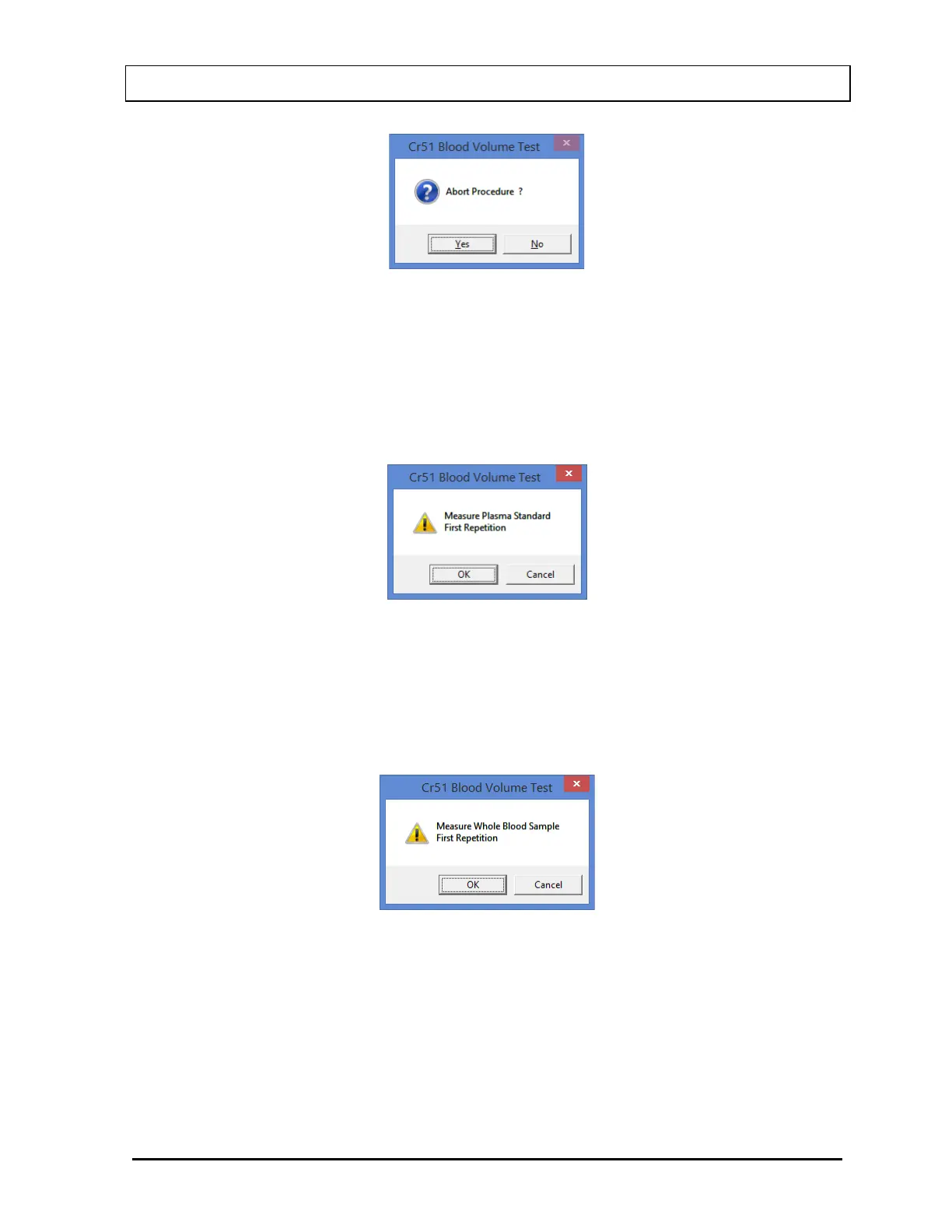
Figure 10-60
To abort the procedure, select the Yes button or press the Y key. Collected data will be
discarded and the screen will return to Figure 10-45 Cr51 Blood Volume Test Main
Screen. To resume the test, select the No button or press the N key.
6. Next the screen appears as in Figure 10-61, prompting you to measure the plasma
standard.
Figure 10-61
To measure, place the plasma standard in the Well and select the OK button. To quit
counting, select the Cancel button and Figure 10-60 will appear.
7. The screen will appear as shown in Figure 10-62, prompting you to measure the whole
blood sample.
Figure 10-62
To measure, place the whole blood sample in the Well and select the OK button. To stop
counting, select the Cancel button and see Step 5 above.
8. The screen appears as shown in Figure 10-63, prompting you to measure the patient
plasma sample



 To Next Page