CAPINTEC, INC. CAPTUS
®
4000e
12-6 TIME ACTIVITY ANALYSIS August 15
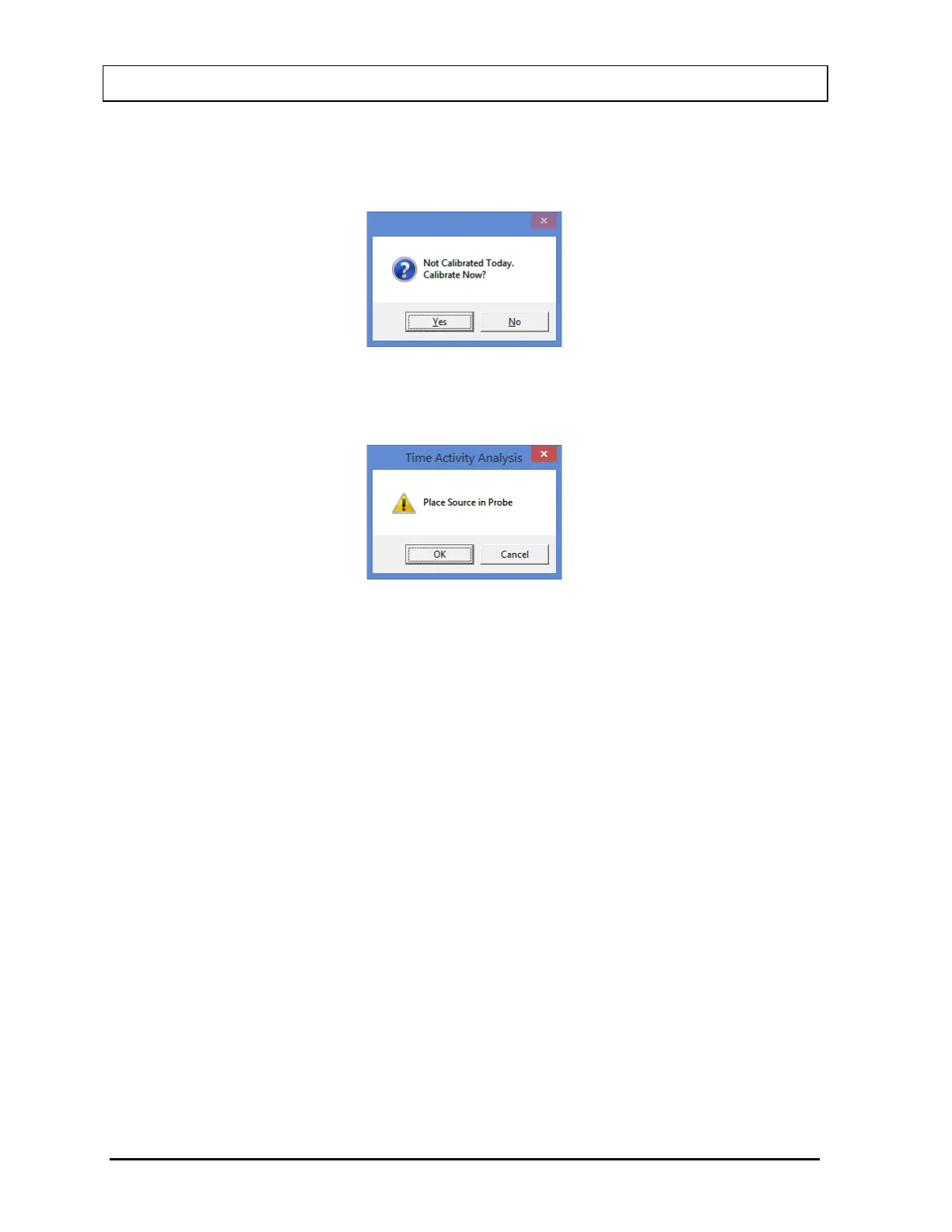
Note: If calibration has not been performed, you will be prompted with the screen as
shown in Figure 12-5. If calibration is performed, after the calibration is complete,
the program will return to the Time Activity Analysis screen shown in Figure 12-1.
Figure 12-5
2. The screen shown in Figure 12-6 will appear.
Figure 12-6
3. Place the isotope source in the designated detector and select the OK button. As
counting progresses, Real Time and Live Time for each repetition is displayed in the
upper right of the screen as shown in Figure 12-7. The number of measurement
repetitions (spectra) remaining is displayed below the Live time.



 To Next Page