CAPINTEC, INC. CAPTUS
®
4000e
5-18 QUALITY ASSURANCE August 17
Figure 5-19
7. Place the Cs137 source in the same position as for Auto Calibration and Constancy Test.
8. Select the OK button to proceed with the test. Otherwise, select the Cancel button to
stop the procedure.
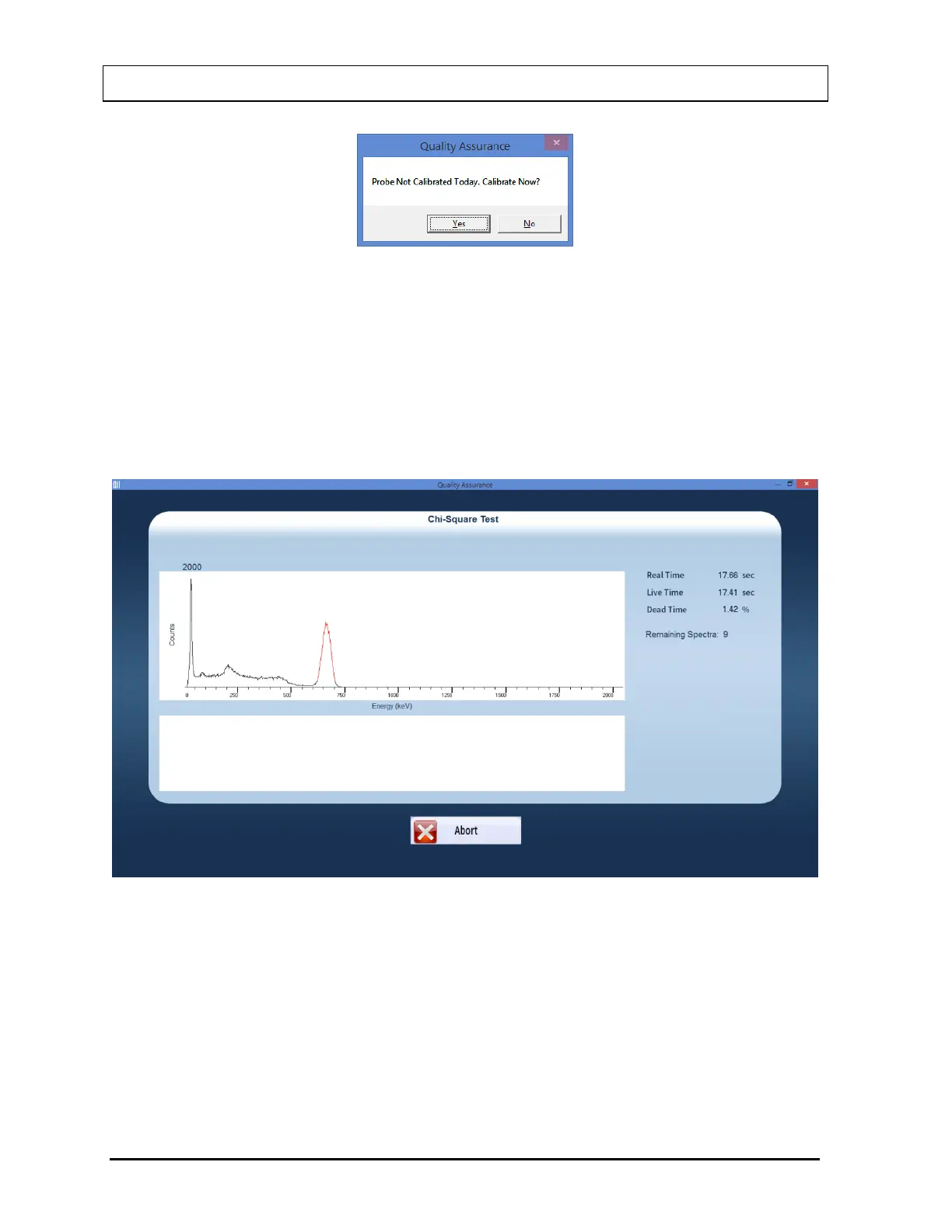
If the procedure has started, then the screen as shown in Figure 5-20 appears. The
screen displays live spectra, measurement time (upper right corner) and the number of
repetitions remaining (middle right side).
Figure 5-20
9. To stop the counting, select the Abort button or press Alt+A. The collected data is
discarded. To re-start the process, select the Start Procedure button or press Alt+S.
10. After the test is completed, the results of the test appear in the results box similar to that
shown in Figure 5-21. Note the Chi-Square value.



 To Next Page