CAPINTEC, INC. CAPTUS
®
4000e
6-8 ISOTOPES July 16
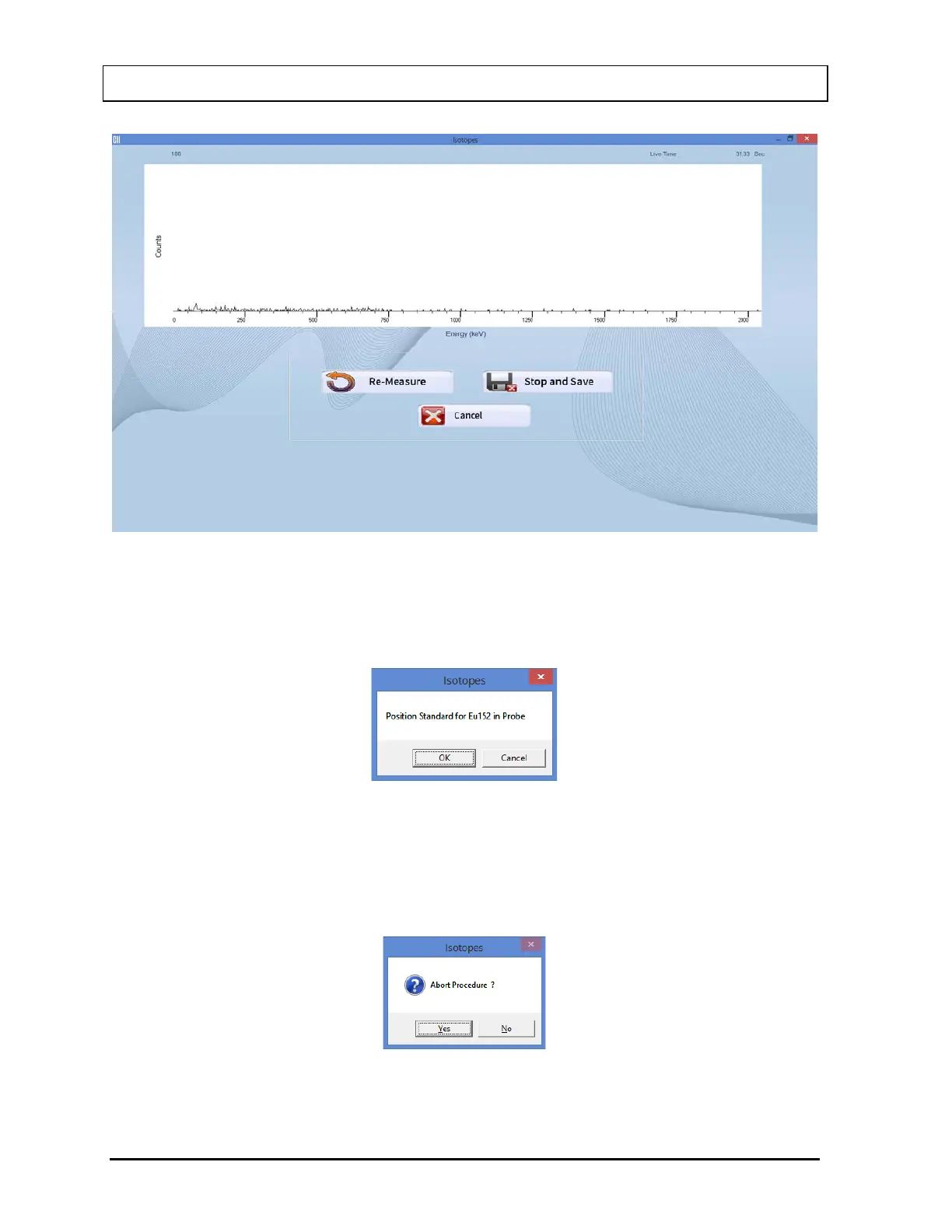
Figure 6-10
9. After accepting the Background measurement, the message window shown in Figure
6-11 will appear, prompting you to measure the isotope selected for efficiency
measurement.
Figure 6-11
To measure the isotope, place the isotope standard in the Probe or Well as the message
indicates and select the OK button. Data collection will begin as shown in Figure 6-10
above. To abort the isotope measurement, select the Cancel button. The message
window shown in Figure 6-12 will appear.
Figure 6-12



 To Next Page