Installation and Configuration
46
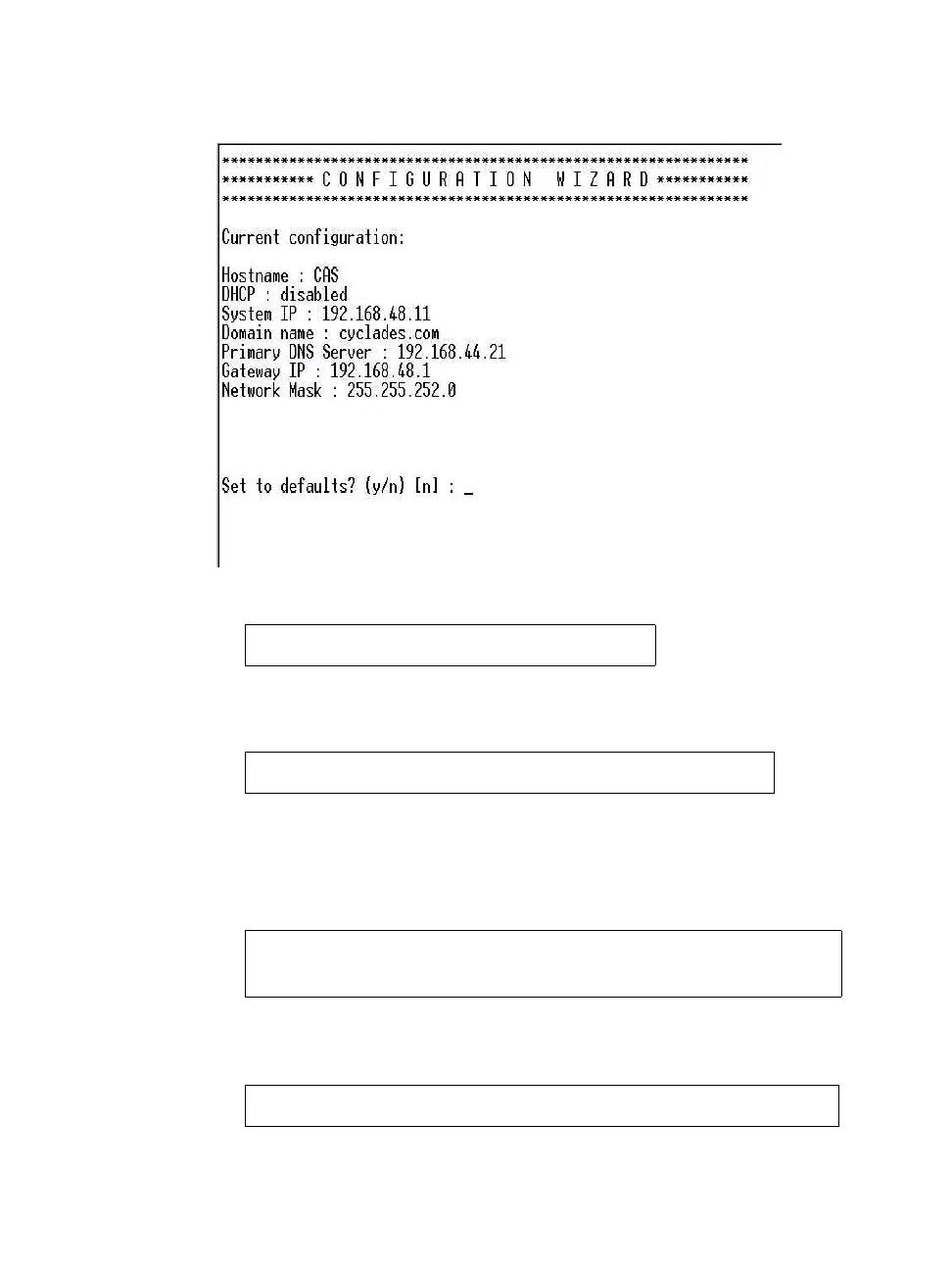
2. At the prompt, enter n to change the defaults.
3. Press Enter to accept the default hostname, otherwise enter your own
hostname.
4. Press Enter to keep DHCP enabled, or enter “n” to specify a static IP
address for ACS. By default, ACS uses the IP address provided by the
DHCP server. If your network does not use DHCP, then ACS will default
to 192.168.160.10.
5. To change the default static IP address, see your network administrator to
obtain a valid IP address.
Set to defaults (y/n)[n]: n
Hostname [CAS]: fremont_branch_ACS
Do you want to use DHCP to automatically
assign an IP for your system? (y/n)[y] :
System IP[192.168.160.10]: ACS_IP_address



 To Next Page