105
Producing with the knitting machine 3
Production
Functional description for the
"Catalog running time data"
window
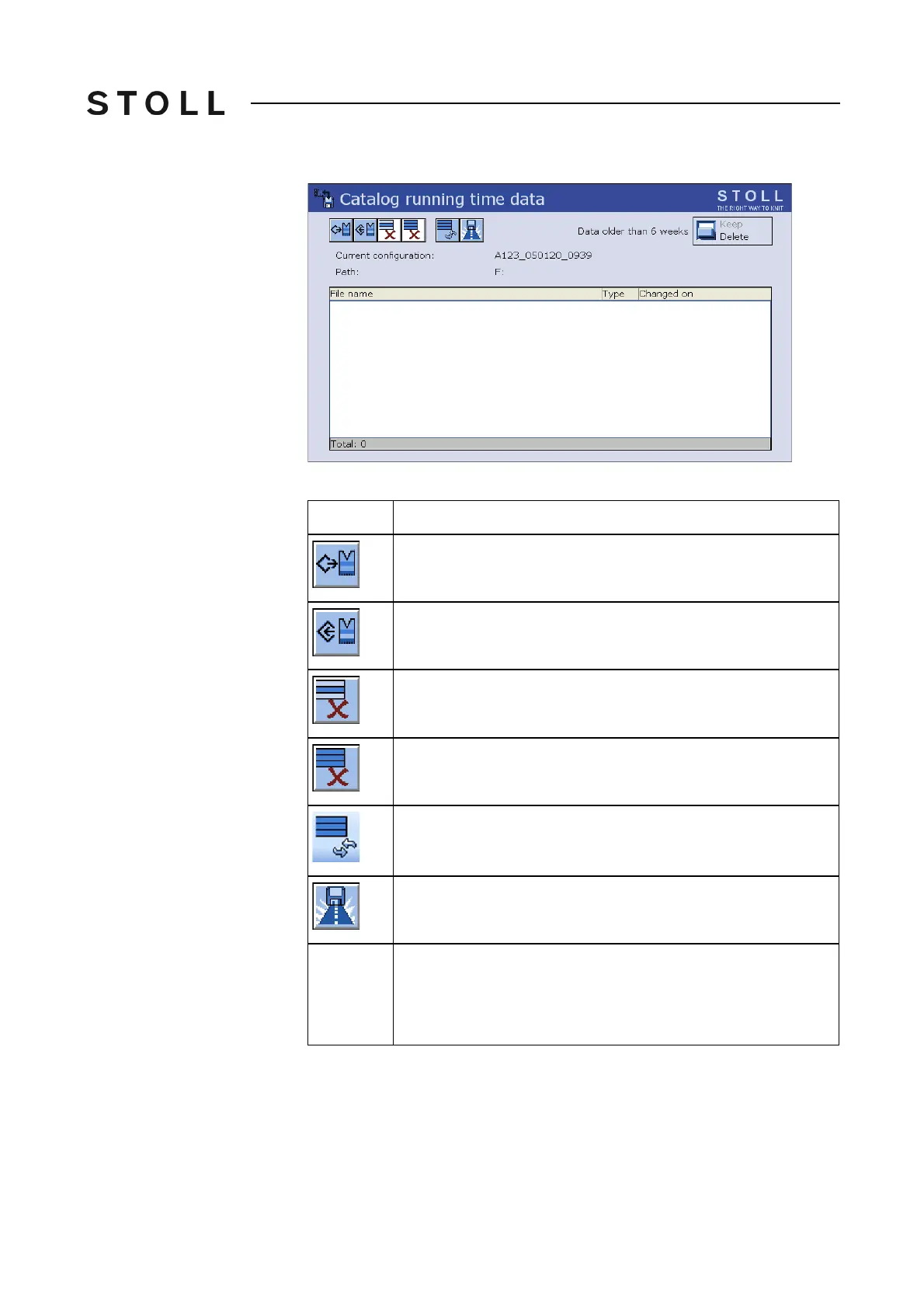
"Catalog running time data" window
Keys in the Catalog running time data window
Keys in the "Catalog running time data" window
Key
Meaning
"Load" selected file and corresponding data
"Save" selected file in the current folder
"Delete file" that was selected
delete all files
"Update": Re-determine the contents of the current folder
"Select current folder": Dialog box for selecting the current
storage folder
Data older
than 6
weeks
Delete (activated by default)
The data are deleted automatically when they get older t
han 6
weeks. This saves storage space.
Keep:The files are not deleted.



 To Next Page