144
4 Adjusting knitting machine
Basic settings
Keys for correcting the yarn carriers
Keys for correcting the yarn carriers
Enter correction of a yarn carrier:
1. Call up the "Yarn carrier" window from the "Main menu".
2. Call up "Additional function keys".
3. Call up the "Yarn carrier correction" window.
4. Enter new values for the yarn carrier.
5. Confirm entries.
6. Call up "Main menu".
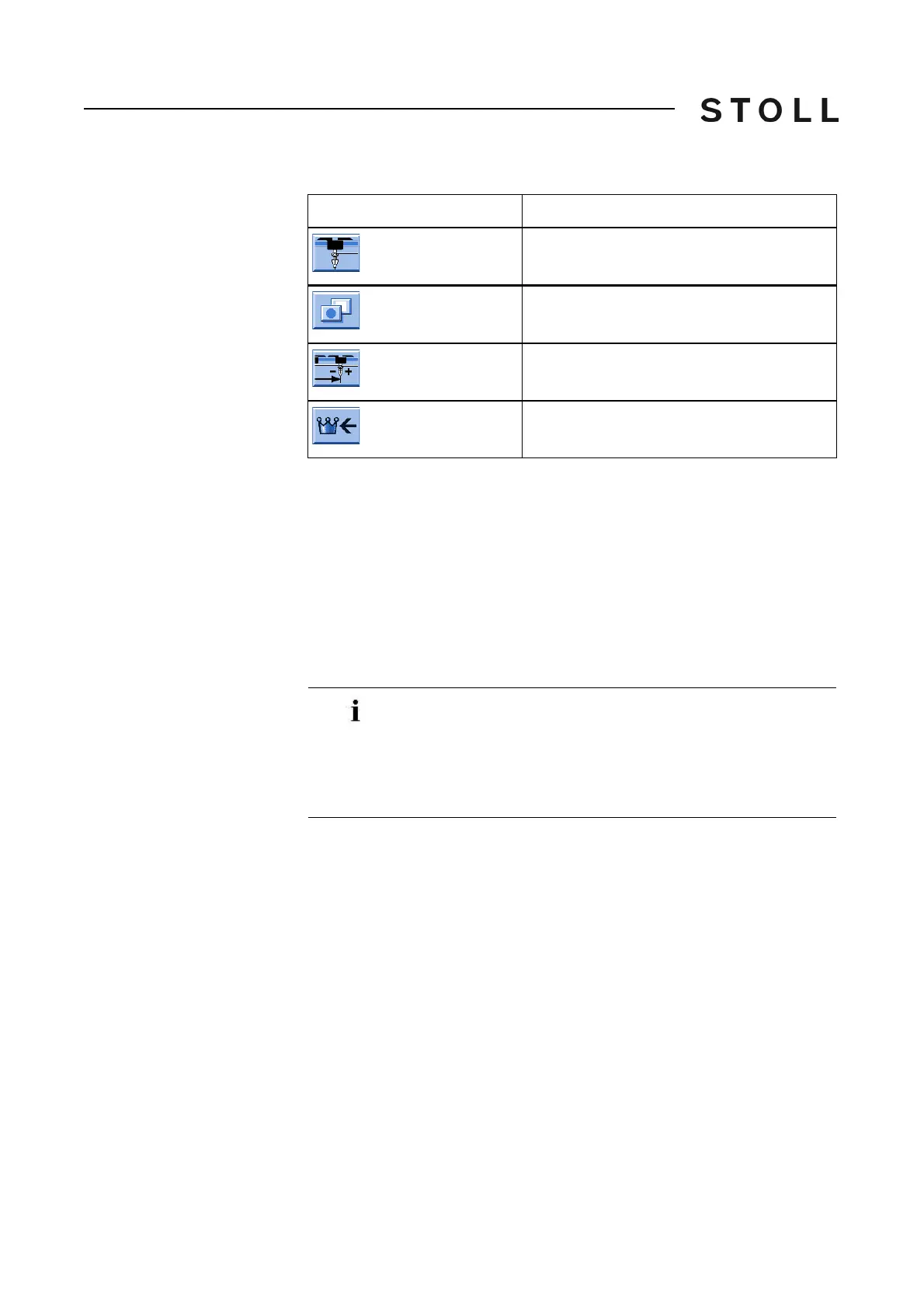
Key
Function
Call up the "Yarn carrier" window
Call up "Additional function keys"
Call up the "Yarn carrier correction" window
Call up "Main menu"
The correction values are not pattern-dependent, but rather
machine-dependent. These data are therefore not deleted
when a new knitting program is loaded. The correction values
always remain saved, even when the operating system is
loaded again. If the correction is no longer required, the
correction values have to be reset to "0" manually.



 To Next Page