157
Adjusting knitting machine 4
Basic settings
Adjusting the control of the fabric take-down:
Adjusting the control of the
fabric take-down:
During production, the control of knitting machine compares the current values
with threshold values. If a threshold value is exceeded, the knitting machine
stops and displays a fault.
Keys for adjusting fabric take-down control
Keys for adjusting fabric take-down control
Adjusting fabric take-down control:
1. Call up the "additional function keys" in the "Take-down" w
indow.
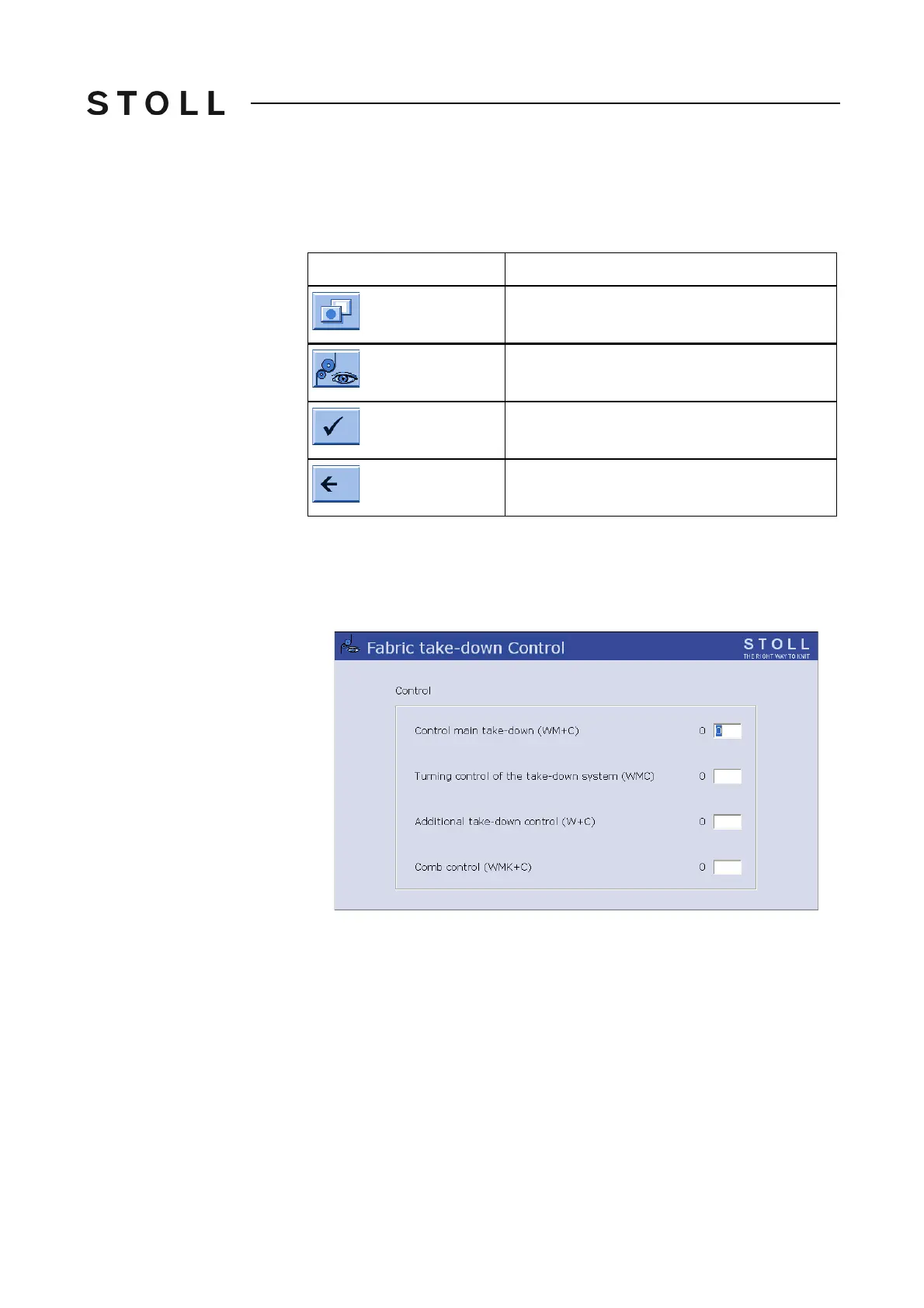
2. Call up the "Fabric take-down Control" window.
Fabric tak e-down Co ntrol windo w
"Fabric take-down Control" window
3. Enter the threshold values.
4. Confirm entries.
5. Return to the "Take-down" window.
Key
Function
Call up "Additional function keys"
Call up "Fabric take-down Control" window
Confirm entries
Return to "Take-down" window



 To Next Page